You should be able to parse these using the %1 %2 %3 from ancient days.
At the top SET Var1 = .%1, Var2=.%2, Var3=.%3
Albert
> On Mar 11, 2017, at 12:44 PM, 'Lawrence Lustig' via RBASE-L
> <[email protected]> wrote:
>
> I'm learning the compiler.
>
> When my exe starts, I want to be able to read in some configuration from the
> command line.  How can my R:Base startup program read the command line
> arguments?
>
> (EG, If I run MYCOMPILED.EXE -Menu UserMenu -Level Novice I want to be able
> to read the -Menu UserMenu -Level Novice in my R:Base code so I can adapt the
> user interface accordingly).
>
> --
> Larry
>
>
> On Friday, March 3, 2017 8:32 PM, A. Razzak Memon <[email protected]> wrote:
>
>
> Friday, March 3, 2017
>
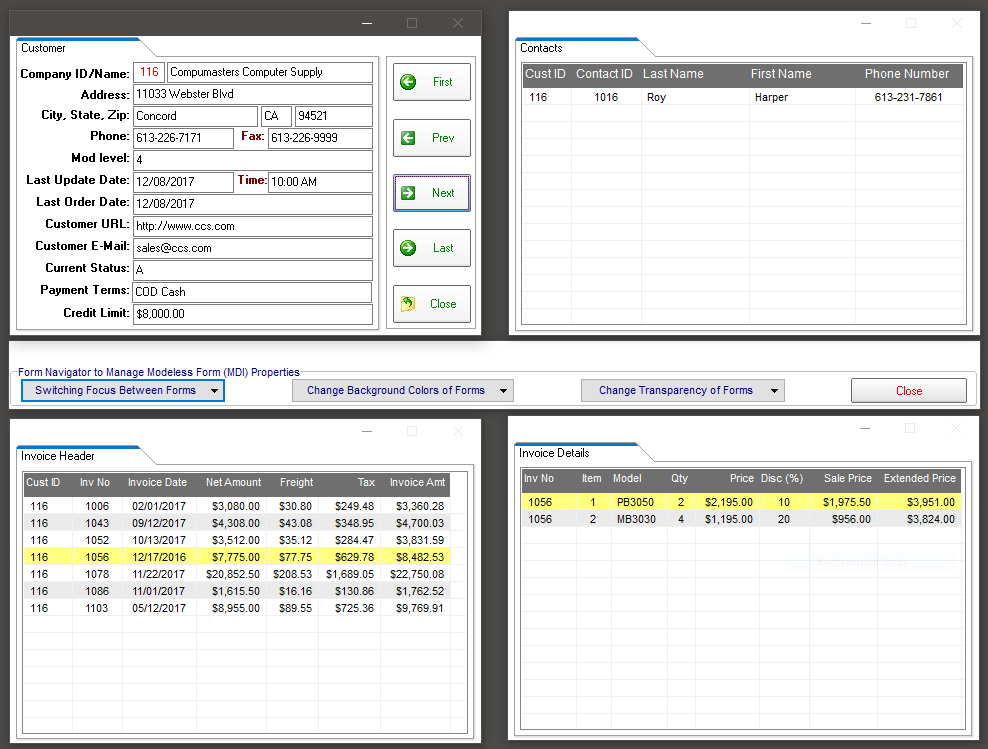
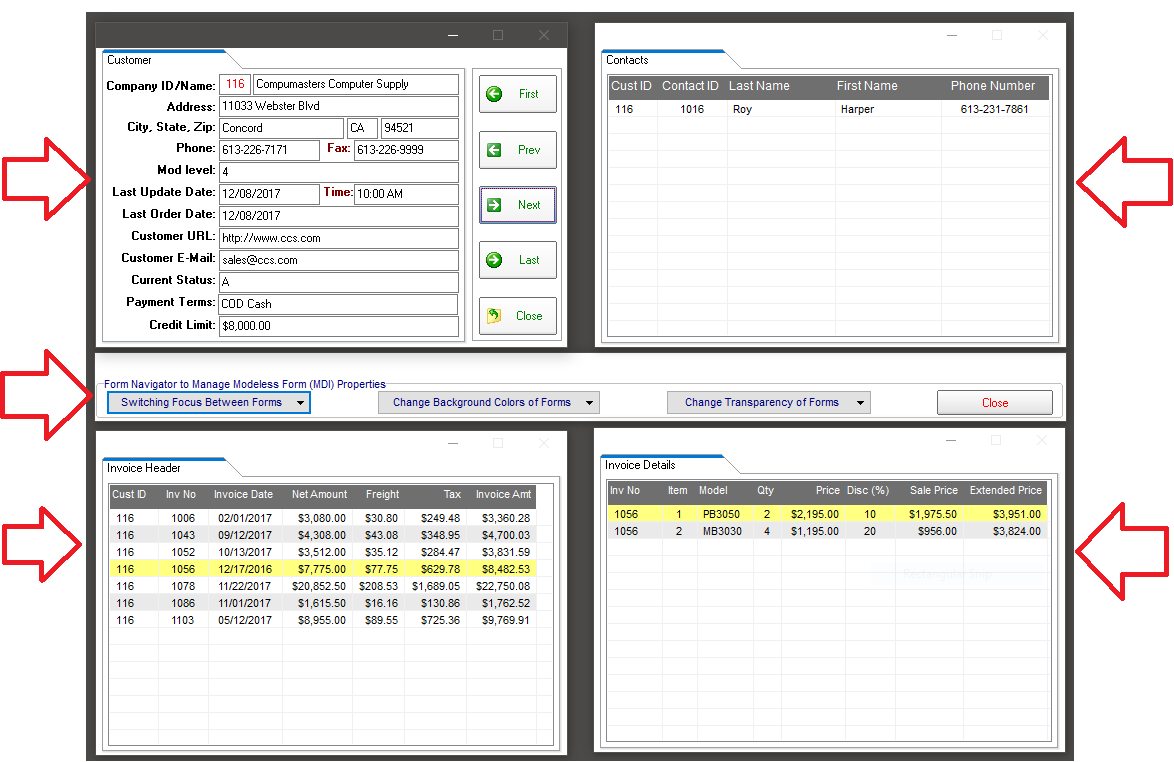
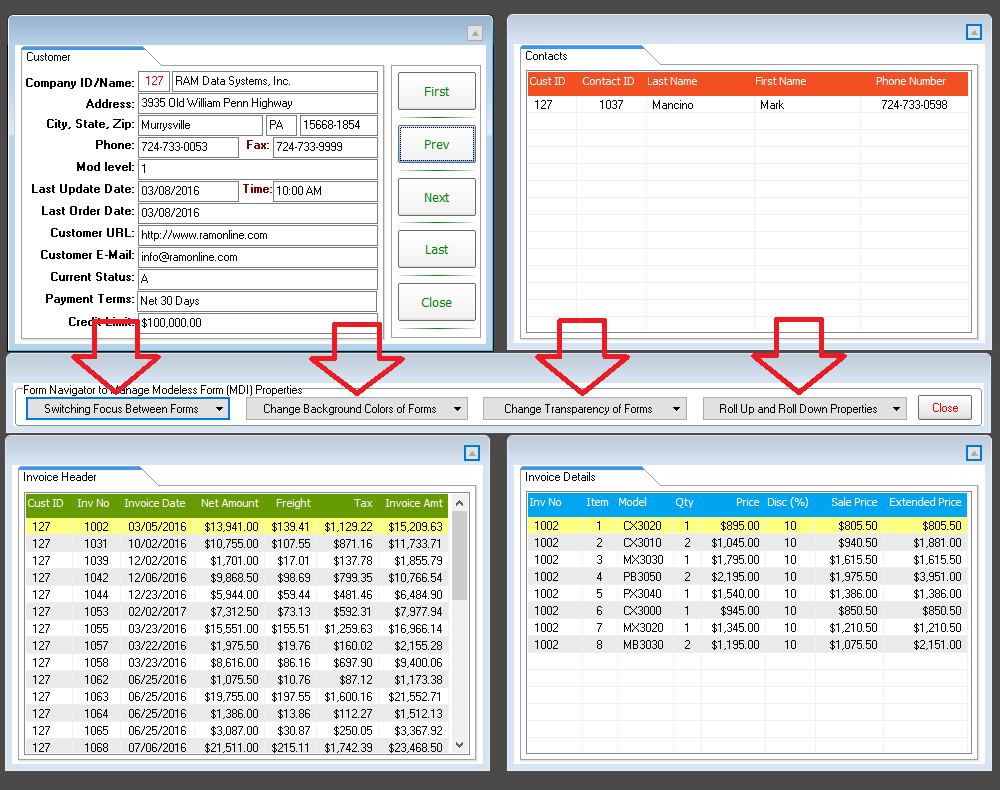
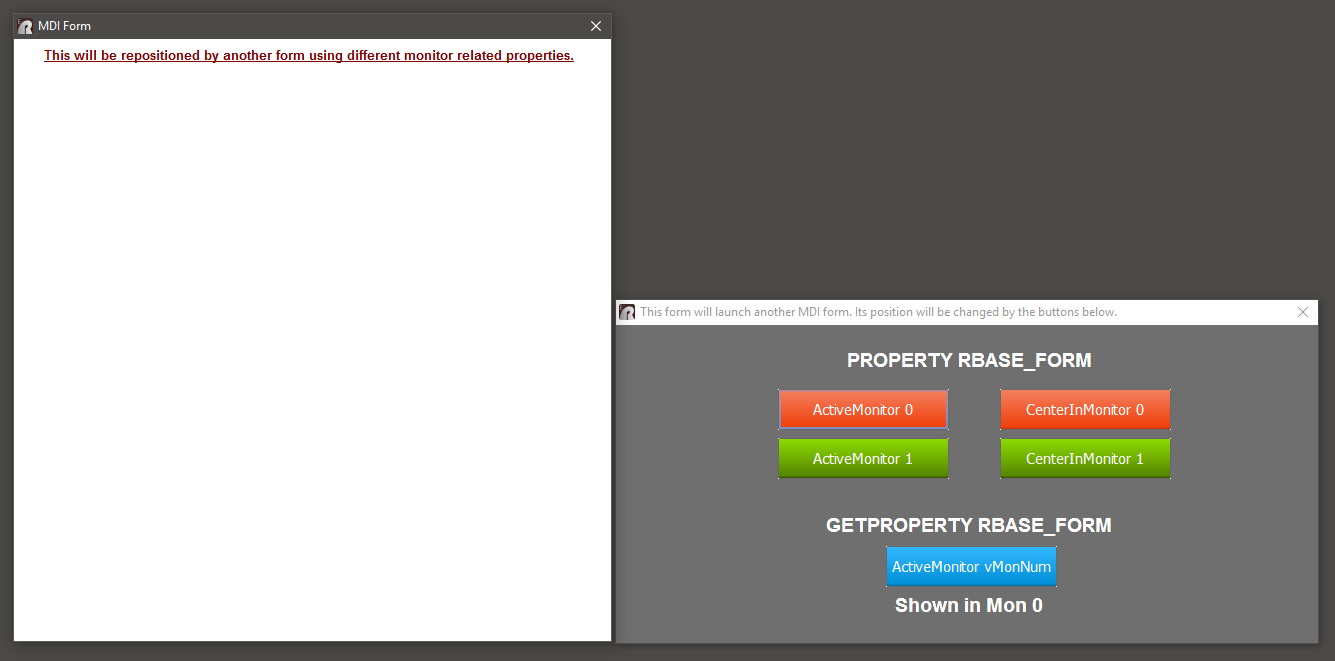
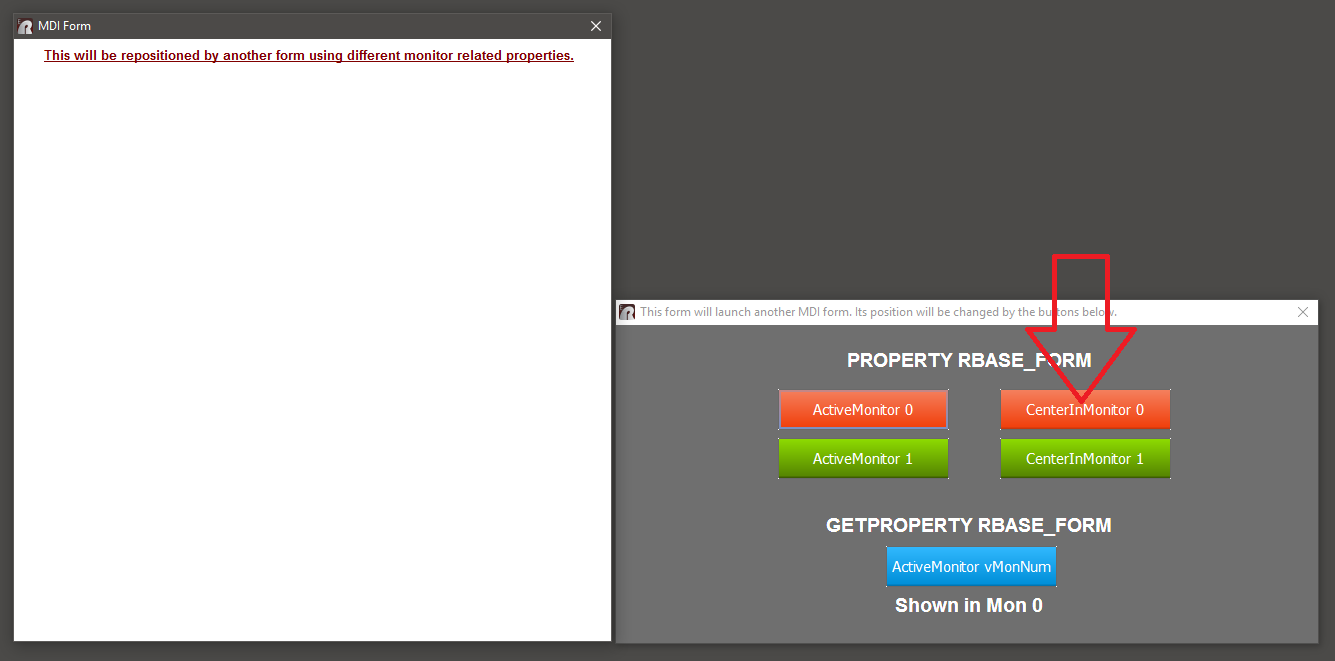
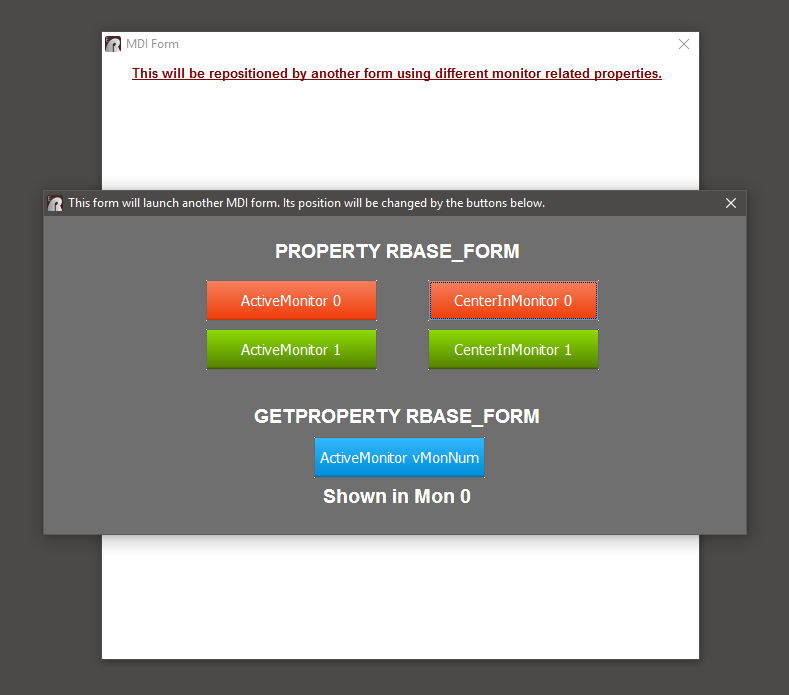
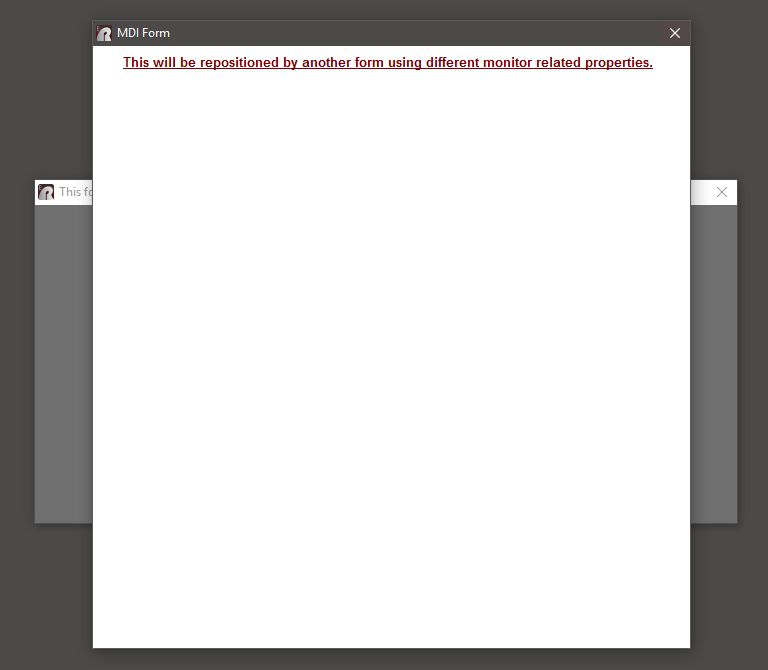
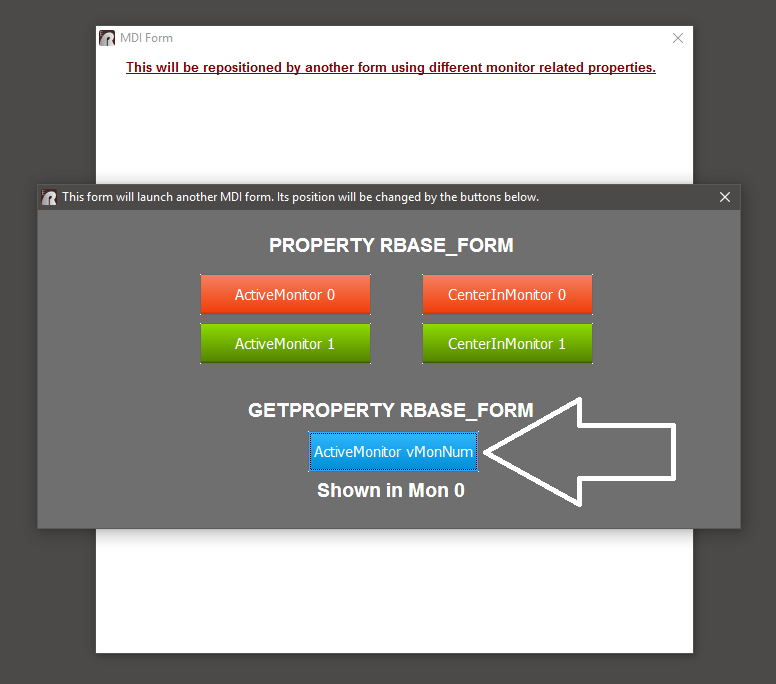
> A sample application to illustrate the use of MDI Forms and managing MDI Forms
> in a Multi-Monitor environment is now available.
>
> This application illustrates specific use of PROPERTY and GETPROPERTY commands
> related to MDI Forms and managing MDI Forms in a Multi-Monitor environment.
>
> R:BASE Sample Applications: http://www.Razzak.com/SampleApplications/
> <http://www.razzak.com/SampleApplications/>
>
> Application Title: Designing & Deploying MDI Applications
> Supported Version: R:BASE X Enterprise (Version 10)
>
> For your viewing pleasure ...
>
> http://www.razzak.com/tips/MDI_Forms_01.png
> <http://www.razzak.com/tips/MDI_Forms_01.png>
> http://www.razzak.com/tips/MDI_Forms_02.png
> <http://www.razzak.com/tips/MDI_Forms_02.png>
> http://www.razzak.com/tips/MDI_Forms_03.png
> <http://www.razzak.com/tips/MDI_Forms_03.png>
> http://www.razzak.com/tips/MDI_Forms_04.png
> <http://www.razzak.com/tips/MDI_Forms_04.png>
> http://www.razzak.com/tips/MDI_Forms_05.png
> <http://www.razzak.com/tips/MDI_Forms_05.png>
> http://www.razzak.com/tips/MDI_Forms_06.png
> <http://www.razzak.com/tips/MDI_Forms_06.png>
> http://www.razzak.com/tips/MDI_Forms_07.png
> <http://www.razzak.com/tips/MDI_Forms_07.png>
> http://www.razzak.com/tips/MDI_Forms_08.png
> <http://www.razzak.com/tips/MDI_Forms_08.png>
>
> Please Note:
>
> . There are no pre-requisites to install and run this sample application.
>
> . There is no need to have any version of R:BASE installed on your computer.
>
> . This application is designed to illustrate the use of MDI Forms and managing
>   MDI Forms in a Multi-Monitor environment using R:BASE X Enterprise
> (Version 10).
>
>   In addition ...
>
> . This compiled and fully secured database and self-running application is
>   provided to demonstrate the use of R:Compiler for R:BASE X Enterprise
>   (Version 10) and the suggested method to design, develop, and distribute
>   your compiled applications for mobile devices, such as Tablet PCs.
>
> . This complied application also demonstrates the speed of loading your
>   project using R:Compiler for R:BASE X Enterprise (Version 10).
>
> . You may install this application in a network and MS Cloud environment
>   to really see the performance and capabilities of R:BASE X Enterprise.
>
> . Mobile PC and/or Touch Screen users may also enjoy the new interface.
>
> Enjoy the presentation and make sure to have fun!
>
> Very Best R:egards,
>
> Razzak.
>
> P.S. Some users may find this application too overwhelming!
>
> --
> You received this message because you are subscribed to the Google Groups
> "RBASE-L" group.
> To unsubscribe from this group and stop receiving emails from it, send an
> email to [email protected].
> <mailto:[email protected].>
> For more options, visit https://groups.google.com/d/optout.
>
>
>
> --
> You received this message because you are subscribed to the Google Groups
> "RBASE-L" group.
> To unsubscribe from this group and stop receiving emails from it, send an
> email to [email protected]
> <mailto:[email protected]>.
> For more options, visit https://groups.google.com/d/optout
> <https://groups.google.com/d/optout>.
--
You received this message because you are subscribed to the Google Groups
"RBASE-L" group.
To unsubscribe from this group and stop receiving emails from it, send an email
to [email protected].
For more options, visit https://groups.google.com/d/optout.