> Salut,
>
>   am un laptop mai vechi dar bine pastrat, un dell latitude
> cu CPU P1 166 mmx cu vreo 48mb RAM si 3gg hdd.
>   As vrea sa testez pe el un linux si ma intrebam daca stiti
> vreun distro live care sa aiba pcmcia inclus si sa mearga
> de pe CD/hdd.
>   Din pacate unitatea cd nu e butabila asa ca nu pot decat sa butez
> decat de pe floppy/hdd, dar ma descurc eu.
>
> mitu


Damn Small Linux .

http://www.damnsmalllinux.org/

Merge bine mersi si pe un 486 DX cu 32 MB RAM

http://www.damnsmalllinux.org/talk/node/97
At the time of this writing, for i386 DSL you need at least 16 megs of ram
to boot. This does not provide X windows functionality, only console (at
boot run 'dsl 2' for console only). 24 megs is the recommended MINIMUM for X
windows. Of course, the more ram the better, since thats where you're
working, in ram.

You will find that with only the minimum of ram the most you will be able to
do is use primarily the preinstalled software that comes with DSL.


Iar pentru a boota de pe CD ai nevoie de bootfloppy

http://ibiblio.org/pub/Linux/distributions/damnsmall/current/boot-0.8.0.img

cu care initial bootezi dupa care porneste CD-ROM-ul si se incarca

DSL-ul.

http://www.damnsmalllinux.org/talk/node/60

---Before you begin---

Make sure that CD-ROM (or USB if you are using a USB pendrive) booting is
enabled and before the hard disk in the boot order. For USB, you may have
options such as "usb-zip", "usb-floppy", and "usb-hdd". Just experiment
until you find the one that works for you. You may also need to enable USB
keyboard support, for some boards.

If your board is not capable of booting from CD-ROM (or USB), you will need
to make a Boot floppy! Just head over to one of the mirrors and grab the
latest boot-x.x.x.img (or boot-usb-x.x.x.img). It should be in the
"current/" directory.

In linux, you can create a boot floppy by typing

***Code Sample***

dd if=boot-X.X.X.img of=/dev/fd0

***End Code Sample***

As far as windows, may I suggest John Newbigin's RawWrite for Windows. It's
available at http://uranus.it.swin.edu.au/~jn/linux/rawwrite.htm and is a
lot easier to use than the original command-line based rawrite2.exe. If you
are capable of booting from CD-ROM or USB, ^_^ you're good to go!

Just pop in your CD or USB and go!

http://www.damnsmalllinux.org/faq.html


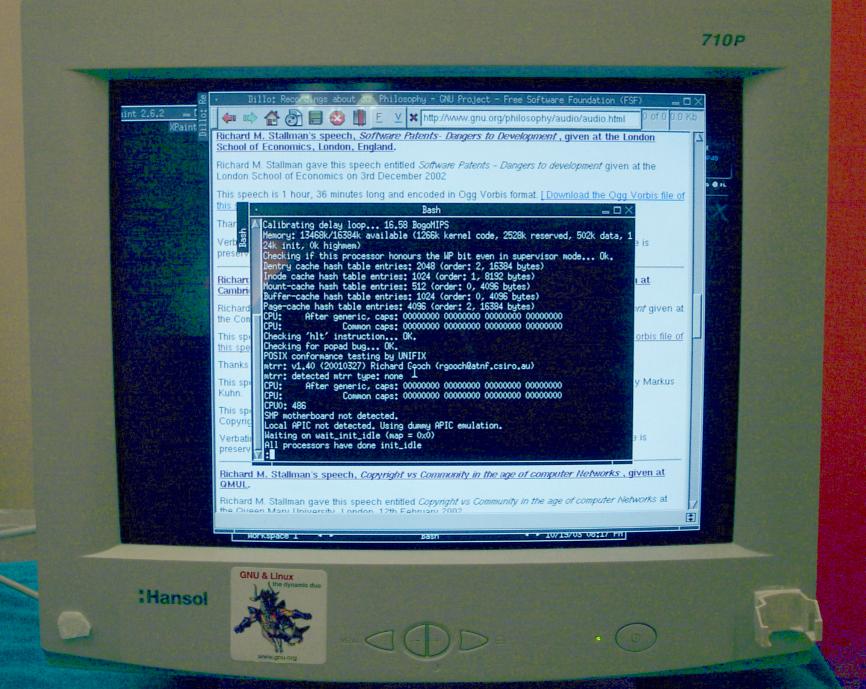
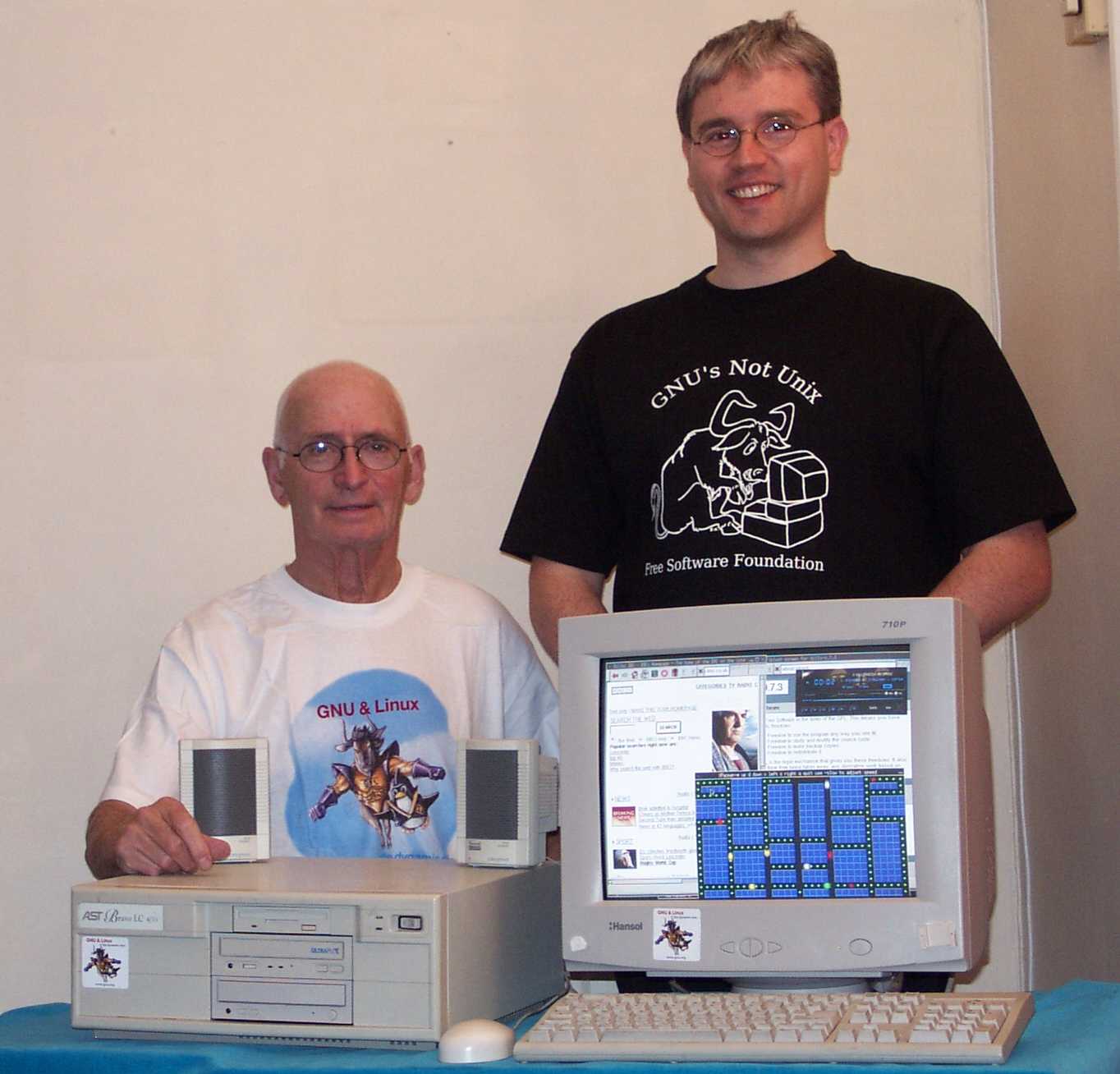
Pentru a te convinge ca merge si pe 486 uite aici :


http://www.damnsmalllinux.org/486.html


http://www.damnsmalllinux.org/dmesg-screen-1.jpg

http://www.damnsmalllinux.org/nick_paul_dsl_trimmed.jpg


Succes !!!


Cu respect ,


Aygun


---
Detalii despre listele noastre de mail: http://www.lug.ro/