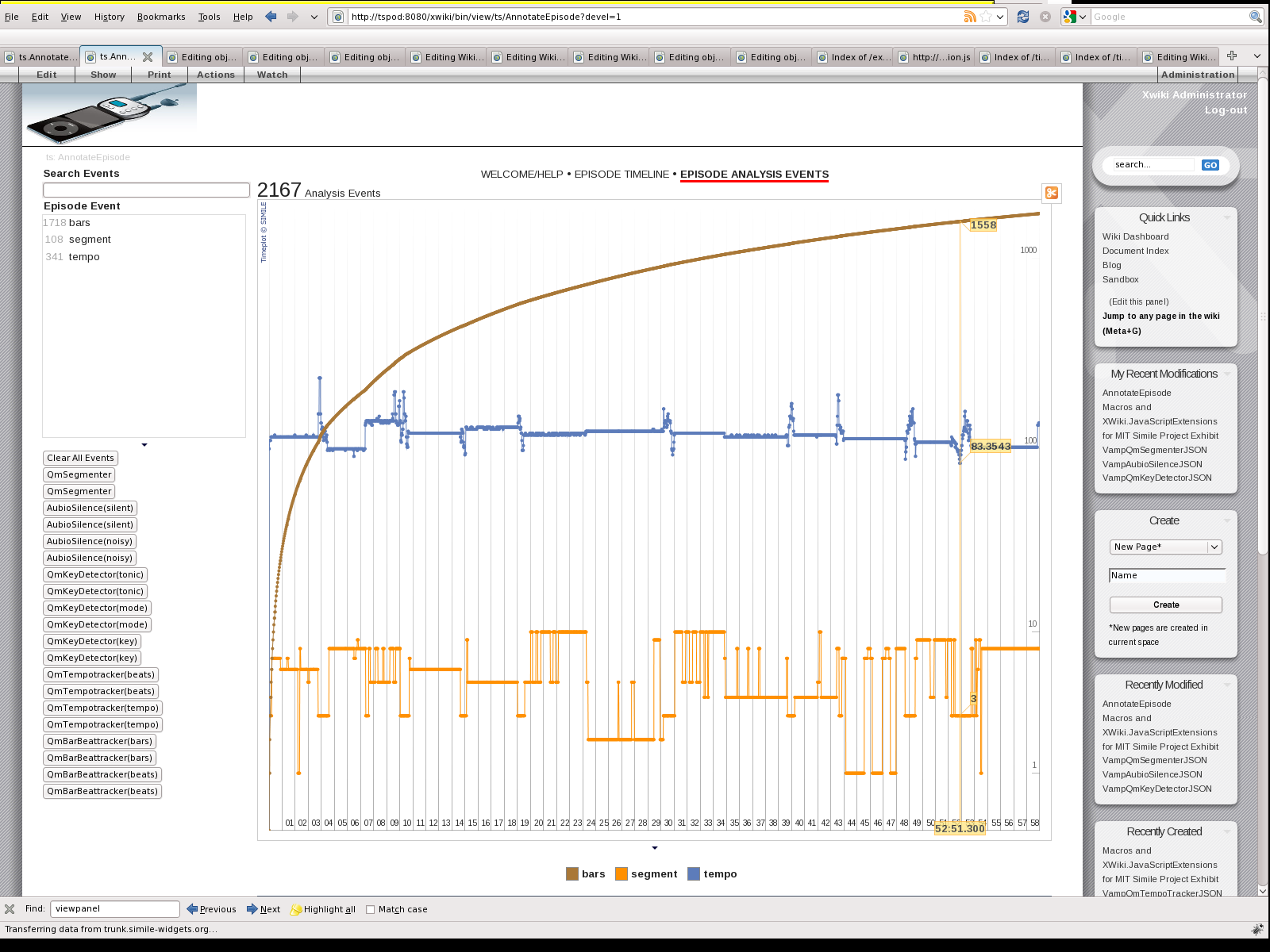
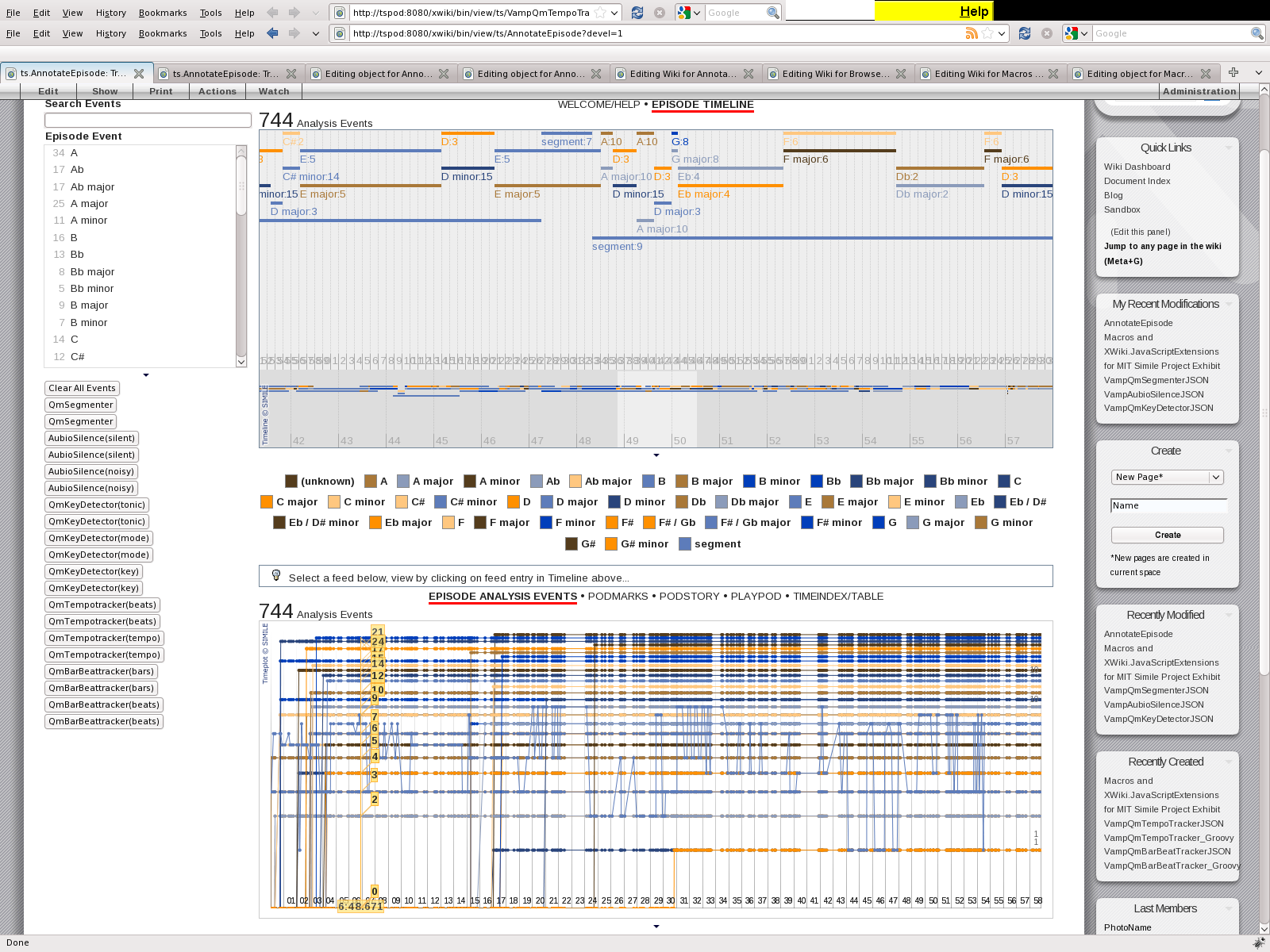
Nevermind, got it. (changed in Timeplot.Plot.prototype.initialize function,
mouseMoveHandler function)
If anyone wants to remove individual events from Timeline instead of remove
all and readd, here's a couple of functions I added...

SimileAjax.EventIndex.prototype.removeEvent = function(id) {
this._events.remove(this.getEvent(id)); //this._events is a
SimileAjax.SortedArray
delete(this._idToEvent[id]);
};

Timeline.DefaultEventSource.prototype.remove = function(id) {
this._events.removeEvent(id);
};

They both weren't there before, so I just put them in a separate script
that I include after including timeline. Off course, this requires you to
know the id of the event to delete, which in my case is fine since i
specify the ids...after calling eventSource.remove(id), just call
timeline.paint() to update the display.

Can someone tell me if this will break anything? I haven't traced the code
far enough to know for sure, but it seems to work find for me so far...

Thanks.

On Sep 16, 2009 10:03am, [email protected] wrote:
> Thanks! I got the time grid to display the right time zone now. Where
> would I look to see how to change the tooltips as the mouse moves (when
> showValues: true)?

> On Sep 15, 2009 5:24pm, Niels Mayer [email protected]> wrote:
> > On Mon, Sep 14, 2009 at 9:07 PM, dlamoris [email protected]> wrote:
> > I've just recently discovered Timeline and Timeplot and wanted to say
> > thanks for all the good work. I'm currently trying to get Timeplot to
> > display the tooltip times in UTC. My source time is in iso8610 format
> >
> > with a Z at the end to indicate utc, but when the times are displayed
> > they're in my local time. Is there an option to tell it to use utc
> > time and specify the format for display (eg. iso8601)? I saw there was
> >
> > a timeZone key in the param to Timeplot.DefaultTimeGeometry, but
> > wasn't sure what the value should be. I tried 0 and 'Z' but that
> > didn't seem to do anything...Any help will be appreciated!
> >
> >
> >
> > Due to bugs in the code, even if the original source-time is iso8601 in
> UTC, it will end up being
> > displayed in the local time zone. You can fix it by subtracing the
> timezone offset in the original times (it'll show up incorrect in
> Timeline which does the right thing w/ timezones).
> >
> > In order to fix it consistently between Timeplot and Timeline, I employ
> method override suggested below, plus some CSS fixes.
> > For me, this seems to take care of most of the problems I was having
> with Timeplot and Timezones.
> >
> > (Now my working-prototype screens look like
> > http://nielsmayer.com/mjspecial-bugfixed-timeplot.png
> > http://nielsmayer.com/mjspecial-2view-tonic-mode-segmenter.png
> >
> > )
> >
> >
> > For details, see
> > http://groups.google.com/group/simile-widgets/msg/017e5250850b9333
> >
> >
> > http://groups.google.com/group/simile-widgets/msg/8b059f68b1e661af
> >
> >
> >
> > Niels
> > http://nielsmayer.com
> >
> >
> >

--~--~---------~--~----~------------~-------~--~----~
You received this message because you are subscribed to the Google Groups
"SIMILE Widgets" group.
To post to this group, send email to [email protected]
To unsubscribe from this group, send email to
[email protected]
For more options, visit this group at
http://groups.google.com/group/simile-widgets?hl=en
-~----------~----~----~----~------~----~------~--~---