Hello Troy,

I have not looked into the dcraw source code myself, so I can not compare. If
you started from the jp4 file there is no color space transform - each of the
color channels maps to sensor channel. The gamma curve yes - it is involved,
and the parameters are send in MakerNote Exif tag.  The full processing of JP46
is inside
http://elphel.git.sourceforge.net/git/gitweb.cgi?p=elphel/ImageJ-Elphel;a=blob_plain;f=JP46_Reader_camera.java;hb=HEAD
 and I would recommend you to install ImageJ and at least this plugin - it will
convert jp4 files to the 32-bit raw TIFF with each pixel matching the sensor
pixel. It un-applies gamma curve (precisely reproducing the one used in the
FPGA in the camera) and also un-applies color channel analog gains in the
sensor. So far zero shift and power is the same in all 4 channels (r,g12,g2,b),
but the camera allows to set them individually.
The two green channels may be slightly offset fo several reasons: among them-
analog mis-match in the sensor,- mosaic filter mismatch,  cross-talk between
the pixels (both optical and photo-electrons) .

We are using JP46_Reader_camera.java so it is guaranteed to stay current (i.e.
support new MakerNote data), it should be a good tool to test new
implementations of JP4 converters. This plugin also includes processing of the
multi-frame images we use in Eyesis cameras, where images from the 3 sensors
are combined into a single JP4 file in the camera, there are some other
miscellaneous methods, but I hope it should not be too difficult to extract the
part you need.

Andrey


---- On Thu, 11 Oct 2012 15:36:12 -0700 Troy
Sobotka<[email protected]> wrote ----


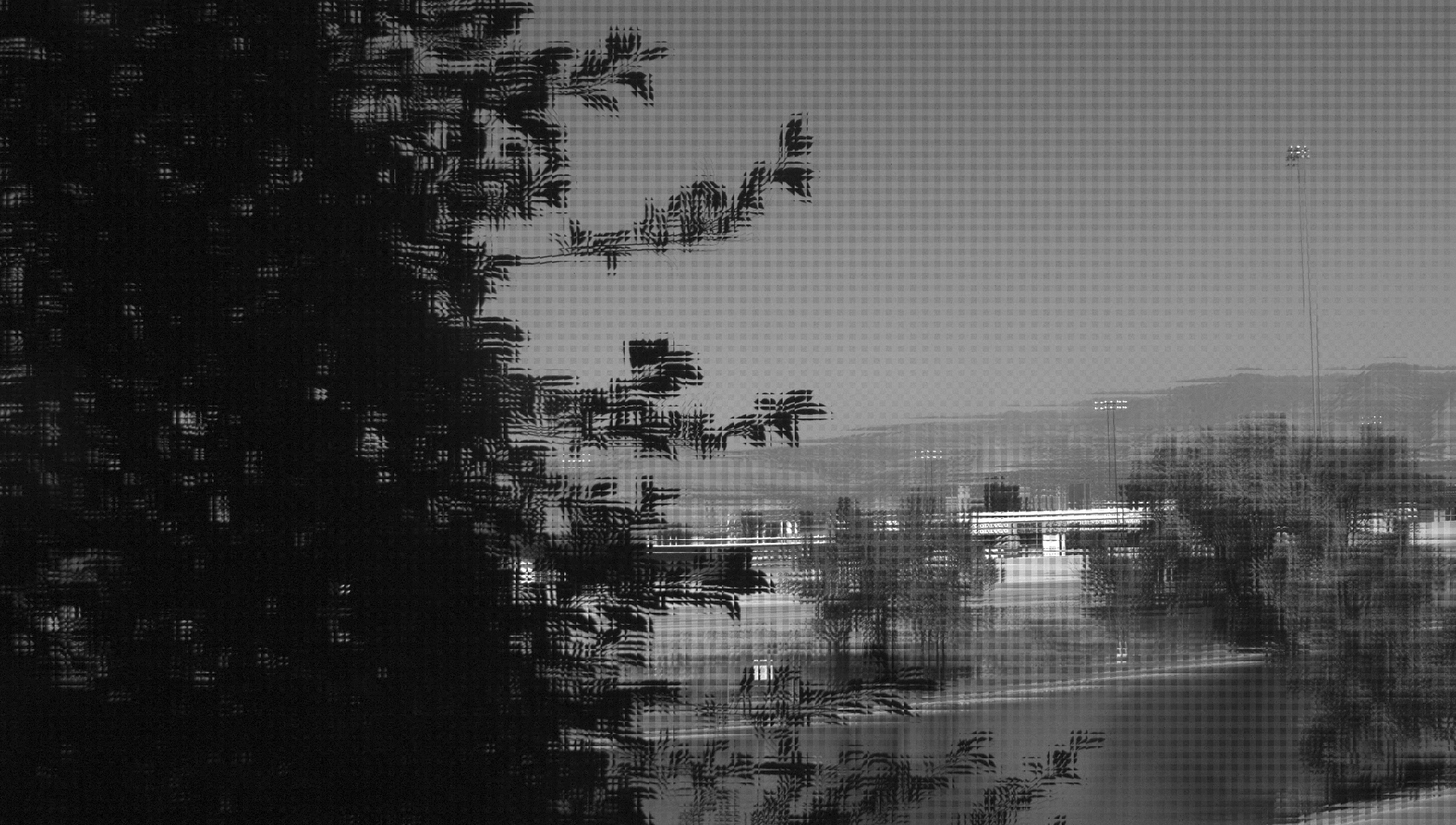
I have successfully deblocked the image located at
http://community.elphel.com/files/jp4/example_JP4.jpeg. I have no need
for debayering and have allocated each channel to an independent
channel fully reconstructed at the following resolutions, where oW and
oH is original JPEG width and height respectively:

R = oW / 2 by oH / 2
B = oW / 2 by oH / 2
G = oW / 2 by oH (Interlaced between upper right block and lower left
block as per the breakdowns.)

What is the process to extract the raw format of the image? I am
assuming this to be a native YCbCr from the dcraw code?

I understand there is a color space transform and a transfer curve
transform involved, but I still require the pseudo code to reconstruct
the YCbCr.

Thank you all for your time,
TJS

_______________________________________________
Support-list mailing list
[email protected]
http://support.elphel.com/mailman/listinfo/support-list_support.elphel.com
_______________________________________________
Support-list mailing list
[email protected]
http://support.elphel.com/mailman/listinfo/support-list_support.elphel.com