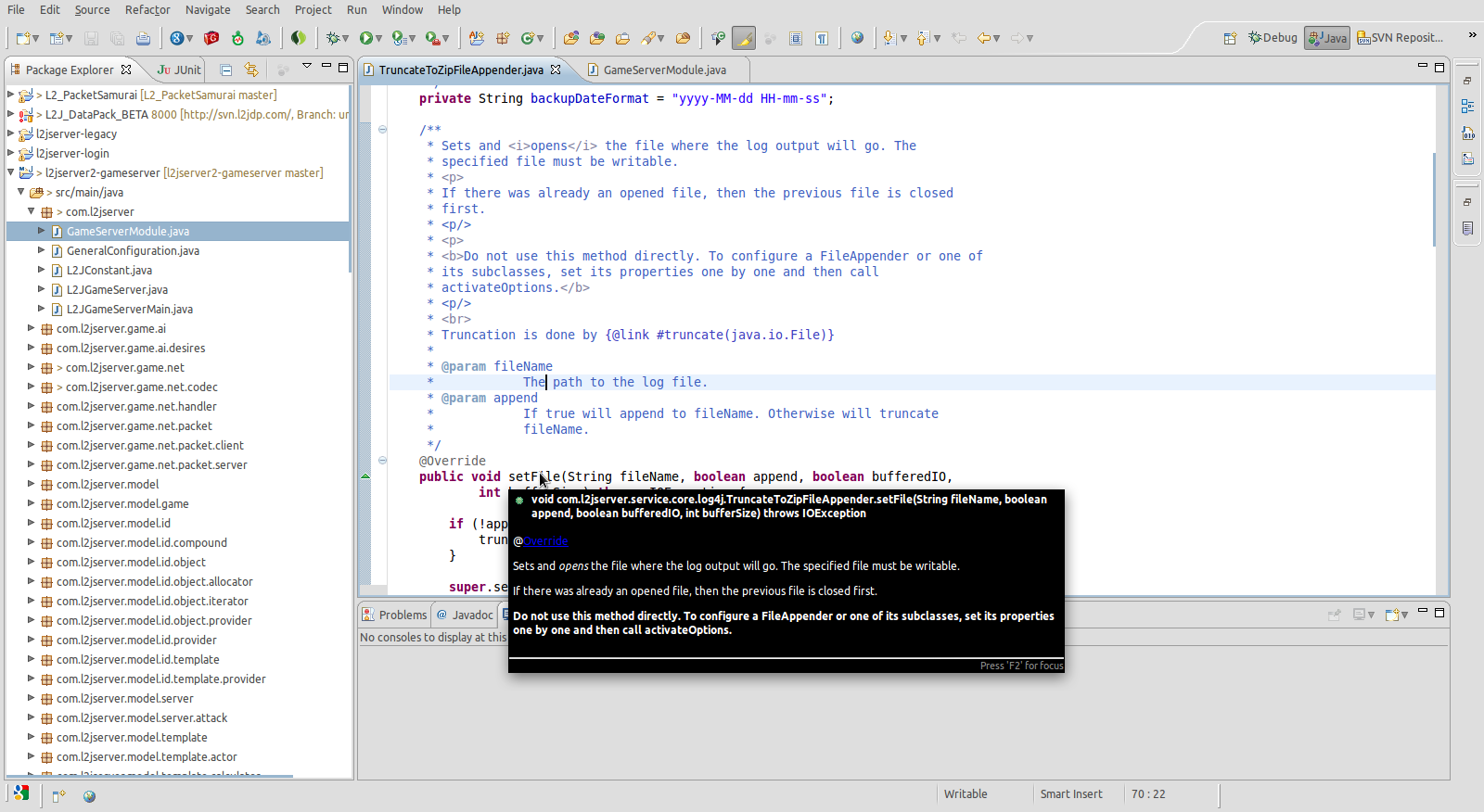
The workaround proposed by Zordid did not worked for me.
The issue seems to be caused because of a missing dependency (xulrunner-1.9.2).
Once it is installed, tooltips are perfect to me once again.
You can fix this by running:
sudo apt-get install xulrunner-1.9.2

** Attachment added: "Screenshot-Java -
l2jserver2-gameserver-src-main-java-com-l2jserver-service-core-log4j-TruncateToZipFileAppender.java
 - Eclipse .png"

https://bugs.launchpad.net/ubuntu/+source/eclipse/+bug/768848/+attachment/2241831/+files/Screenshot-Java%20-%20l2jserver2-gameserver-src-main-java-com-l2jserver-service-core-log4j-TruncateToZipFileAppender.java%20-%20Eclipse%20.png

--
You received this bug notification because you are a member of Ubuntu
Bugs, which is subscribed to Ubuntu.
https://bugs.launchpad.net/bugs/768848

Title:
  Source hover help is not styled, no links, no images

To manage notifications about this bug go to:
https://bugs.launchpad.net/ubuntu/+source/eclipse/+bug/768848/+subscriptions

--
ubuntu-bugs mailing list
[email protected]
https://lists.ubuntu.com/mailman/listinfo/ubuntu-bugs