I have the same issue on an Epson Stylus Color 670 inkjet printer, on Precise
12.04.1 (32 and 64 bits).
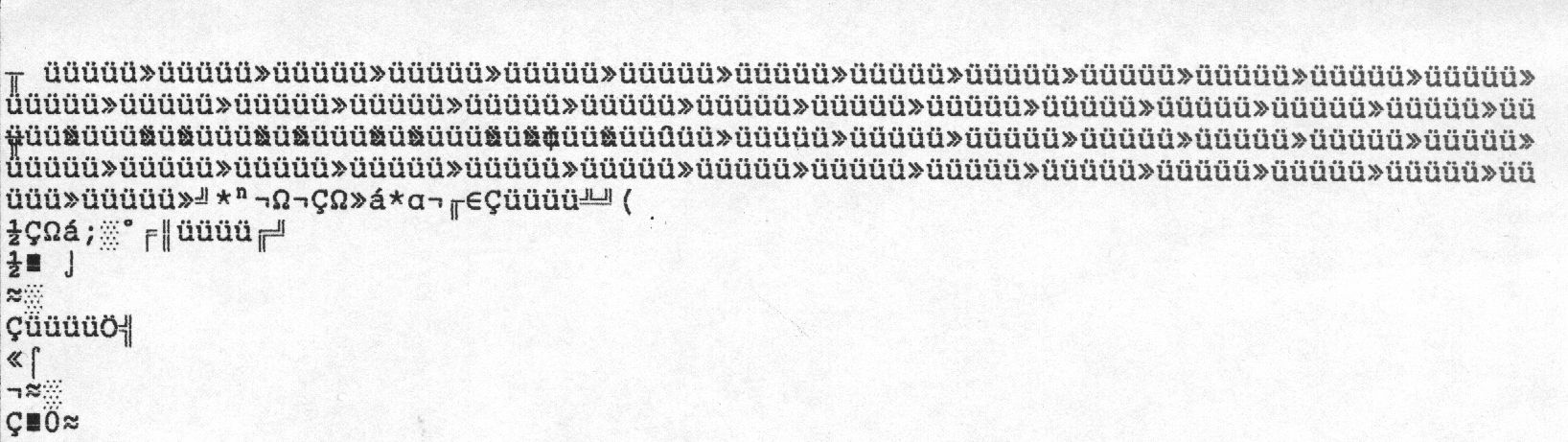
The first print is ok, but the following prints result in random characters
(see attached scan)
It's a regression because it was working fine on Lucid 10.04.x
lsusb gives :
Bus 002 Device 011: ID 04b8:0005 Seiko Epson Corp. Printer

I ran the requested tests :
lpadmin -p Stylus-COLOR-670 -o usb-unidir-default=true
+ switch off/on the printer
=> not better

lpadmin -p Stylus-COLOR-670 -R usb-unidir-default
lpadmin -p Stylus-COLOR-670 -o usb-no-reattach-default=true
+ switch off/on the printer
=> works

This setting seems to be kept after a reboot, so it looks like a viable
workaround for now

** Attachment added: "Scanned printout of StylusColor670 with random characters"

https://bugs.launchpad.net/ubuntu/+source/cups/+bug/872483/+attachment/3422698/+files/EpsonStylusColor670-random-characters.jpeg

--
You received this bug notification because you are a member of Ubuntu
Bugs, which is subscribed to Ubuntu.
https://bugs.launchpad.net/bugs/872483

Title:
  laser printer only prints first job correct

To manage notifications about this bug go to:
https://bugs.launchpad.net/ubuntu/+source/cups/+bug/872483/+subscriptions

--
ubuntu-bugs mailing list
[email protected]
https://lists.ubuntu.com/mailman/listinfo/ubuntu-bugs