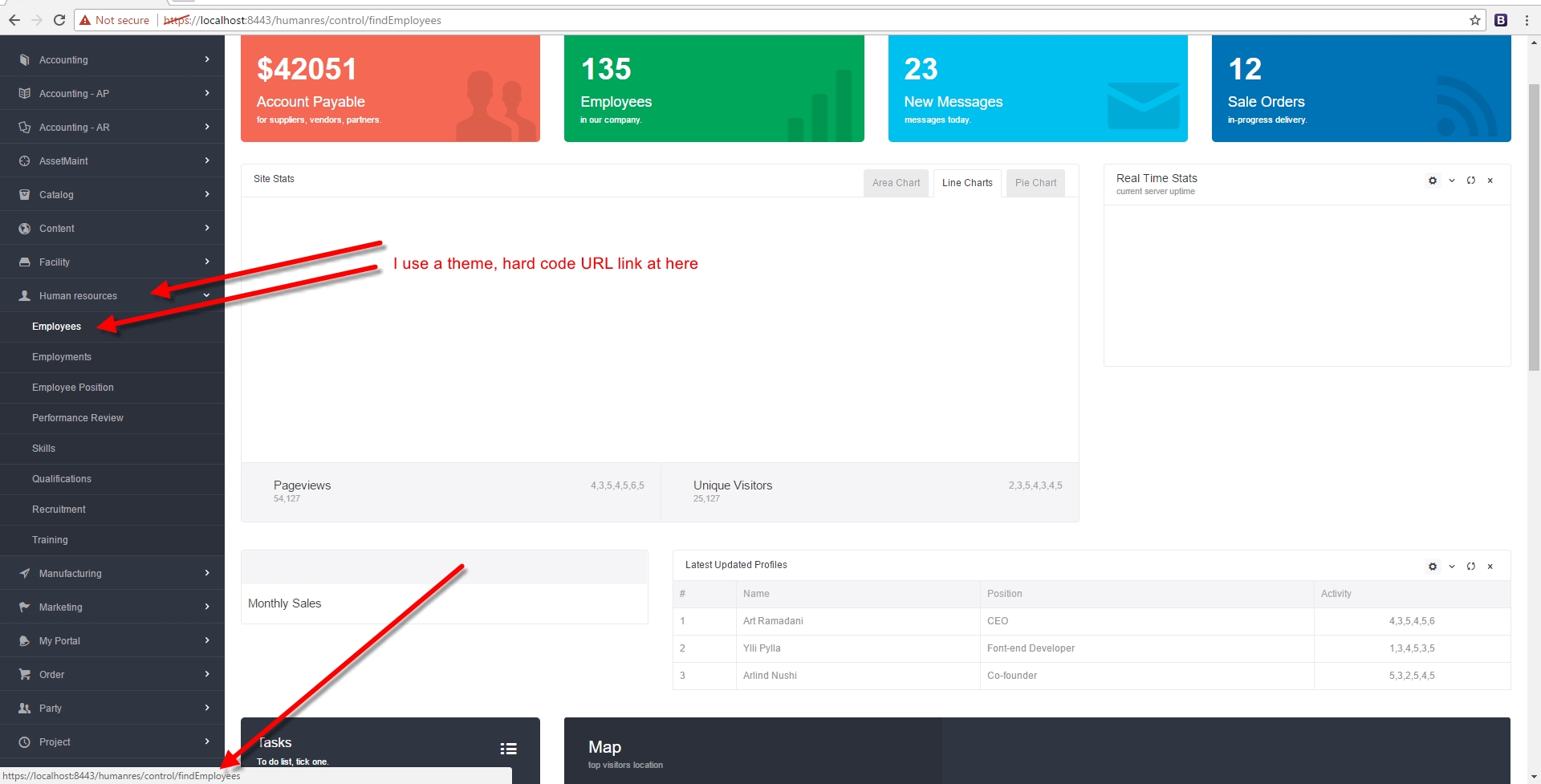
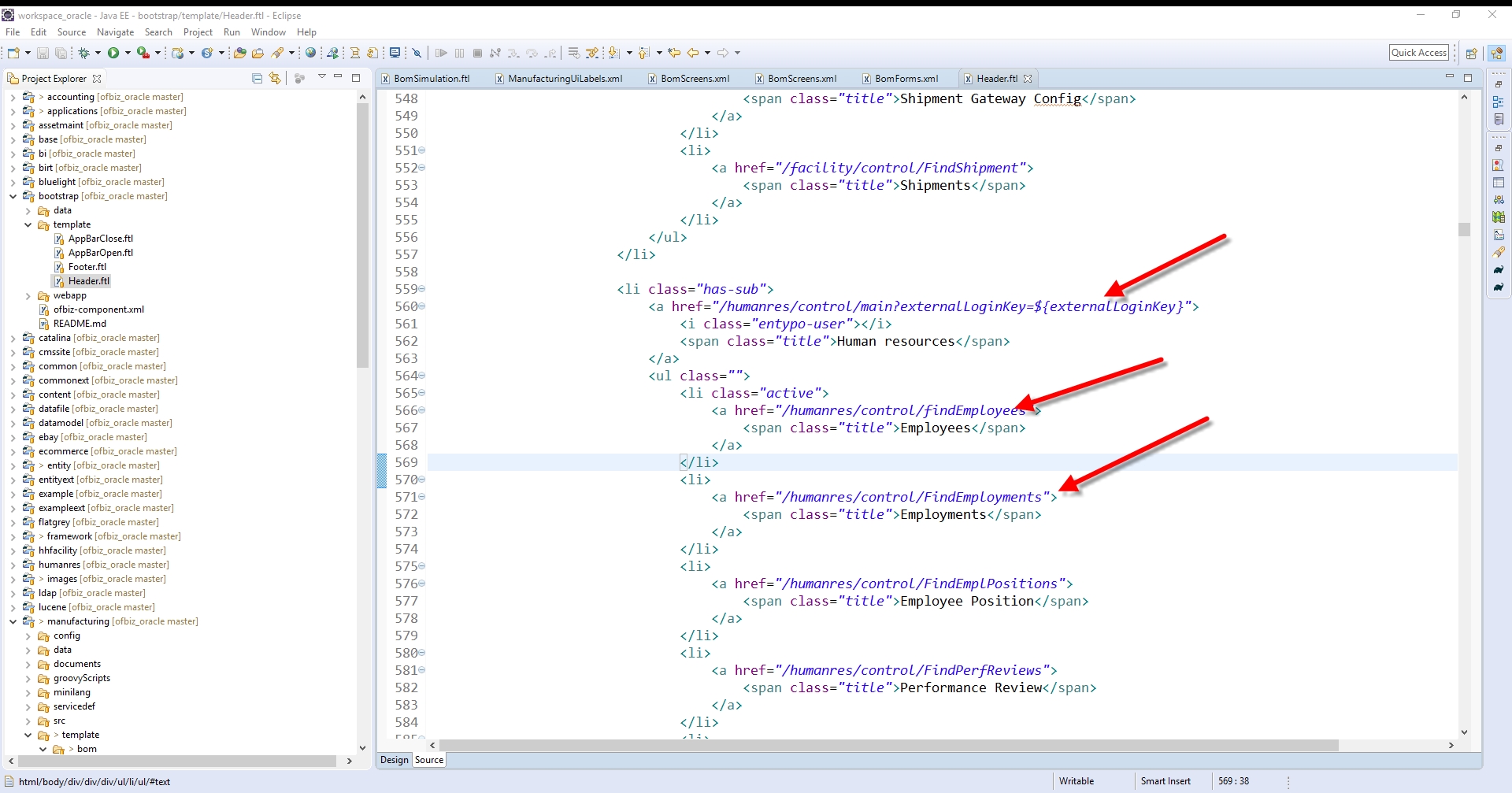
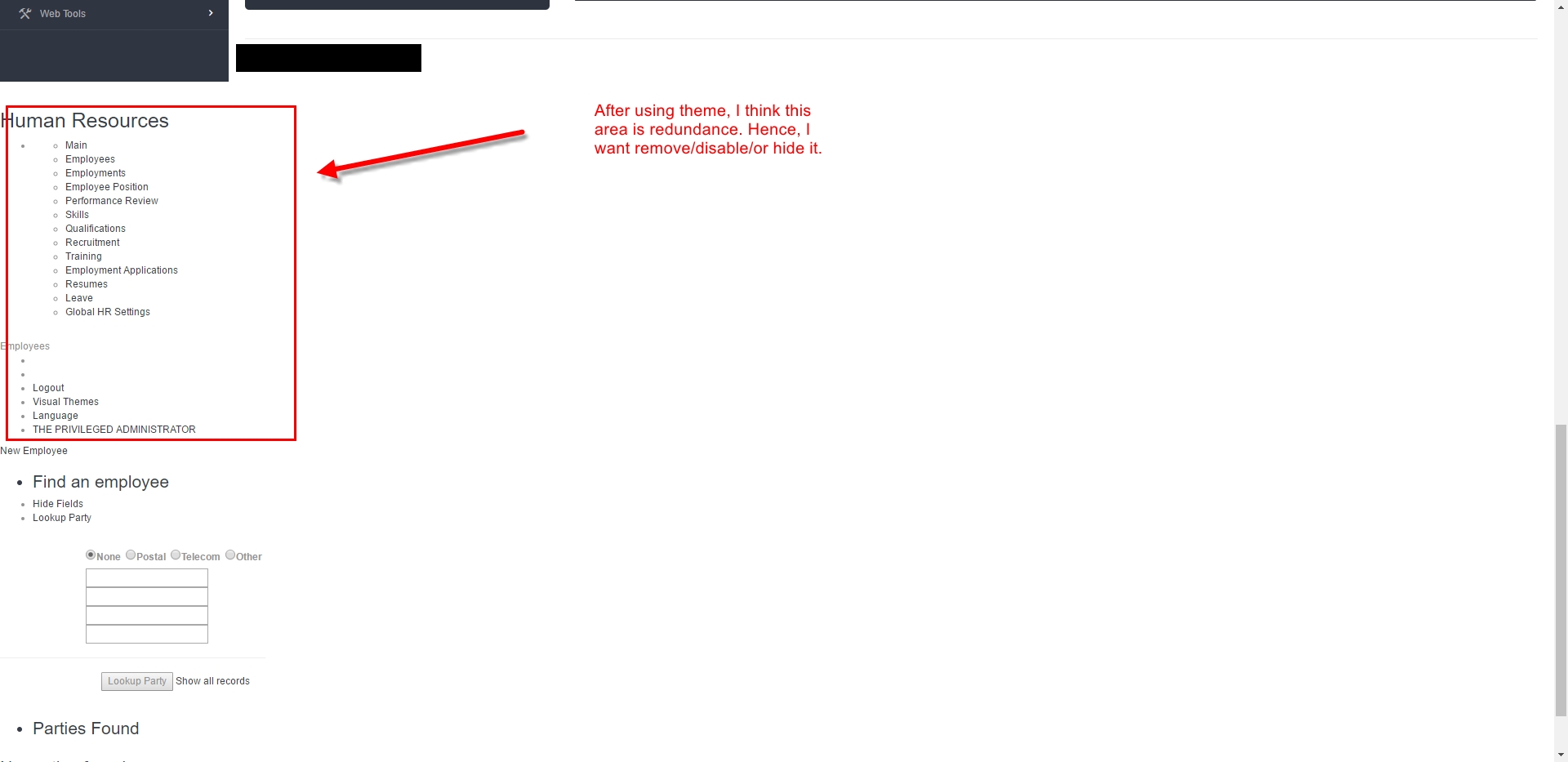
After using theme, I think app-nativagation section is redundance. Hence, I
want remove/disable/or hide it.
https://user-images.githubusercontent.com/1328316/27377203-889c9ada-569e-11e7-825d-285599509699.jpg
https://user-images.githubusercontent.com/1328316/27377214-93d5b7ba-569e-11e7-9c5f-c31e0e69e221.jpg
https://user-images.githubusercontent.com/1328316/27377231-9d17c0e8-569e-11e7-976c-a1a0dbcedb40.jpg

By the way, after I edit file XML inside directory widget (for example:
\applications\humanres\widget\CommonScreens.xml ), to see affected result, Do I
need run below commands?
gradlew cleanAll
gradle loadDefault
gradle ofbiz --info

or Is Refresh Web browser enough?


________________________________
From: Deepak Dixit <[email protected]>
Sent: Wednesday, June 21, 2017 4:16:03 PM
To: [email protected]
Subject: Re: How to disable/hide/remove menu area?

hi Donhu,

Could you please what you want to achieve?

If you hide app-nativagation then how you will able to navigate to other
component.


Thanks & Regards
--
Deepak Dixit
www.hotwaxsystems.com<http://www.hotwaxsystems.com>
www.hotwax.co<http://www.hotwax.co>

On Wed, Jun 21, 2017 at 2:37 PM, Donhu Vy <[email protected]> wrote:

> Thank Rishi Solanki,
>
> I try again, but not success.
>
> ________________________________
> From: Rishi Solanki <[email protected]>
> Sent: Wednesday, June 21, 2017 2:46:30 PM
> To: ofbizuser
> Subject: Re: How to disable/hide/remove menu area?
>
> Yeah, that is correct and it will remove the HR menu from the top
> navigation. But you also need to remove the setting applicationMenuName and
> applicationMenuLocation from the main-decorator of human resource.
>
> Refer: ../applications/humanres/widget/CommonScreens.xml
>
> Same I mentioned in my first reply.
>
>
>
> Rishi Solanki
> Sr Manager, Enterprise Software Development
> HotWax Systems Pvt. Ltd.
> Direct: +91-9893287847
> http://www.hotwaxsystems.com
>
> On Tue, Jun 20, 2017 at 12:22 PM, Donhu Vy <[email protected]> wrote:
>
> > Thank Rishi Solanki,
> >
> >
> > I try change file \applications\humanres\ofbiz-component.xml
> >
> > https://gist.github.com/donhuvy/f8400fdb4b24b7c3124ca28dd4625e
> > df/revisions?diff=split
> >
> > Then run commands:
> > gradlew cleanAll
> > gradlew loadDefault
> > gradlew ofbiz --info
> > Then access: https://localhost:8443/humanres/control/main
> > but section <div id="app-nativagation"> still exist.
> >
> >
> >
> > ________________________________
> > From: Rishi Solanki <[email protected]>
> > Sent: Monday, June 19, 2017 5:22:37 PM
> > To: ofbizuser
> > Subject: Re: How to disable/hide/remove menu area?
> >
> > Try this;
> > - Disable the display by setting app-bar-display="false" in
> > ofbiz-component.xml
> > - Do not pass the applicationMenuName and applicationMenuLocation from
> the
> > marketing and human resource main-decorator.
> >
> > This should hide both top navigation and app menus from everywhere. There
> > are other ways to do that, but this should be quick one.
> >
> > HTH!
> >
> >
> >
> > --
> > Rishi Solanki
> > Sr Manager, Enterprise Software Development
> > HotWax Systems Pvt. Ltd.
> > Direct: +91-9893287847
> > http://www.hotwaxsystems.com
> >
> > On Mon, Jun 19, 2017 at 11:45 AM, Donhu Vy <[email protected]> wrote:
> >
> > > I use own theme, I want remove this type of HTML area, How to do?
> > > Screenshot:
> > > https://user-images.githubusercontent.com/1328316/
> > > 27271807-0cfb4af6-54f1-11e7-9857-4fb483ac05e2.jpg
> > > https://user-images.githubusercontent.com/1328316/
> > > 27271814-1ac6eed8-54f1-11e7-895b-886e5444eab9.jpg
> > >
> > >
> >
>