Hi Vy

I've started writing some How to documentation about this. It will be
especially for people who have installed OFBiz without any of the demo data so
the main setup like Company does not already exist.
It isnt finished  https://s.apache.org/LSVW  but the main steps should be:

1. Create an new party group (Note that you can enter the Party ID so you can
call it Company)
2. Add an address and address purposes (You will need at least a primary
address)
3. Add the role 'internal organization' as the main role
4. In Accounting / Organisation GL Settings click the 'Create New Accounting
Company' then 'Setup' next to your company (then you should be able to setup
your chart of accounts and account mappings)

You might also need to make sure that you have at least some accounts in your
global GL settings template before you try creating the accounting company...

After that you should be able to setup the accounting preferences, setup the
chart of account you want, and the account mappings.

Thanks
Sharan


On 2017-06-27 11:22 (+0200), Donhu Vy <[email protected]> wrote:
> It is too old, out of date. I can't follow.
>
> ________________________________
> From: Daniel Coric <[email protected]>
> Sent: Tuesday, June 27, 2017 4:04:11 PM
> To: [email protected]
> Subject: Re: How to add company to OFBiz?
>
> Hi Vy,
>
> there is a wiki page "How to Setup a Company".
> https://cwiki.apache.org/confluence/display/OFBIZ/How+to+Setup+a+Company
>
> Hope this help.
>
> Regards,
> Daniel
>
> On 2017-06-27 10:26 (+0200), Donhu Vy <[email protected]> wrote:
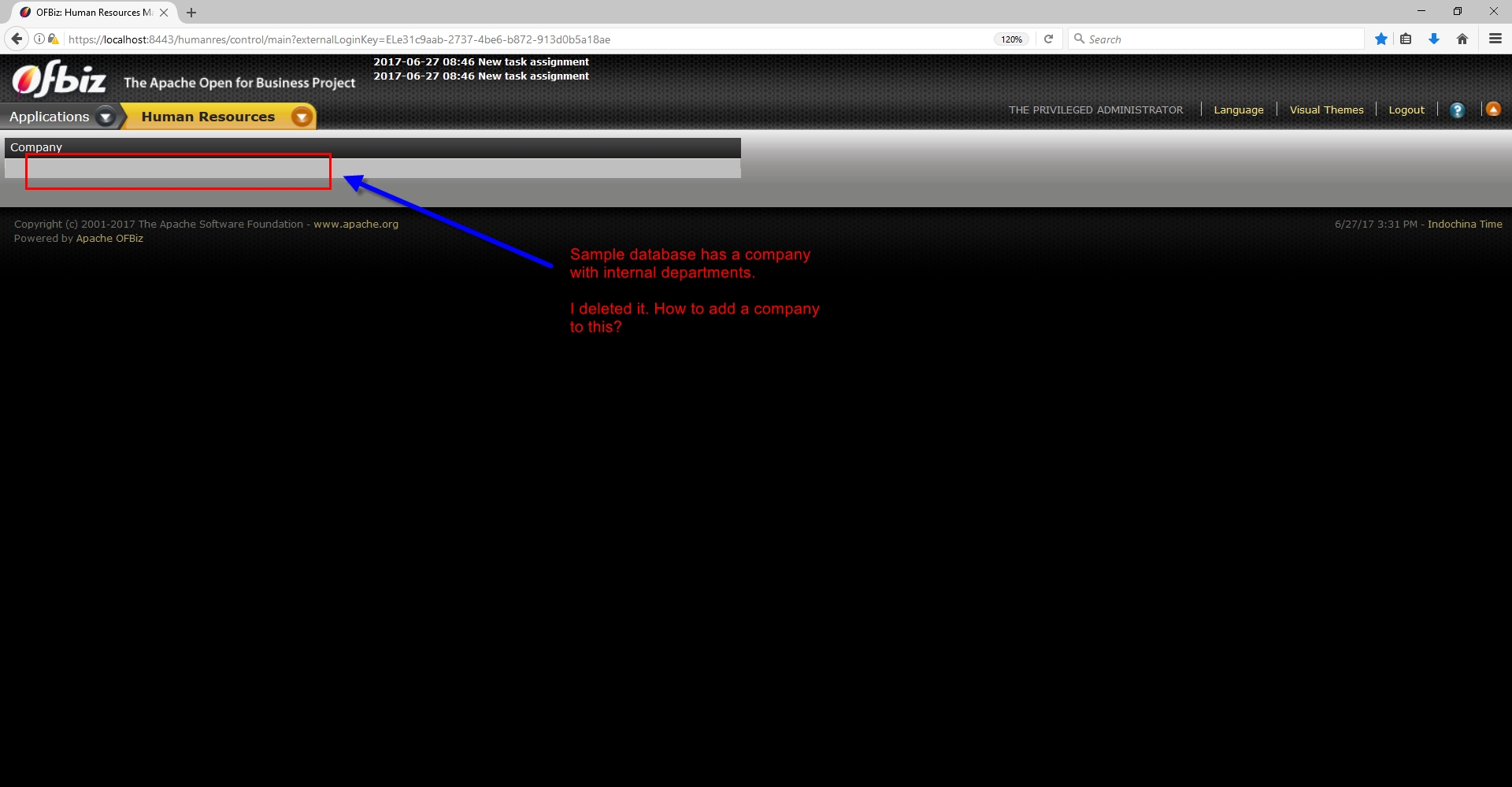
> > Sample database has a company with internal departments. I deleted it. How
> > to add a company to this?
> > (Screenshot:
> > https://user-images.githubusercontent.com/1328316/27577941-acece1f8-5b4c-11e7-8845-7da74d777cae.jpg)
> >
>