Hello, Carlos

Thank you for your reply.
>yes, hasDrawer add a style to FooterBar and TopAppBar to adapt its width.
I understand hasDrawer.

>To change background via CSS you can use:

.jewel.topappbar .topBarAppHeader {
   background: ... your color or image
}

I tried CSS as follows and it worked.

.jewel.topappbar .topBarAppHeader {
    background-color: #f8dce0;
    border-bottom: 1px solid #f8dce0;
    border-top: 1px solid #f8dce0;
    text-shadow: 0 -1px 0 #f8dce0;
}

The space after topappbar was a point!


>Sorry, but can't understand the first part of the email, can you
reformulate?
I'm sorry for my poor English.
Here's a quick example, so take a look

http://ichigansou.com/royale/test/20201106/js-debug/index.html

topBarAppHeader.fixed can be controlled well as scrolling
However, footerBar.fixed could not be controlled

And,
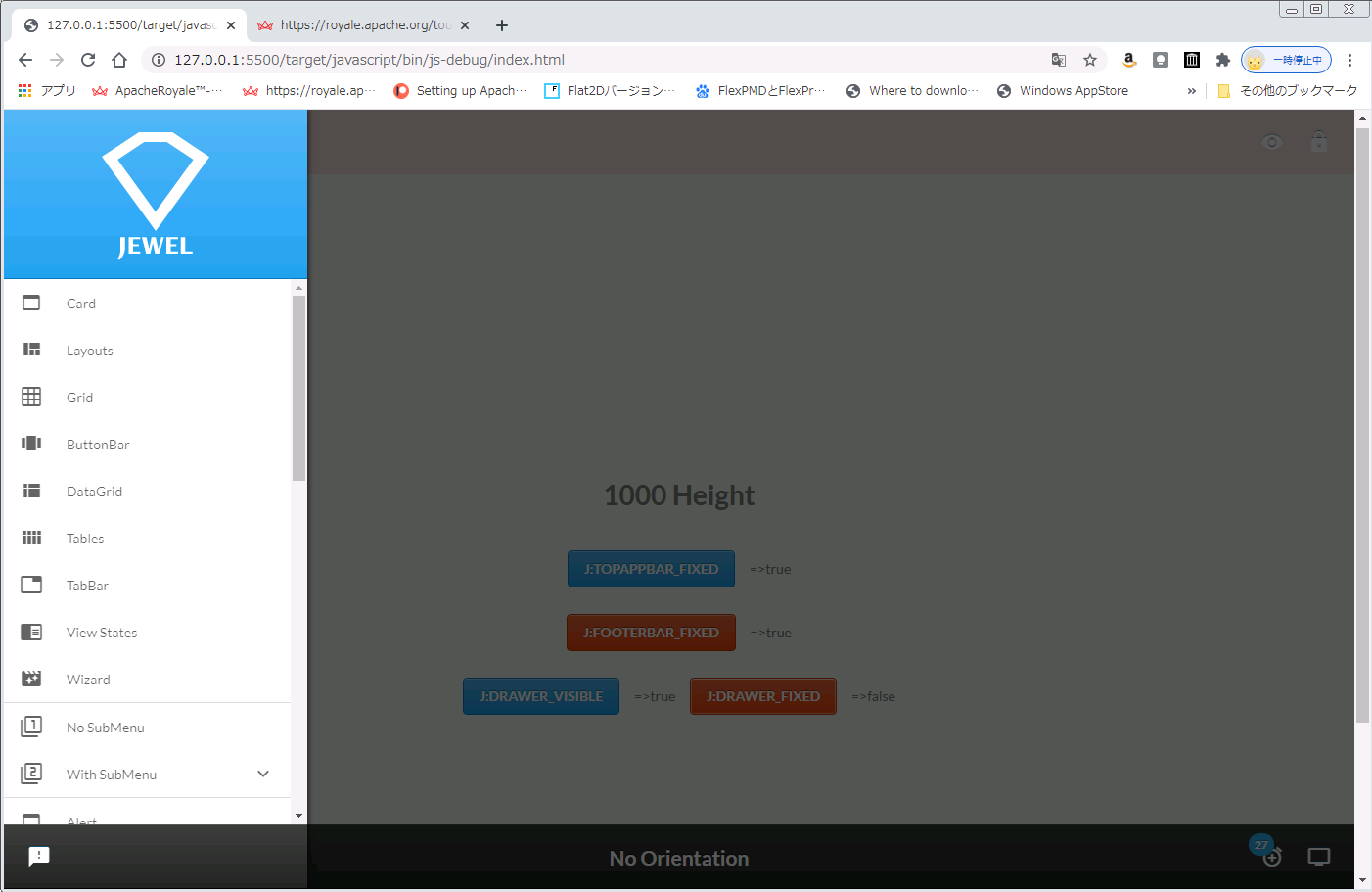
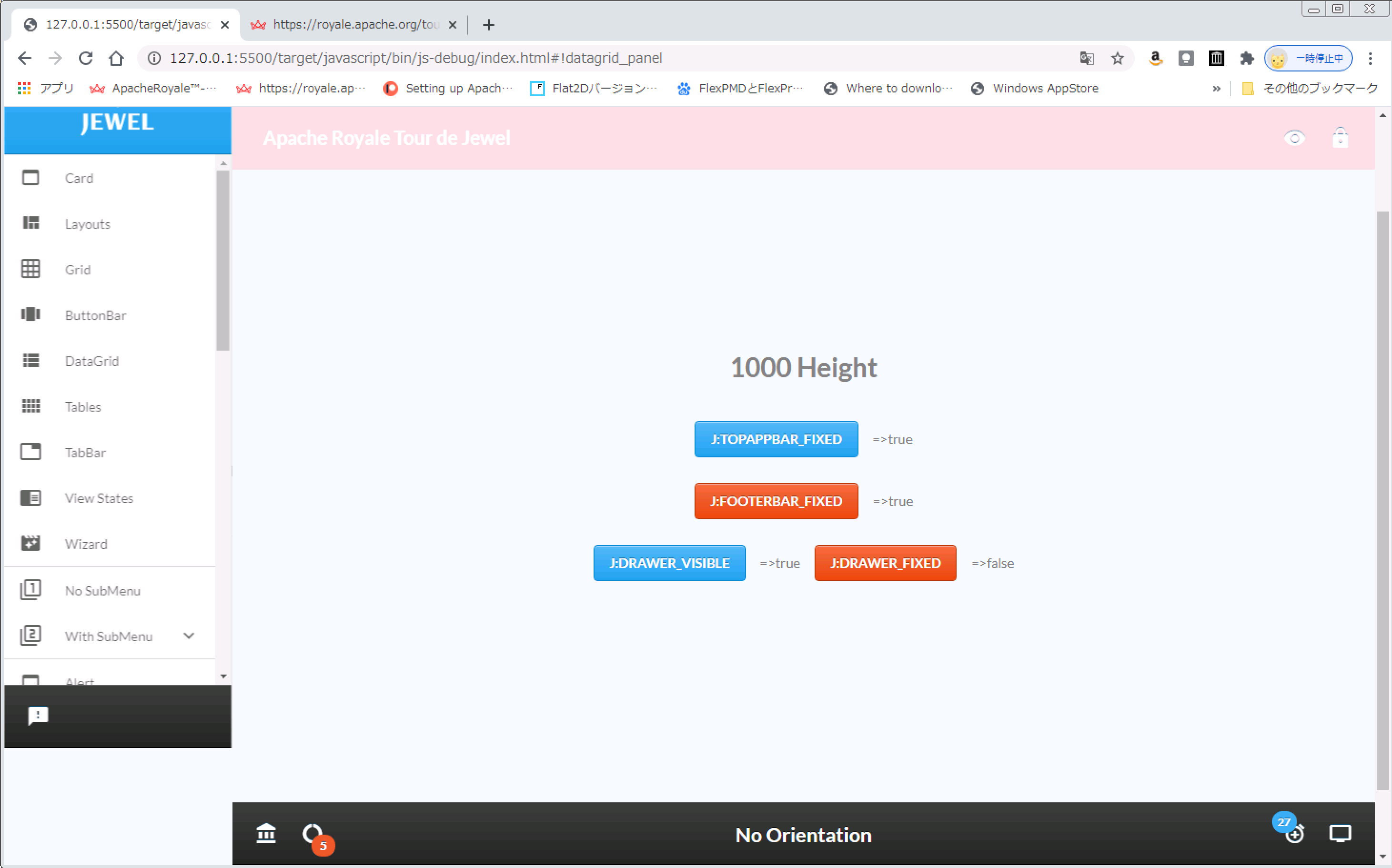
about drawer.fixed.
If fixed==true , the following
http://ichigansou.com/royale/test/20201106/image/DrawerFixedTrue.png

If fixed==false , the following
http://ichigansou.com/royale/test/20201106/image/DrawerFixedFalse.png

Is this control correct?


...By the way, can't the label of the button use lowercase letters?
Or do I need to set something up?
It was all displayed in capital letters (maybe this is correct)


Could you tell me three things about the TDJ layout.

1) How do I change the height of topBarAppHeader and footerBar?

2) How can I change the width of the Drawer?

3) Is it possible to change CSS dynamically?
(In Flex, there was a setStyle() function.)


Thanking you in advance.

Yushiro


--
Sent from: http://apache-royale-users.20374.n8.nabble.com/