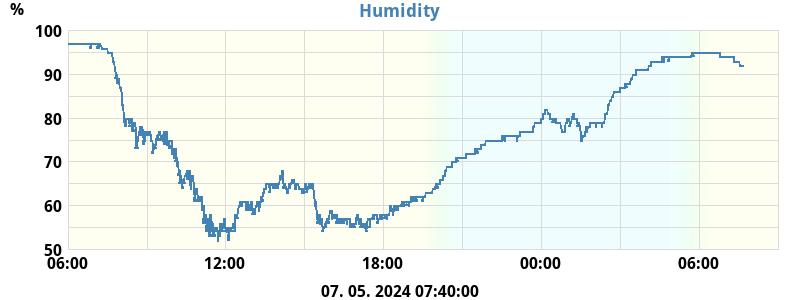
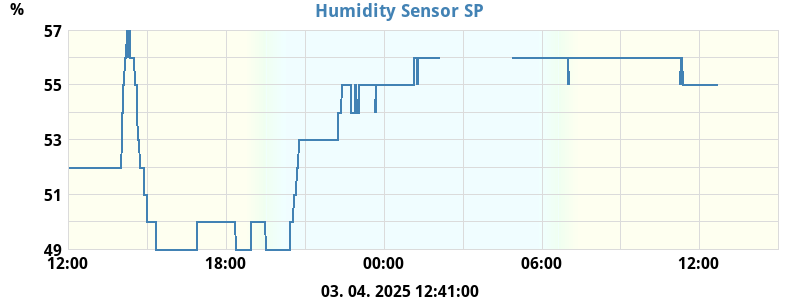
The process for displaying a plot on a web page really depends on how the
web a page is produced/maintained. If the page is not produced by a WeeWX
skin then chances are you need to get your hands dirty and manually add the
necessary HTML etc to the page to display the plot. For a WeeWX skin it
really depends on the skin. For example, the newer Seasons skin is largely
configured through the skin config file whereas the older Season skin
required you to manually edit page templates and add the necessary HTML
tags. For your skin I have no idea how it is configured, it may be that you
need to add some HTML code to the skin templates, or it maybe that you can
configure what is displayed via the skin config file, or it may be
something else. It's really something the skin developer should include in
his install instructions/documentation or failing this something you need
to take up with the skin developer directly.
Gary
On Wednesday, 26 February 2025 at 20:48:18 UTC+10 [email protected] wrote:

Thank you for your answer I know in linux there is a case sensitive for
files and names. I have repaired that
        [[[dayoutHumid]]]
            [[[[outHumidity]]]]
and
[[[dayinHumid]]]
            [[[[inHumidity]]]]
to have separate graphs

for this
"For what its worth the file extraHumid1.png is being generated with a plot
of extraHumid1, I can see it on your site at
https://vreme.povej.net/extraHumid1.png";
Why I don't see that plot on my web page?

this is in my skin.conf.
[[[extraHumid1]]]
    [[[[extraHumid1]]]]


regards
Damian

sreda, 26. februar 2025 ob 11:16:12 UTC+1 je oseba gjr80 napisala:

Some comments below

Gary

On Monday, 24 February 2025 at 05:17:14 UTC+10 [email protected] wrote:

Hi
I posted answer but don't know how it was lost, so here is again.


I suspect you clicked 'Reply to author' which sends your reply by email to
the author of the post you are replying to - your reply was in my spam.
Better to click 'Reply all' which posts here. No matter.


Here are both files, debug and skin.conf


Thank you. Your problem is one of case. In skin.conf you have the following
plot definition:

[[[dayinhumid]]]
            [[[[inHumidity]]]]
    [[[[outHumidity]]]]

This results in the file dayinhumid.png being generated with a plot of
inHumidity and outHumidity. That is exactly what WeeWX is doing, I can see
the generated plot file on your page at
https://vreme.povej.net/dayinhumid.png. If you look at the HTML of your
page that displays your plots you will see the following html img tag:

<img src="dayinHumid.png" alt="Inside/Outside Humidity">

this img tag is looking for the file dayinHumid.png. This is not the same
as dayinhumid.png; case matters. I suggest you change the plot definition
in skin.conf to:

[[[dayinHumid]]]
            [[[[inHumidity]]]]
    [[[[outHumidity]]]]

That should fix the missing humidity plot after the next report cycle
completes.

For what its worth the file extraHumid1.png is being generated with a plot
of extraHumid1, I can see it on your site at
https://vreme.povej.net/extraHumid1.png

Thank you
best regards
Damian

--
You received this message because you are subscribed to the Google Groups
"weewx-user" group.
To unsubscribe from this group and stop receiving emails from it, send an email
to [email protected].
To view this discussion visit
https://groups.google.com/d/msgid/weewx-user/f7c582c6-e473-4d70-aad1-5bc78486e473n%40googlegroups.com.