Nikki added a comment.
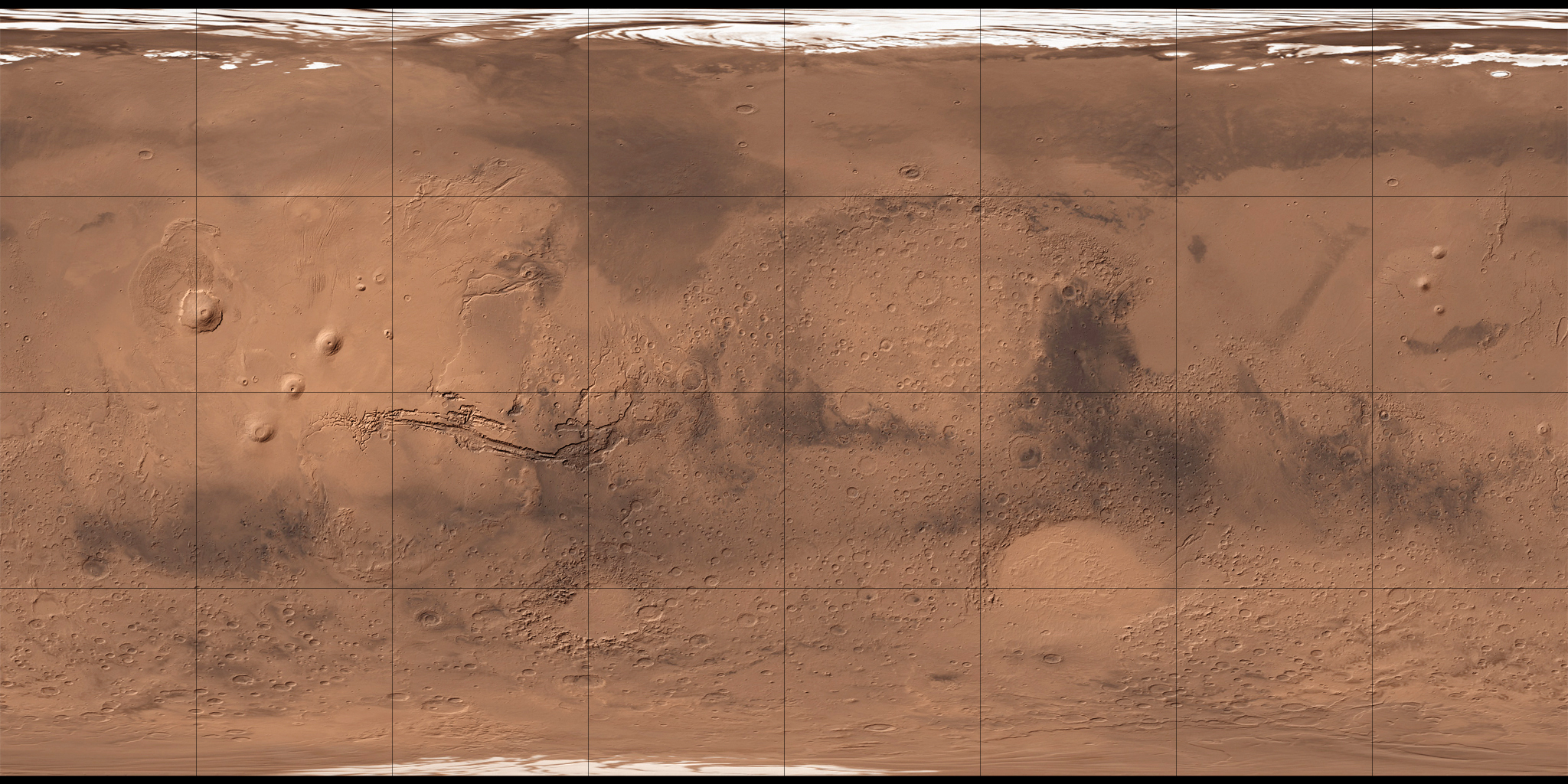
The UI will of course need to handle globes it doesn't understand so the following is possibly going off on a tangent a bit, but I wanted to share it anyway in case it's useful to anyone. :) GeoHack can show maps of the moon (e.g. https://tools.wmflabs.org/geohack/geohack.php?pagename=Hooke_%28lunar_crater%29¶ms=41.2_N_54.9_E_globe:Moon_type:landmark), as well as various other non-earth things (I assume everything listed in https://en.wikipedia.org/wiki/Category:GeoTemplates). It uses a single image for each globe and I guess it just positions the coordinates relative to the dimensions of the image. It appears the WDQS UI is using Leaflet. Leaflet can do image overlays and there's no reason why a single image (like the ones GeoHack uses) couldn't be set to overlay the entire globe. I know very little about map projections and stuff like that, but it seemed like it shouldn't be that hard to replace tiles with a full-globe overlay and I was also curious, so I played around and eventually came up with the following little HTML/JS thing: <link rel="stylesheet" href="http://cdn.leafletjs.com/leaflet/v0.7.7/leaflet.css"; /> <script src="http://cdn.leafletjs.com/leaflet/v0.7.7/leaflet.js";></script> <div id="mapid" style="min-height: 600px; height: 100%"></div> <script type="text/javascript"> var bounds = L.latLngBounds([[-90, -180], [90, 180]]); // the image overlays the whole globe var map = L.map('mapid', { maxZoom: 3, minZoom: 2, center: [0, 0], zoom: 3, crs: L.CRS.EPSG4326 // magic stuff that makes it 2x1 }); var objects = Array( // Moon { lat: 41.2, lon: 54.9, name: 'Hooke' }, // https://tools.wmflabs.org/geohack/geohack.php?pagename=Hooke_%28lunar_crater%29¶ms=41.2_N_54.9_E_globe:Moon_type:landmark { lat: 4.1, lon: 132.9, name: 'Green' }, // https://tools.wmflabs.org/geohack/geohack.php?pagename=Green_%28lunar_crater%29¶ms=4.1_N_132.9_E_globe:Moon_type:landmark { lat: 28.1, lon: 109.1, name: 'Espin' }, // https://tools.wmflabs.org/geohack/geohack.php?pagename=Espin_%28crater%29¶ms=28.1_N_109.1_E_globe:Moon_type:landmark { lat: 86.1, lon: -61.8, name: 'Gore' } // https://tools.wmflabs.org/geohack/geohack.php?pagename=Gore_%28crater%29¶ms=86.1_N_61.8_W_globe:Moon_type:landmark // Mars // { lat: 34.67, lon: 144.23, name: 'Fenagh' }, // https://tools.wmflabs.org/geohack/geohack.php?pagename=Fenagh_%28crater%29¶ms=34.67_N_215.77_W_globe:Mars_type:landmark // { lat: 33.7, lon: -81.9, name: 'Nipigon' } // https://tools.wmflabs.org/geohack/geohack.php?pagename=Nipigon_%28crater%29¶ms=33.7_N_81.9_W_globe:Mars_type:landmark // Europa // { lat: -25.2, lon: 88.6, name: 'Pwyll' } // https://tools.wmflabs.org/geohack/geohack.php?pagename=Pwyll_%28crater%29¶ms=25.2_S_271.4_W_type:landmark_globe:europa ); objects.forEach(function (obj) { var marker = L.marker([obj.lat, obj.lon]).addTo(map); marker.bindPopup(obj.name); }); var url = 'https://upload.wikimedia.org/wikipedia/commons/d/db/Moonmap_from_clementine_data.png'; // Moon //var url = 'https://upload.wikimedia.org/wikipedia/commons/b/b7/Mars_G%C3%A9olocalisation.jpg'; // Mars //var url = 'https://upload.wikimedia.org/wikipedia/commons/7/74/Jupiter_II-Europa_map_NASA_JPL_Voyager.jpg'; // Europa L.imageOverlay(url, bounds).addTo(map); map.setMaxBounds(bounds); </script> The markers appear to be in the same locations on the images as those on GeoHack, so as far as I can tell (and to my surprise :P), it seems to work. TASK DETAIL https://phabricator.wikimedia.org/T130428 EMAIL PREFERENCES https://phabricator.wikimedia.org/settings/panel/emailpreferences/ To: Jonas, Nikki Cc: Nikki, Aklapper, Smalyshev, debt, Gehel, D3r1ck01, FloNight, Izno, jkroll, Wikidata-bugs, Jdouglas, aude, Deskana, Manybubbles, Mbch331 _______________________________________________ Wikidata-bugs mailing list [email protected] https://lists.wikimedia.org/mailman/listinfo/wikidata-bugs