Selon Éric Piel <[email protected]>:

 >  Hi Bernard,
 > I think there are several problem/difficulties with your bug report:
 > * It's actually quite hard to reproduce, because someone needs to have
 > two screens with the same dimensions as yours (or so it sounds)
 > * You should provide a simple list of commands to reproduce your bug (a
 > C program is too complicated!)
 > * A screenshot of the bug would be very helpful, the problem you have
 > described is hard to grasp precisely.
 > * This bug can be coming from lots of different places, so you have to
 > define precisely your system's component and the version. In particular,
 > say which window manager (gnome, KDE?)
KDE 4.4 with mandriva cooker
 >, graphic driver, xorg version,
 > and kernel version you are using.
2.6.31.6
 > * It would help a lot to also give the output of xrandr --verbose when
 > the bug happens.
OK !
 >
 > All that said, here is what I understand:
 > You are trying to do cloning, but one of the screen has a bigger area
 > than the other one, so you zoom the smaller screen to have the same
 > pixel size as the bigger one (1440x900 too). aka:
 > xrandr --output VGA1 --mode 1440x900 --pos 0x0  --output LVDS1 --mode
 > 1280x800 --pos 0x0 --scale 1.125x1.125
Yes, you are.
 >
 > Then you expect your window manager to maximize the window to 1440x900.
 > Too bad, your window manager maximizes the window to only 1280x800, the
 > original smaller of the screens. That's a bug. Sounds like your window
 > manager have trouble reading the actual size of the output (it's too
 > much looking at the physical mode). Or maybe it's your graphic driver
 > which is not reporting the correct values.
 >
 > Is this right? If so, post the info, as described in the previous points.
 >
 > For the info, here, with intel driver 2.9 and gnome 2.28, it works fine.
 >
 > Eric
 >
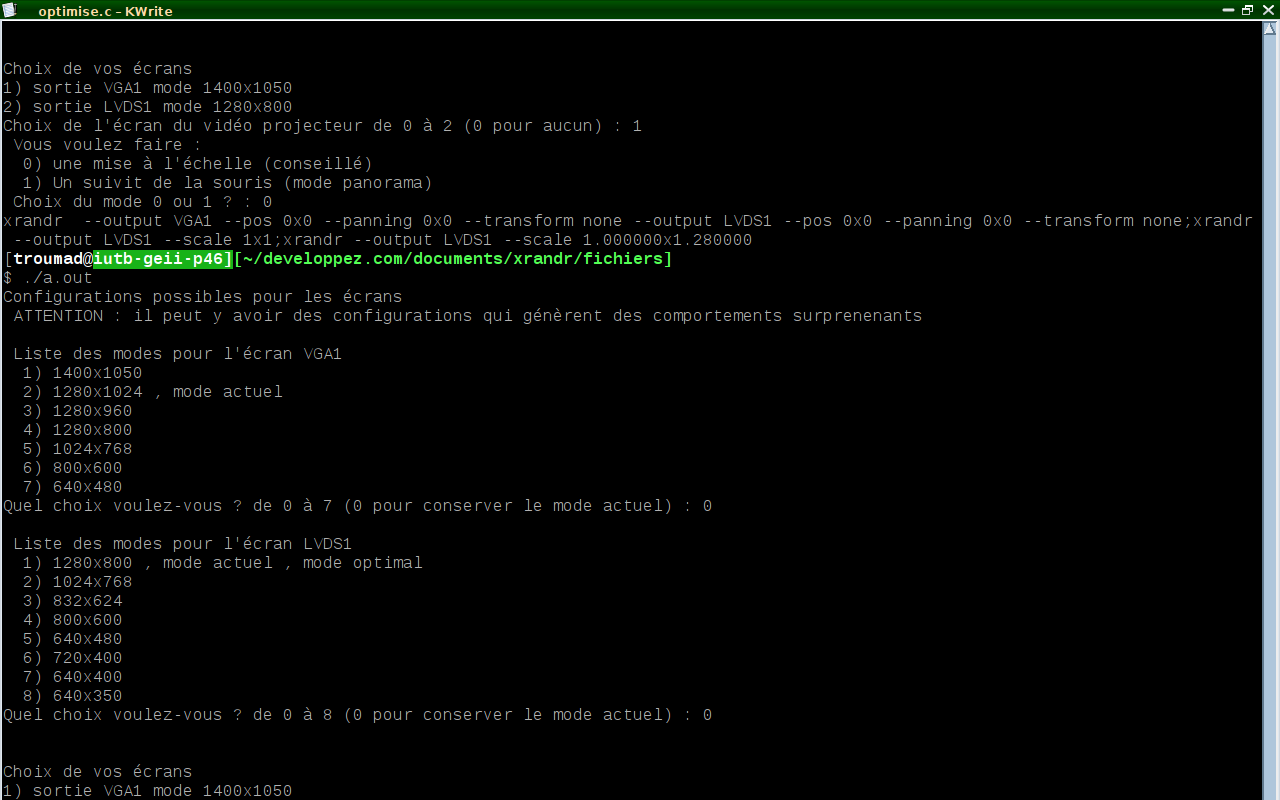
The commande :
xrandr  --output LVDS1 --pos 0x0 --panning 0x0 --transform none --output
VGA1 --pos 0x0 --panning 0x0 --transform none;xrandr --output VGA1
--scale 1x1;xrandr --output VGA1 --scale 1.000000x0.781250
Today : only the first time
http://troumad.org/xorg/problem1.png
After all time :
http://troumad.org/xorg/problem2.png
http://troumad.org/xorg/problem2.txt

At the first time the terminal (konsole) was actif only in the bottom
off the screen.
All time (1 + 2), the bottom off all windows maximized is under the
screen. In addition, it is not inaccessible mouse.
--
Amicalement vOOotre, Troumad Alias Bernard SIAUD, http://troumad.org
N'envoyez que des documents avec des formats ouverts, comme
http://fr.openoffice.org
Adresse electronique speciale liste
_______________________________________________
xorg-devel mailing list
[email protected]
http://lists.x.org/mailman/listinfo/xorg-devel