weizhouapache commented on issue #5315:
URL: https://github.com/apache/cloudstack/issues/5315#issuecomment-900345602
> Update, > Followed the tutorial [This one uses the new interface](http://docs.cloudstack.apache.org/en/latest/adminguide/systemvm.html?highlight=ssl#using-a-ssl-certificate-for-the-console-proxy) and dident work, From [Here, I cant use a self signed certificate (need to buy one ?)](https://cwiki.apache.org/confluence/display/CLOUDSTACK/Procedure+to+Replace+realhostip.com+with+Your+Own+Domain+Name) , > > So, I disabled the settings and it seems this is the default : > > > **NOTE - In case you don't want SSL communication for the impacted functionalities you may disable SSL completely by setting `secstorage.encrypt.copy to "false",` and changing `consoleproxy.url.domain to empty.`** and still getting the error ... > > 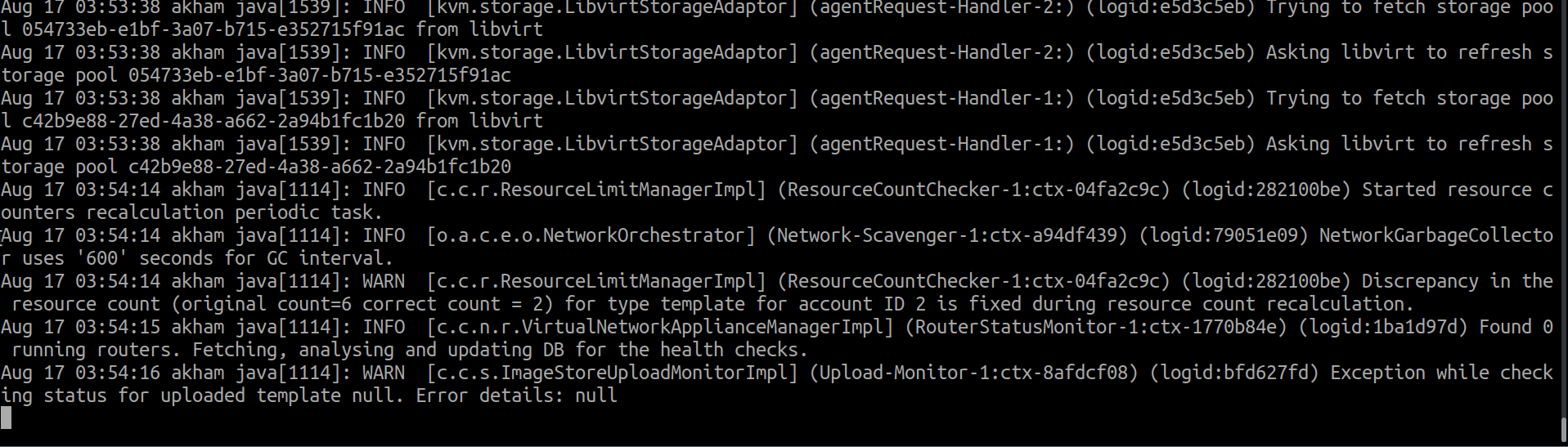 > > The error happens as soon as I click on Upload, it seems it doesent event get to the server (tried on Chrome and Firefox, same error) ! > 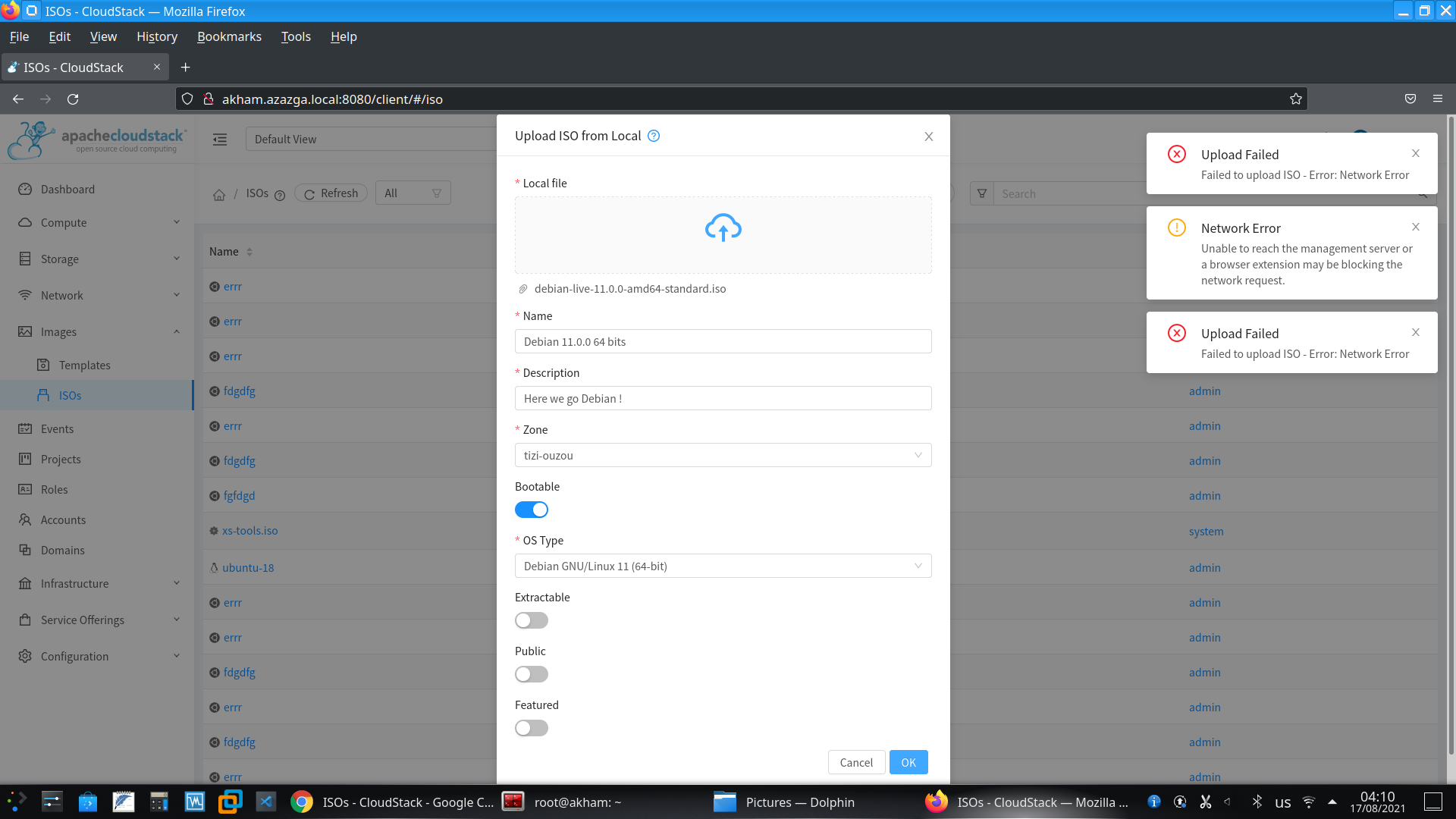 > > Is there a way I can debug this to see explicit error ? @abdelouahabb as far as I know, you need to enable ssl to support uploading template/iso from local. -- This is an automated message from the Apache Git Service. To respond to the message, please log on to GitHub and use the URL above to go to the specific comment. To unsubscribe, e-mail: [email protected] For queries about this service, please contact Infrastructure at: [email protected]


