On Mon, Dec 12, 2016 at 2:40 AM, johannes hanika <[email protected]> wrote:
> hi,
>
> my try:
>
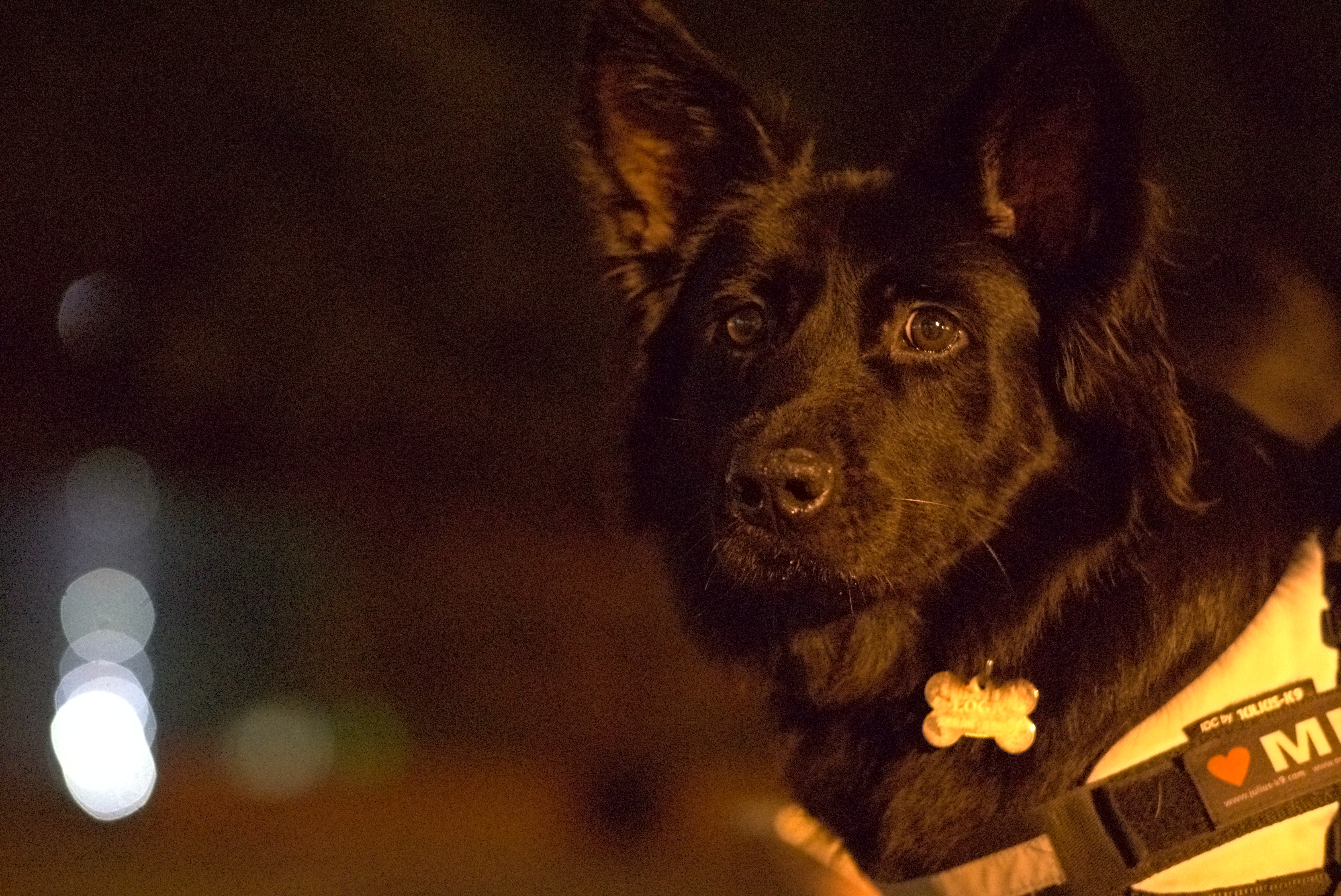
> https://jo.dreggn.org/noisydog.jpg
>
> xmp in jpg: something with near linear base curve, equalizer, and no
> sharpening. not sure about the colours, they are just different.
>
> in general for such super high iso noise the noise profiles are often
> times off due to strange effects (noise model breaking down, vendor
> pre-processing or whatever). also i find i can get better results with
> manual equalizer operation than with the profiled denoising, but
> that's a matter of taste and time i want to spend on an image.
>
> -jo
Hi,

The colors are different because I used Rec2020 as input color
profile. Yes it is a rather arbitrary choice which happens to result
in a more pleasing (to my eyes at least) colors. After applying your
xmp and switching to Rec2020, the colors are now very close:
http://i.imgur.com/pKnGwxi.jpg

Upon closer inspection this version eliminates even more color noise
than RawTherapee's automatic mode does; there are basically no traces
of chromatic noise even if you pixel peep at 100%. However the color
also seems to be more washed out with a very slight purple tint in the
dark areas.

I think I will switch to equalizer based noise reduction when dealing
with high ISO images in darktable as it clearly works better than
profiled denoise here. Thanks for your example jo.

PkmX
____________________________________________________________________________
darktable user mailing list
to unsubscribe send a mail to [email protected]