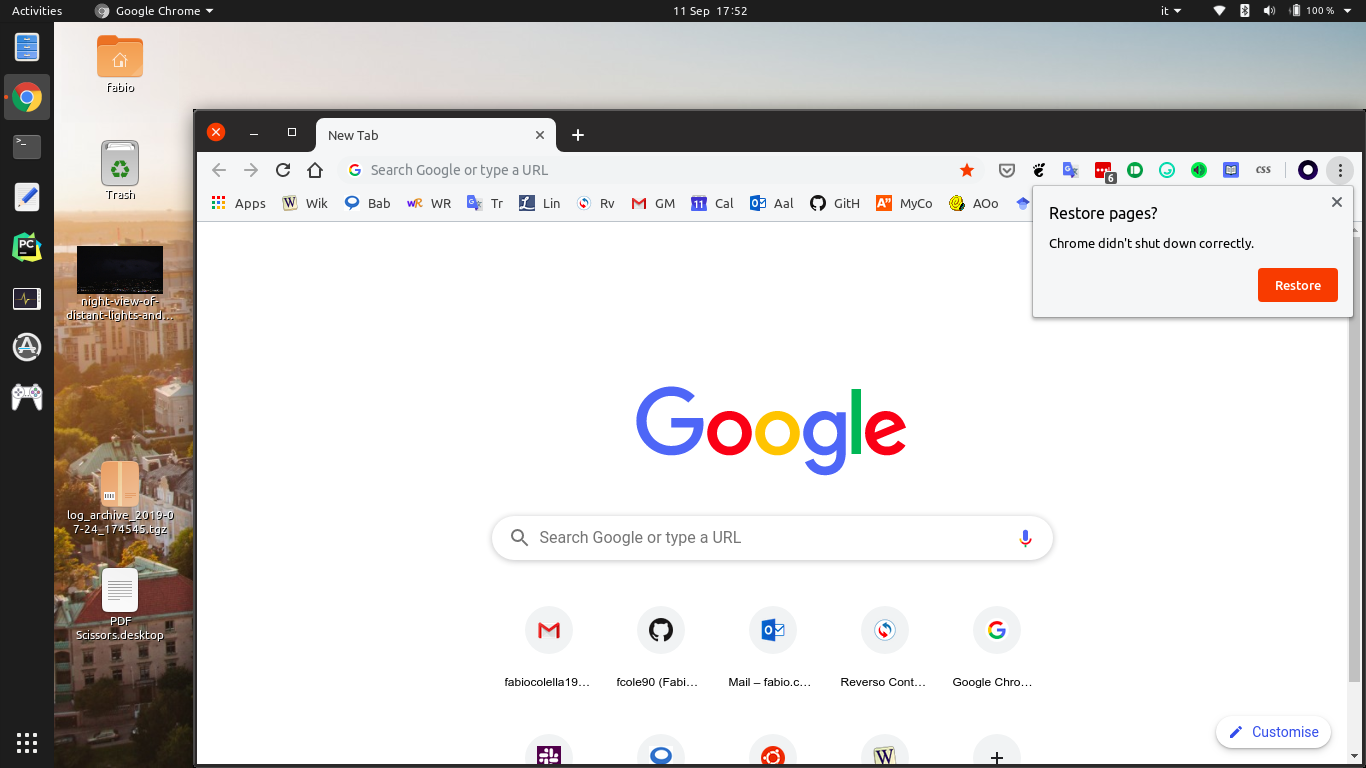
Seq 1 (Open Google Chrome)

** Attachment added: "Screenshot from 2019-09-11 17-52-12.png"

https://bugs.launchpad.net/ubuntu/+source/gnome-shell/+bug/1843605/+attachment/5288118/+files/Screenshot%20from%202019-09-11%2017-52-12.png
--
You received this bug notification because you are a member of Desktop
Packages, which is subscribed to gnome-shell in Ubuntu.
https://bugs.launchpad.net/bugs/1843605

Title:
  Interactive menu gets frozen and cannot be removed

Status in gnome-shell package in Ubuntu:
  New

Bug description:
  Using the ubuntu dock, I have Google Chrome as second application.
  When it's open and I left-click it, the menu appears in a wrong
  position and gets frozen. I cannot interact with it, I cannot interact
  with the area under it, and I didn't find any way to make it disappear
  (apart restarting the shell). I can reproduce this behaviour every
  time, but only with Chrome. I suppose it might be related to the
  number of options it has in the menu.

  I'm attaching the screenshots to show what I mean.

  ProblemType: Bug
  DistroRelease: Ubuntu 19.10
  Package: gnome-shell 3.33.91-1ubuntu1
  ProcVersionSignature: Ubuntu 5.2.0-15.16-generic 5.2.9
  Uname: Linux 5.2.0-15-generic x86_64
  NonfreeKernelModules: nvidia_modeset nvidia
  ApportVersion: 2.20.11-0ubuntu7
  Architecture: amd64
  CurrentDesktop: ubuntu:GNOME
  Date: Wed Sep 11 18:20:14 2019
  DisplayManager: gdm3
  InstallationDate: Installed on 2019-02-03 (219 days ago)
  InstallationMedia: Ubuntu 18.04.1 LTS "Bionic Beaver" - Release amd64
(20180725)
  RelatedPackageVersions: mutter-common 3.34.0-1ubuntu1
  SourcePackage: gnome-shell
  UpgradeStatus: Upgraded to eoan on 2019-07-21 (52 days ago)

To manage notifications about this bug go to:
https://bugs.launchpad.net/ubuntu/+source/gnome-shell/+bug/1843605/+subscriptions

--
Mailing list: https://launchpad.net/~desktop-packages
Post to     : [email protected]
Unsubscribe : https://launchpad.net/~desktop-packages
More help   : https://help.launchpad.net/ListHelp