    [
https://issues.apache.org/jira/browse/TINKERPOP-2591?page=com.atlassian.jira.plugin.system.issuetabpanels:comment-tabpanel&focusedCommentId=17390967#comment-17390967
 ]
ASF GitHub Bot commented on TINKERPOP-2591:
-------------------------------------------
OyvindSabo opened a new pull request #1457:
URL: https://github.com/apache/tinkerpop/pull/1457
https://issues.apache.org/jira/browse/TINKERPOP-2591
**Install gremlint from npm rather than from OyvindSabo/gremlint**
Previously the gremlint website installed the gremlint library from the old
gremlint repo (OyvindSabo/gremlint). Now that it's available on npm it can be
installed from there.
**Add footer displaying current gremlint version and copyright notice**
The footer is always positioned below the view content of the website, but
it sticks to the bottom of the screen if there is not enough content to push it
out of the screen. I avoided using any of the approaches which depend on a
fixed footer height, as that could cause weird behavior for users with narrow
screens where the footer text wraps.
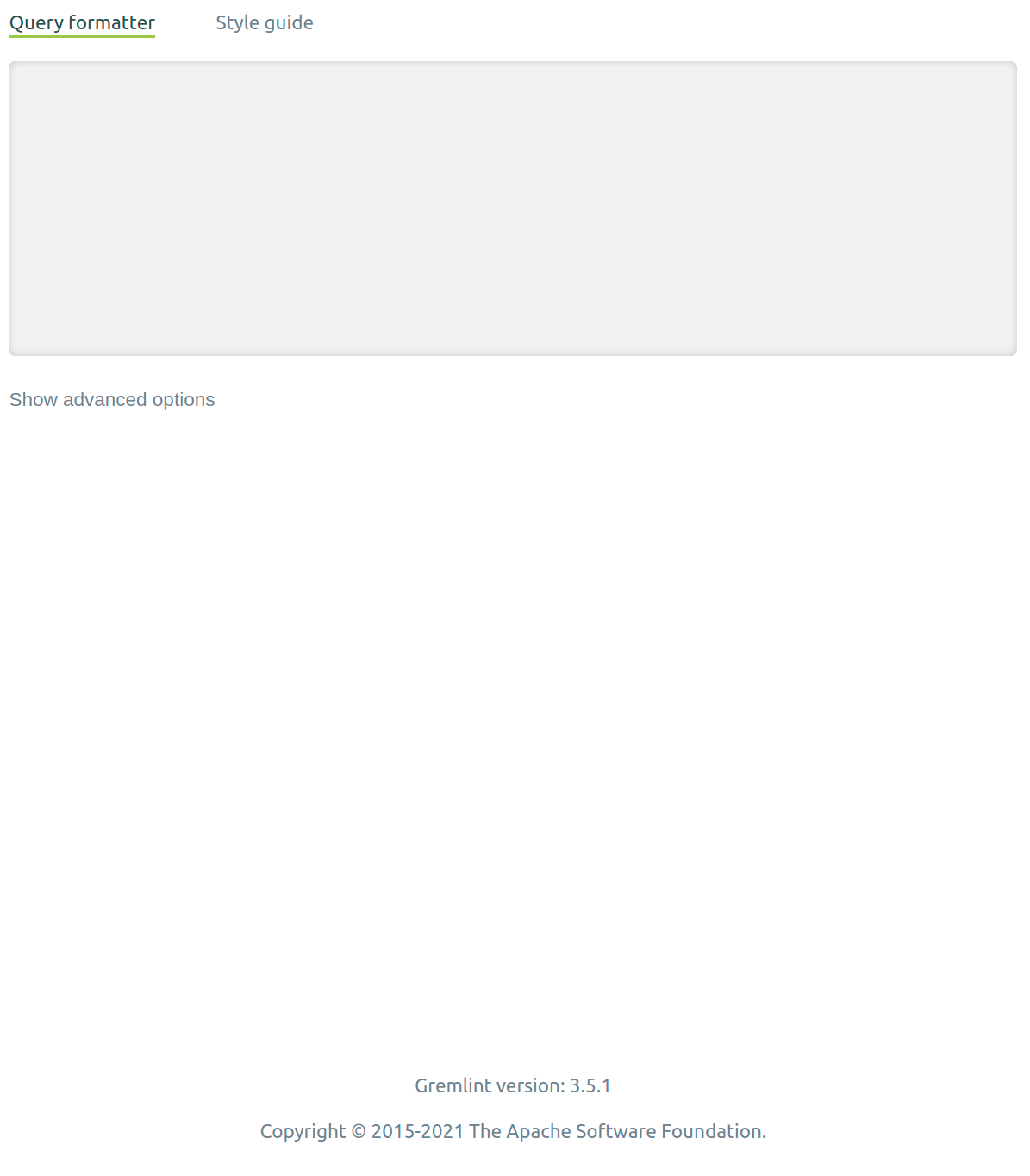
The gremlint version is pulled from the `package-lock.json` file. Displaying
the version from `package-lock.json` instead of `package.json`, for instance,
enables us to display the version as `5.3.1` while still specifying it as
`^5.3.1` in `package.json`. In apps created using Create React App (as the
gremlint website is) only files inside the `src` folder are considered when
running or building the app. To be able to access the gremlint version from
`package-lock.json` I used `customize-cra` (a tool used to override and extend
the default Create React App scripts) to include `package-lock.json` in the
files considered to be part of the module, hence the new `config-overrides.js`
file.
**Testing:**
Tested that both `npm start` and `npm run build` still works in
`docs/gremlint`.
Tested that the whole TinkerPop website can still be built with
`bin/generate-home.sh` and run by `npx serve target/site/home`.
VOTE +1
--
This is an automated message from the Apache Git Service.
To respond to the message, please log on to GitHub and use the
URL above to go to the specific comment.
To unsubscribe, e-mail: [email protected]
For queries about this service, please contact Infrastructure at:
[email protected]
> Administrative adjustments to gremlint site
> -------------------------------------------
>
> Key: TINKERPOP-2591
> URL: https://issues.apache.org/jira/browse/TINKERPOP-2591
> Project: TinkerPop
> Issue Type: Improvement
> Components: gremlint
> Affects Versions: 3.5.1
> Reporter: Stephen Mallette
> Assignee: Øyvind Sæbø
> Priority: Minor
>
> I presume that we can now pin the gremlint web site to a particular version
> of the gremlint library?
> https://github.com/apache/tinkerpop/blob/e1b377a98b97578017d8d815daed76e11b04c9f7/docs/gremlint/package.json#L14
> I guess we'd want the version to match the current version of the library?
> 3.5.2-alpha1 for the case of 3.5.2-SNAPSHOT? and then when we do
> {{bin/generate-home.sh}} we could swap that automatically to whatever the
> most recent version is published to npm? or i guess just setting it to ^3.5.1
> will capture the latest in npm and the local alphas?
> I think it would be good if the gremlint web site had the version displayed
> in a footer along with the standard "Copyright © 2015-2021 The Apache
> Software Foundation." and perhaps a link back to the
> https?tinkerpop.apache.org site.
--
This message was sent by Atlassian Jira
(v8.3.4#803005)


