I've been trying to switch from acroread to evince for some time, and
it continues to be a stuggle.  [The broken gtk-3 selection handling on
multi-screen systems is a big PITA.]
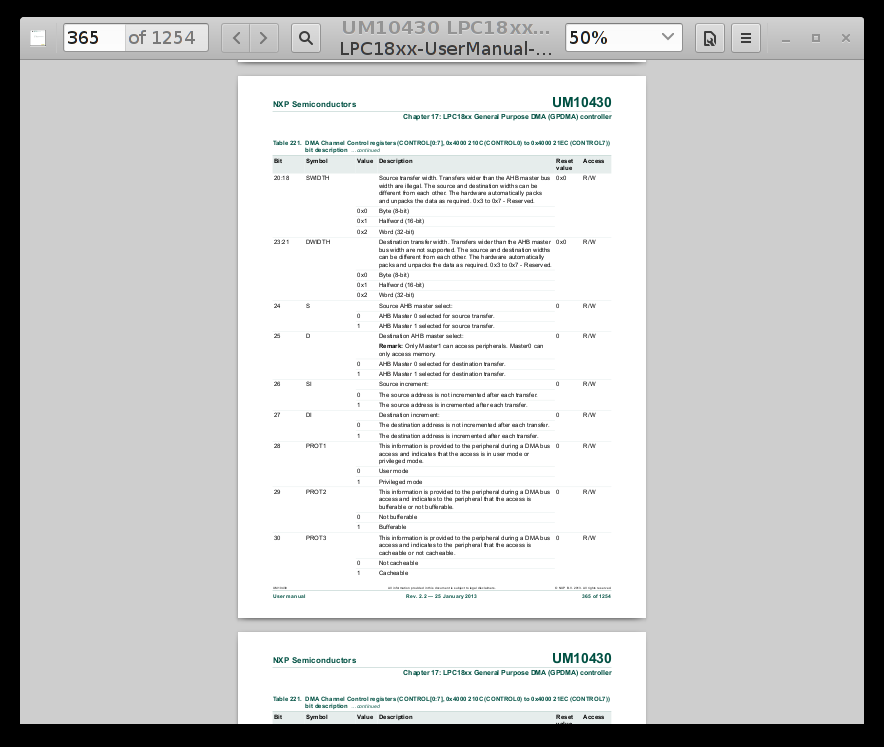
A couple of weeks ago, evince started displaying with a wide black
border instead of the usual window borders and title bar that all
other applications have.

   http://www.panix.com/~grante/evince.png

Is there any way to get the old, normal X11 behavior back?

I'm unaware of any configuration change that I've made, but both 3.14
and 3.16 now show the black border instead of normal window
decorations.  I'm guessing something in gtk-3 got broken?

I really dislike the look of the black border and the wasted screen
space. It's also really annoying to lose the inability to perform some
window-manager operations on evince. The window operations that I can
still do with evince must be done differently for evince than for all
other applications.

--
Grant Edwards               grant.b.edwards        Yow! This is a NO-FRILLS
                                  at               flight -- hold th' CANADIAN
                              gmail.com            BACON!!

_______________________________________________
evince-list mailing list
[email protected]
https://mail.gnome.org/mailman/listinfo/evince-list