On Tue, 2015-09-29 at 14:50 +0000, Grant Edwards wrote:
> On 2015-09-29, Germán Poo-Caamaño <[email protected]> wrote:
> > On Tue, 2015-09-29 at 13:48 +0000, Grant Edwards wrote:
> >
> >> I've been trying to switch from acroread to evince for some time, and
> >> it continues to be a stuggle.  [The broken gtk-3 selection handling on
> >> multi-screen systems is a big PITA.]
> >>
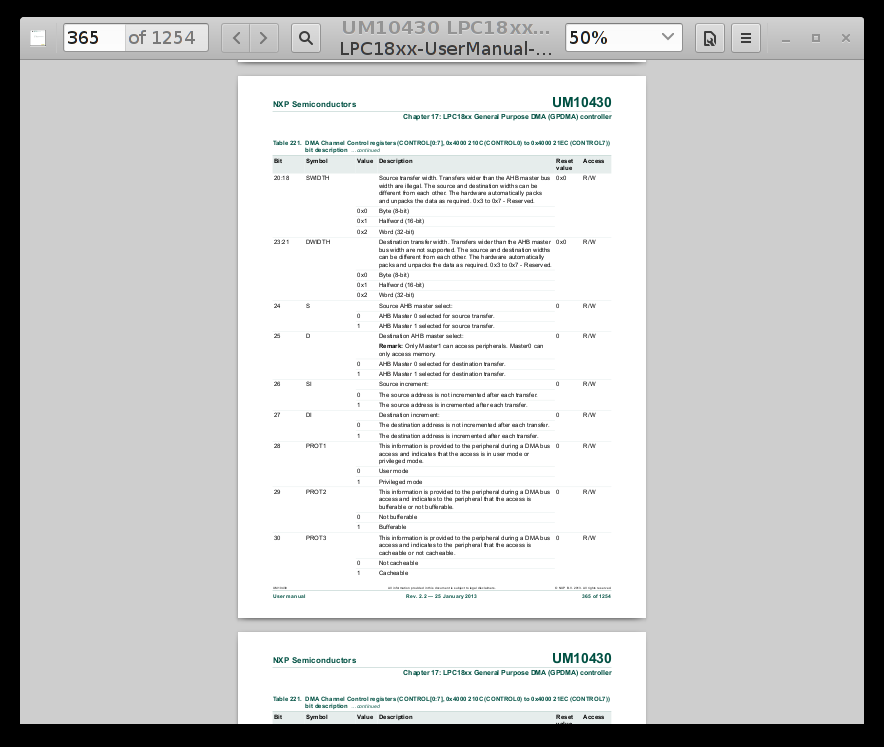
> >> A couple of weeks ago, evince started displaying with a wide black
> >> border instead of the usual window borders and title bar that all
> >> other applications have.
> >>
> >>    http://www.panix.com/~grante/evince.png
> >>
> >> Is there any way to get the old, normal X11 behavior back?
> >>
> >> I'm unaware of any configuration change that I've made, but both 3.14
> >> and 3.16 now show the black border instead of normal window
> >> decorations.  I'm guessing something in gtk-3 got broken?
> >
> > I remember an issue like that in the intel's driver to draw shadows.
> >
> > try with:
> > $ export GDK_RENDERING=image
> >
> > And then, put it in some of your init scripts (say .bashrc)
>
> No change.
>
> However, I think I'm confusing two things:
>
>  1) The recent change in the black border size from moderately ugly to
>     hugely ugly.
>
>  2) The general brokeness of CSD on most desktops.
>
> After googling some more, I reduced the black border size by adding
> this to ~/.config/gtk-3.0/gtk.css:
>
> .window-frame {
>   box-shadow: none;
>   margin: 1;
> }
>
> That reduces the black border to 1-pixel.  You can reduce it to 0
> pixels, but then there's no visual boarder at all (which reduces
> readability), and there's no way to resize the window.  It's slightly
> less ugly now, but CSD is still annoying.
>
> What I'd really, REALLY like is a way to disable CSD and use normal
> window-manager provided borders like the other 99% of the apps I use.
>
> I was going to try using gtk3-nocsd, but I'd have to downgrade gtk3
> from 3.16 to 3.14, and I don't feel like doing that at the moment.  Is
> there any other way to disable the CSD and get a normal window border
> back?
As I said, it is an issue in the graphic driver. what it is in
particular? I have no clue. Until gtk+ started to use them, it seems
nobody got into those issues.

You can try to use something else, wait until the graphic driver gets
fixed, report the bug upstream.

Maybe the gtk+ guys have a better idea of which bug you are triggering,
but I doubt it is gtk+.

--
Germán Poo-Caamaño
http://calcifer.org/

_______________________________________________
evince-list mailing list
[email protected]
https://mail.gnome.org/mailman/listinfo/evince-list