Ben wrote:
On Fri, Mar 12, 2010 at 1:05 AM, [email protected]
<[email protected]> wrote:
The following are the basic features you need for a fax system:

1) manual start/stop
2) auto start/stop (switchable option)
"Theoretically", it starts automatically when an APT start sequence is
detected. I do not know how to enhance the process at the moent. Maybe a
better filter. The APT frequency has some margin, but if it is too large, it
starts decoding each time 300 hz is detected in noise. So, the method
should be refined.
You must have a mode where the automatic start/stop detection is
disabled. Otherwise, some fax reception will falsely trigger starts
and ends, particularly when the signal is weak.
This is now implemented and will be available at the next push. Here is
how ot works, please tell me whether it is OK.
The button 'Abort' is replaced at startup by 'Manual mode'. When
pressed, it is replaced by the usual 'Abort' and receives an image until
the number of lines reaches 10000 (Adjustable). If one presses 'Abort',
it goes to the usual automatic mode.
The funny thing is that at first stage, it is in automatic mode. It may
then very quickly skip APT and be in phasing mode. You then must press
Abort, then 'Manual mode', and maybe insist one or two times.
By the way, I have a proble with the Fl_Counter widget to adjust the
maximum number of lines: The step cannot be bigger than one apparently,
which takes a long time to increase from 10000 to, say, 20000 or more !
 I agree that it is
worth improving the automatic detection, but no matter how good that
is, it will not remove the need for a fully manual mode. Particularly
in this case, because your arrangement for horizontal alignment and
skew is so perfectly implemented -- this fax system can receive any
signal, no matter how weak and faded, as long as we can disable the
automatic features.
3) auto home to top (switchable option)
If the end of an image is detected, it is saved in a file (Whose name
contains the date/time and the frequency, by default in the directory
$HOME/.fldigi/images just like MFSK image files), and the image is emptied.
I understand, but this action must be switchable to disabled.
Otherwise, the image is erased from the display, and this is often
(usually, in fact) not desirable.
if timer resolution allows it, it would be to add one
more decimal place to the LPM widget, as the available precision can't
quite get the image perfectly straight. Very close, but not correct.
If this can't be improved, I can live with it.
I tried this, but it gives precision problems: There is no interpolation
but simply pixel moves: The consequence is that the images appears
horizontaly "cut", that is, slanted in horizontal slices of about 30
pixels: I hesitate to add a real linear interpolation because it is more
CPU-intensive, and on the other hand, slanting the image without
interpolation, and with a very small angle gives an horrible result.
What do you think ?
If LPM=120 which seems to be the most common cases, the width in pixels is
904.
For 120 LPM at IOC 576, use 1808 pixels / line. That will fix the
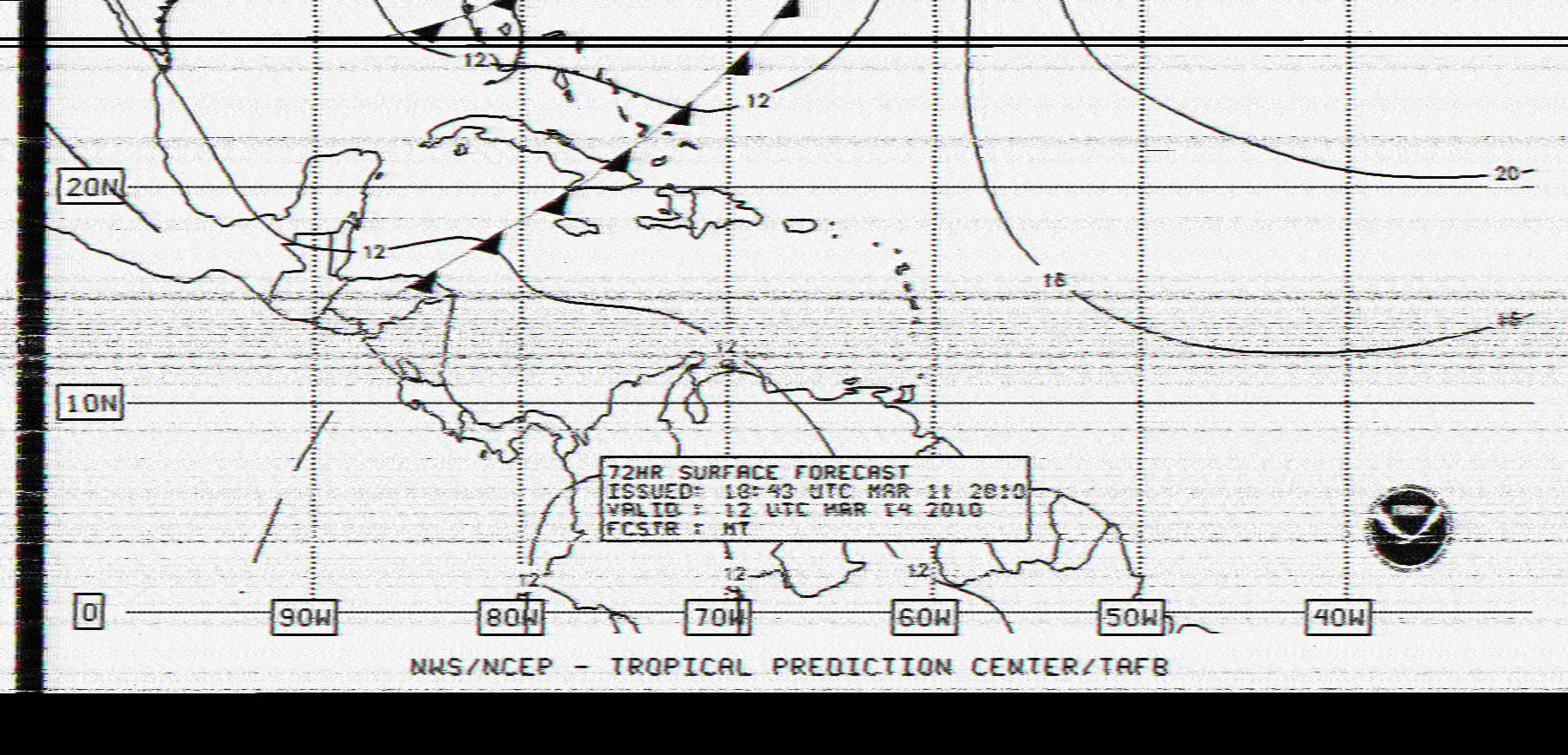
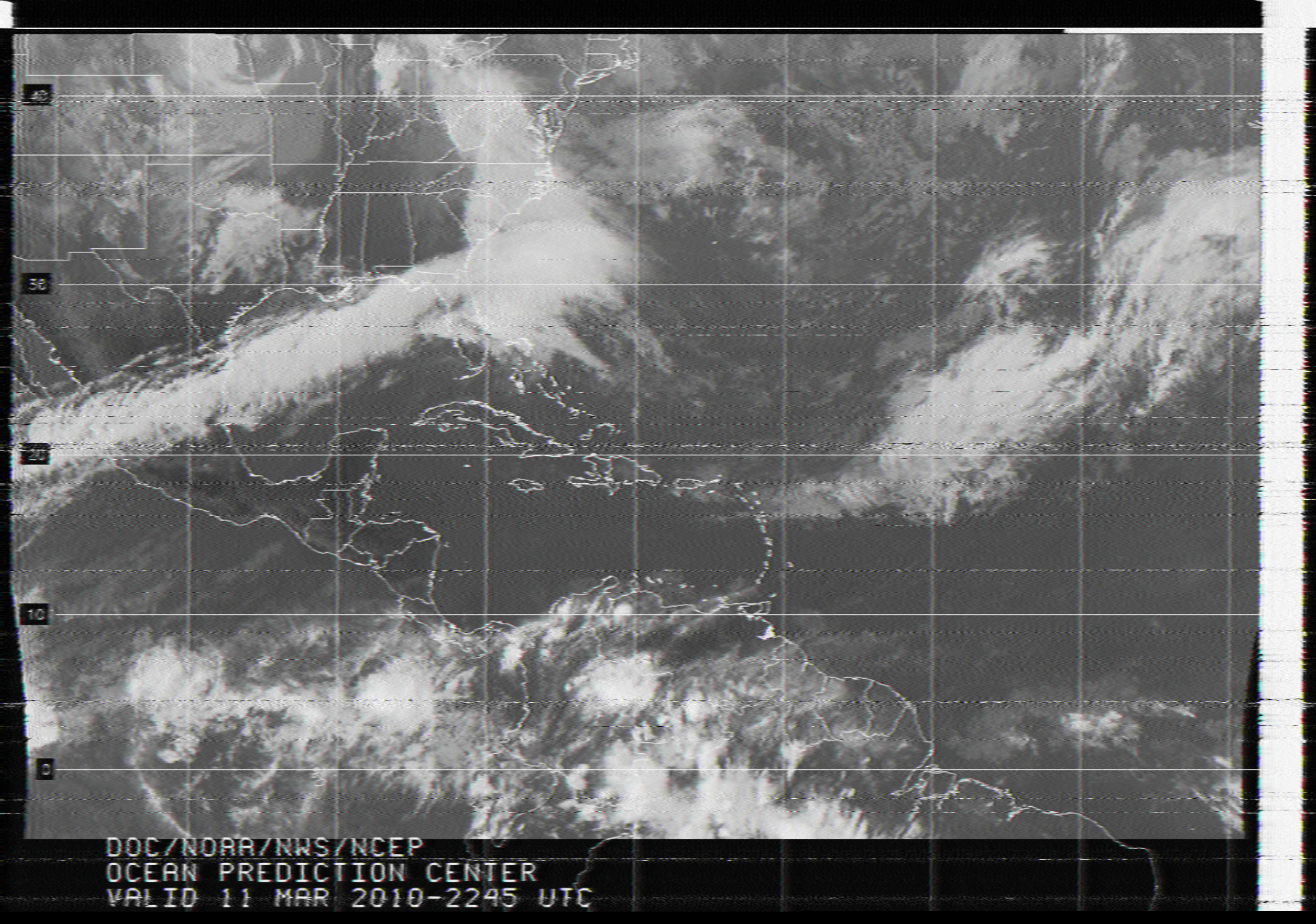
round/egg issue. Here are two images received yesterday, scaled to
1808 horizontally...

http://fyngyrz.com/wf1.png
http://fyngyrz.com/wf2.png

So either sample at 2x the rate, or just duplicate the sample so the
image is twice as wide if doubling the sample rate is impractical.
Another option is to discard every other incoming line, but this is
undesirable as it loses significant details.
There might be an error in my formula:
index_of_correlation = 576 ;
m_img_width = ( index_of_correlation * M_PI ) / 2.0 ;
This gives 904. Should I drop the division ? On the other hand, the
image will have to be scaled in order to fit naturally on a typical
screen, which is not very convenient with the FLTK library. This is
possible but I will have to manipulate two buffers: One for the image as
received from the fax, and another one, scaled to the desired
proportion. Possible but maybe cpu and memory hungry. What do you think?
This is related to zoom in/out feature.
I can certainly add zoom in/ zoom out buttons. Is it what you mean ?
Yes. Often, during reception, it is convenient to see only a small
version of what is coming in. When the image is done, that's the time
to enlarge the window and scale the received fax to 1:1. Larger than
1:1, say 2:1, is nice, but not a must. Smaller is highly desirable,
though.
6) line mode (threshold the signal to b/w at 1900 hz)
OK.
7) grey mode - linear grey levels from black (1500 hz) to white (2300 hz)
OK. This is the current mode, no ?
Yes.
This make me think that Hamfax is able to send/receive color faxes. As I
could never find an emitter, I have no idea whether this is useful or
not. What do you think ? Same for the possiblity to receive faxes in
inverted mode.
I was althgough thinking about applying
image enhagcement filters on -the-fly, but hesitated because this can be
done with image editing tools such as Gimp or Photoshop, and chose initially
to focus on pure "radio fax" features.
Yes, I'd definitely vote to avoid this. Let the image come in as-is,
and filter it later. Although I think filters from the community are
highly desirable. Just a C code model that can be linked in, no XML or
other complicated mechanisms. Just add a "filter" menu, hand us a
pointer to the image data, define the XY resolution and pixel size and
packing, and we'll do the rest.
This should probably go with a zoom/1808/color/line mode release - that
is, a redesign of the display layer - that I promise to do :):), but I
need a bit of a thinking :)
8) reception to memory so display is never a restricting factor on
resolution or sample rate
There is not limit on the height of images: I just add a hard-limit of 10000
lines because no reasonable fax should have this size (Most are about 1300
lines). When this size is reached, an image file is saved and the image
cleared.
My concern here is that during reception, if you move or resize the
window, black areas appear in the image that never seem to be
refreshed. Perhaps the data is there and this is a display code issue.
Do you mean horizontal black lines ? I have this problem too, and as
well when another task on my PC takes all the CPU (make -j3). This is
why I need more information about the behaviour of sampling on a heavily
loaded machine. Maybe wefax is too cpu-intensive?
From there, a plug-in system for image processing operators would be
wonderful.
Yes, I was thinking about adding xml-rpc calls.
Ouch. Well, my vote is no XML, thank you very much. Really, all we
need is a pointer and five chunks of data, and we can process the
image without any further complications:

a pointer to image base
x resolution
y resolution
data size (word, byte, nybble)
data packing (two nybbles/byte, etc.)
packing order:

I recommend (presuming nybbles in bytes):

struct fimage:
{
    word *image; // NULL if invalid, otherwise points to image in RAM.
    long xwidth; // ex 1808
    long ywidth; // ex 1200
    long pixelbits; // ex 4
    long pixelsperword; // ex 4
    long packingorder; // 0.W.X.Y (unused)(LR or RL within word)(LR or
RL within line)(TB or BT within image)
// packingorder ex in hex: 0000: (unused)(LR)(LR)(TB) [this is natural
bigendian ordering)
}
No problem with that because this is close to the layout of the existing
"picture" class. Now, where would you like to have this entry point ? At
which stage of the processing ? When displaying ? Should I reuse
'picture' or create a brand new class?
The displayed images and the file captures are stretched in the vertical
dimension. Circles appear quite egg-shaped. This may be more related to
the
station I was receiving than the program itself, but it would be cool if
there were some way to compensate for that.
This is right, I will work on this. Again, I wished at first stage to focus
on pure fax features
Just change horizontal sample rate to 1808 and it will fix itself. :)

--Ben
AA7AS
_______________________________________________
fldigi-alpha mailing list
[email protected]
https://lists.berlios.de/mailman/listinfo/fldigi-alpha