Hi,

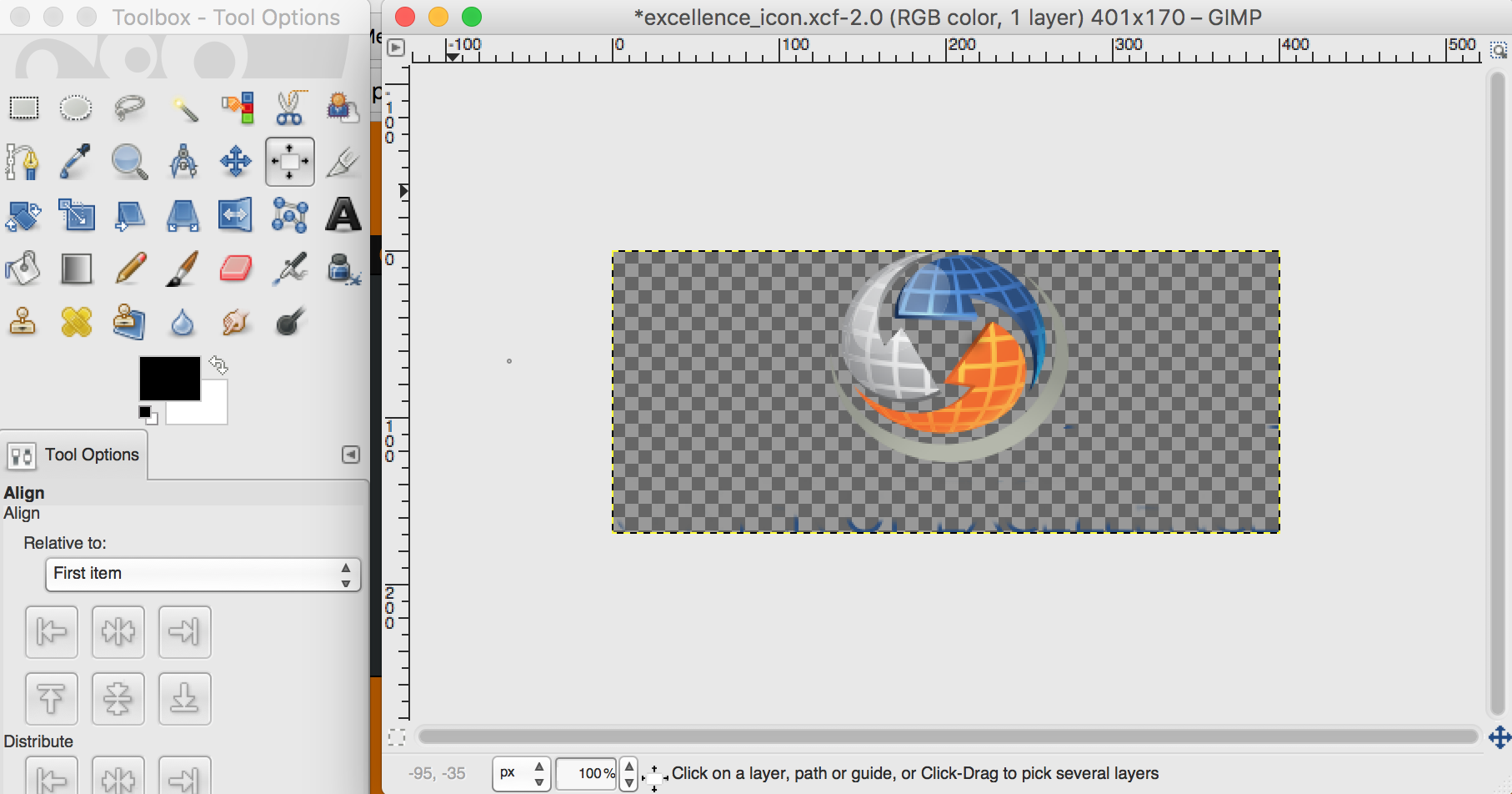
I'm using Gimp 2.8.18 on Mac Sierra.  I opened an image, erased a few things,
and now want to shrink the canvas to only capture the image.  I tried "Image" ->
"AutoCrop Image" and "Image" -> "Fit Canvas to Image" from the menu, but neither
of them did anything.  My image remains as you see it in my screen shot.  This
is a PNG image, so not sure if that affects thinngs . How do I eliminate all the
unnecessary space around my image and keep only the image itself?
 - Dave

Attachments:
*
http://www.gimpusers.com/system/attachments/408/original/Screen_Shot_2016-12-28_at_4.23.34_PM.png

--
laredotornado (via www.gimpusers.com/forums)
_______________________________________________
gimp-user-list mailing list
List address:    [email protected]
List membership: https://mail.gnome.org/mailman/listinfo/gimp-user-list
List archives:   https://mail.gnome.org/archives/gimp-user-list