In GIMP try 600 or 1200 dpi.
Otherwise, use a vector program like Inkscape (at 600 dpi) which can be
exported as a PDF.
Rick S.
-----Original Message-----
From: 21stDigitalBoy
Sent: Friday, February 24, 2017 11:20 AM
To: [email protected]
Cc: [email protected]
Subject: [Gimp-user] Printing 24" x 36"

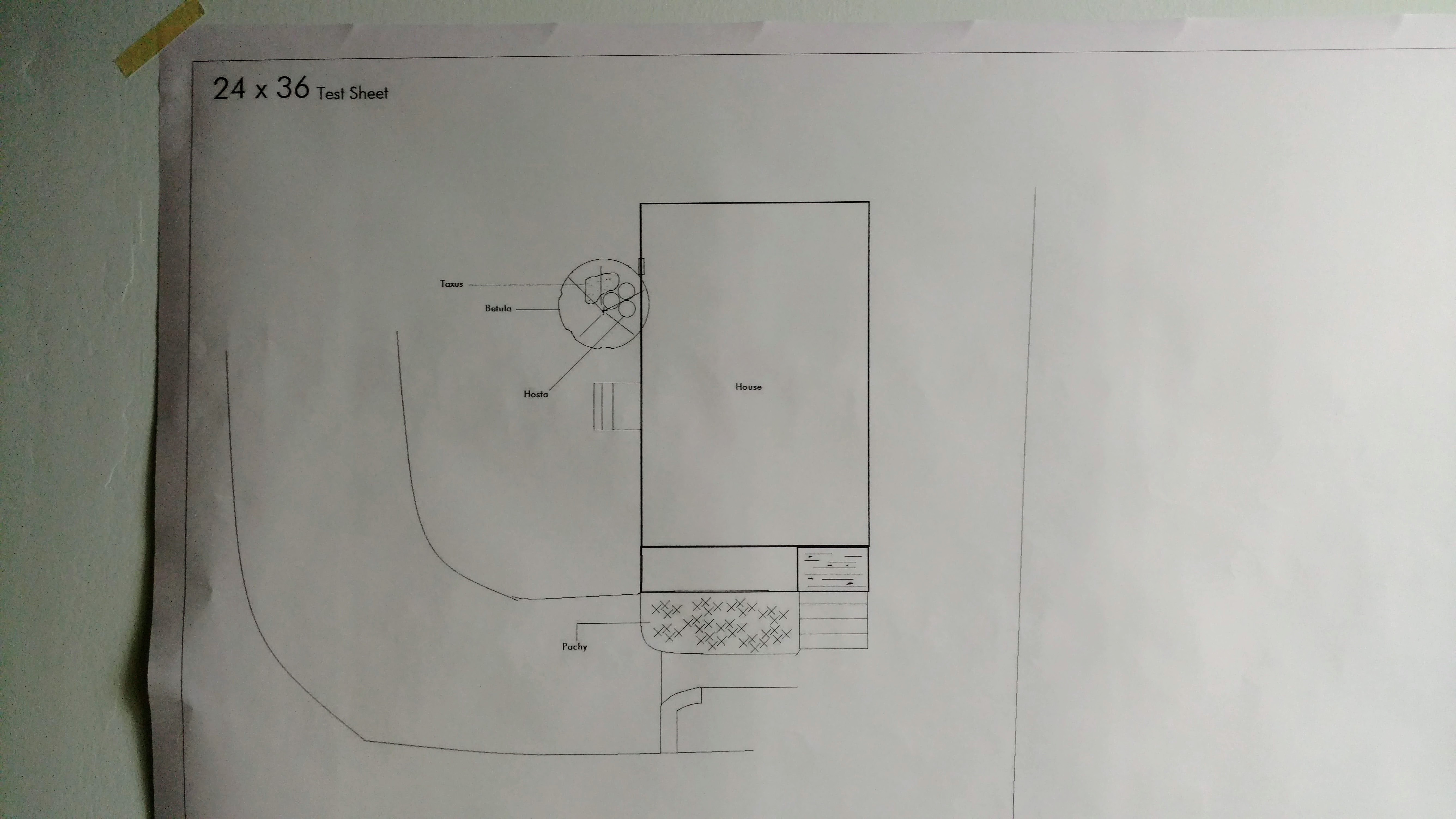
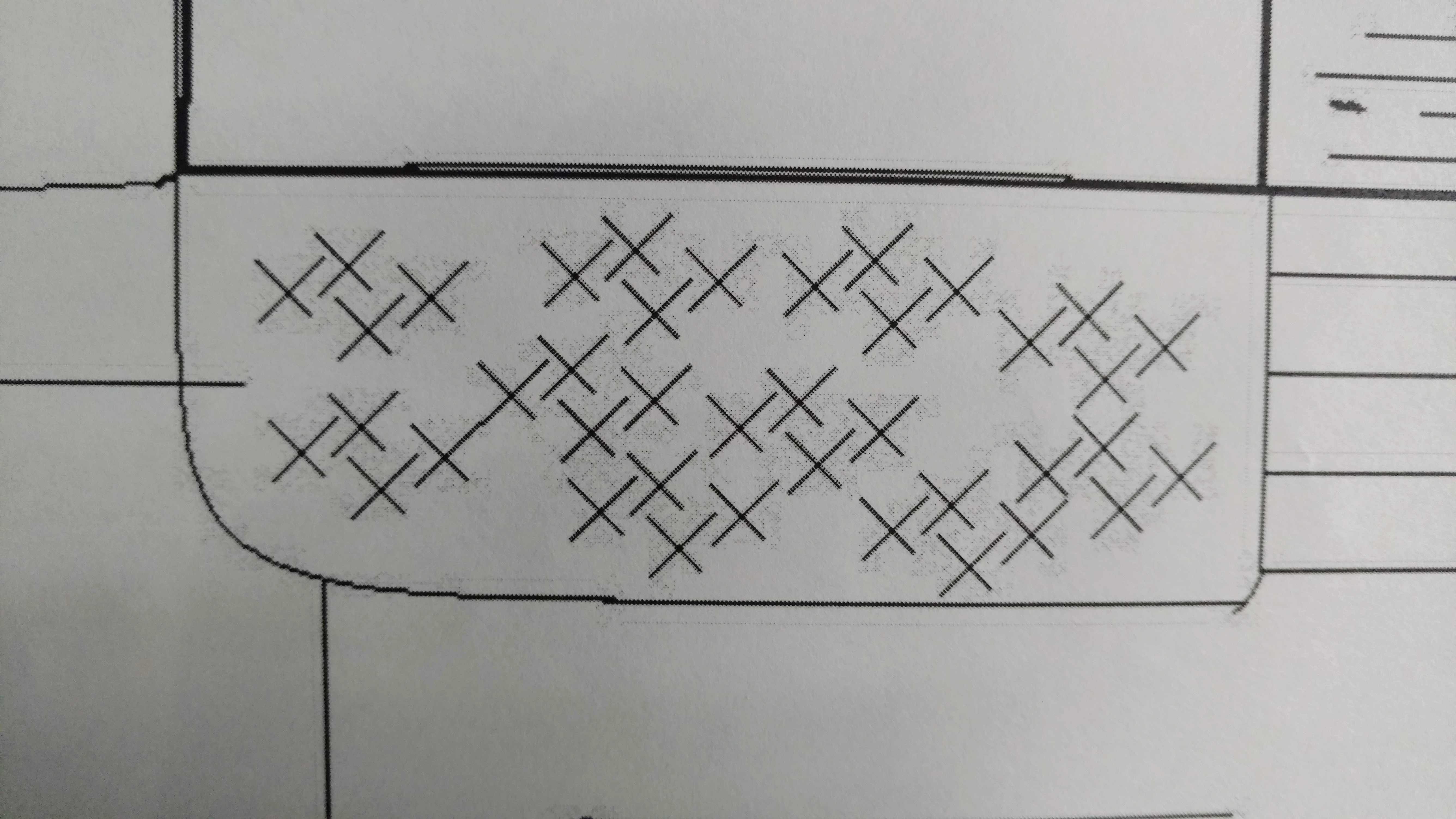
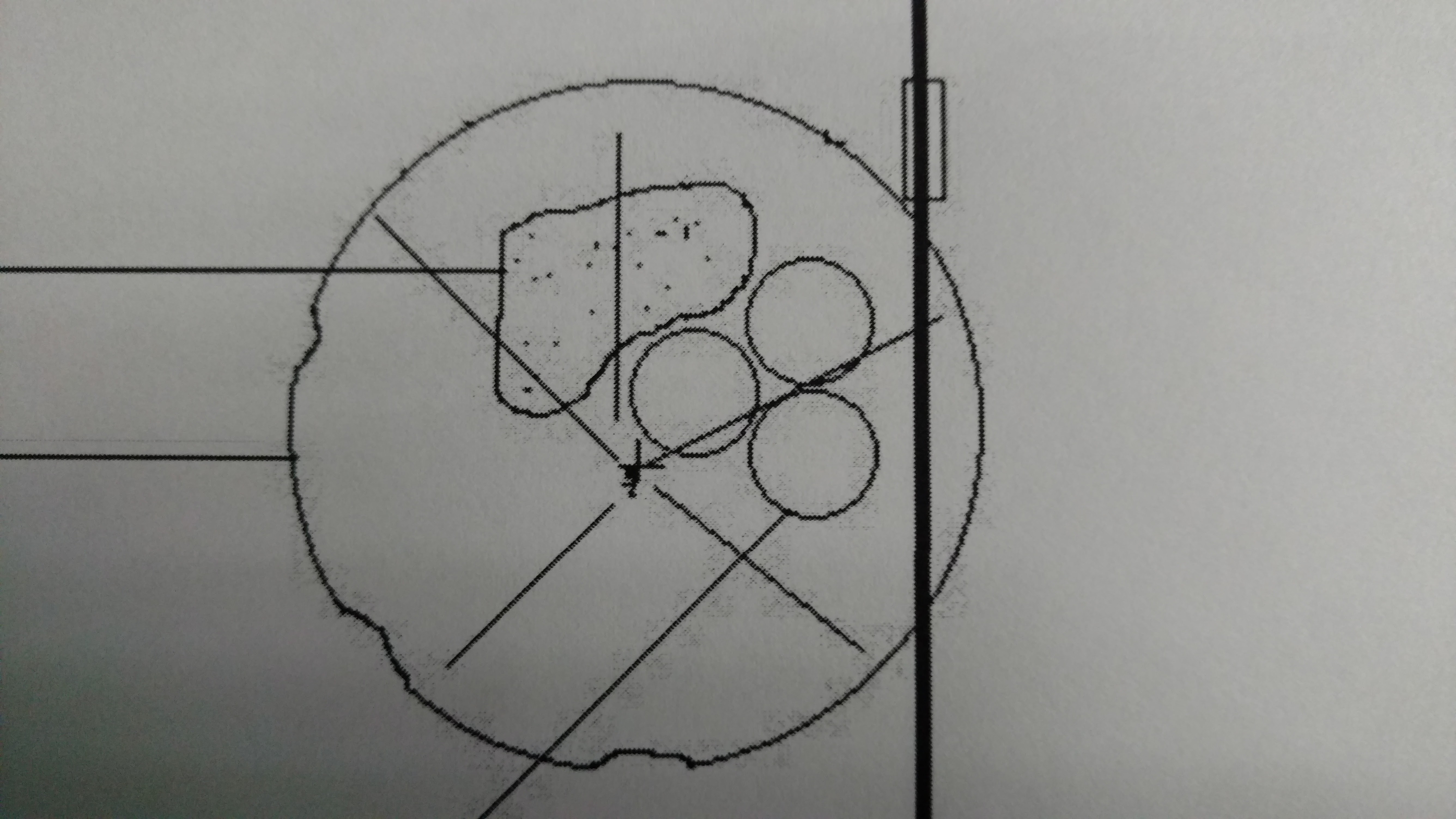
When printing engineering/architectural prints at 24" x 36" the prints show
pixelation around all of the lines.  I saved the image as .png at 300 DPI.
I use Staples for my printing and they turn the .png into a PDF before
printing.
I'm curious if I should be exporting as s a .tiff or another file format.

And what resolution should I set?

Is the issue caused by transparency, RGB?

I've attached images of the prints that show the pixelation/artifacts.

Attachments:
*
http://www.gimpusers.com/system/attachments/489/original/IMG_20170224_105240816.jpg
*
http://www.gimpusers.com/system/attachments/490/original/IMG_20170224_105248610.jpg
*
http://www.gimpusers.com/system/attachments/491/original/IMG_20170224_110838403.jpg
--
21stDigitalBoy (via www.gimpusers.com/forums)
_______________________________________________
gimp-user-list mailing list
List address:    [email protected]
List membership: https://mail.gnome.org/mailman/listinfo/gimp-user-list
List archives: https://mail.gnome.org/archives/gimp-user-list
_______________________________________________
gimp-user-list mailing list
List address:    [email protected]
List membership: https://mail.gnome.org/mailman/listinfo/gimp-user-list
List archives:   https://mail.gnome.org/archives/gimp-user-list