You are aware that if you simply upscale an image to this ammount of
pixels (24'' x 36 '' at 300dpi => 7200px x 10800px)  you wn gain more
definition at the corners if you start with a low resolution image,
aren't you?
Also, the JPEG file format is no tmeant for file art, and it will
create the artifacts as they are shown - it is better for colored
pictures only .  Save your images as "png"  instead.

(Saving as JPG and afterwards converting them to PDF won't do - you
have to save as PNG from the program where you draw the lines, and
never transition them through the JPG file format)

On 24 February 2017 at 13:20, 21stDigitalBoy <[email protected]> wrote:
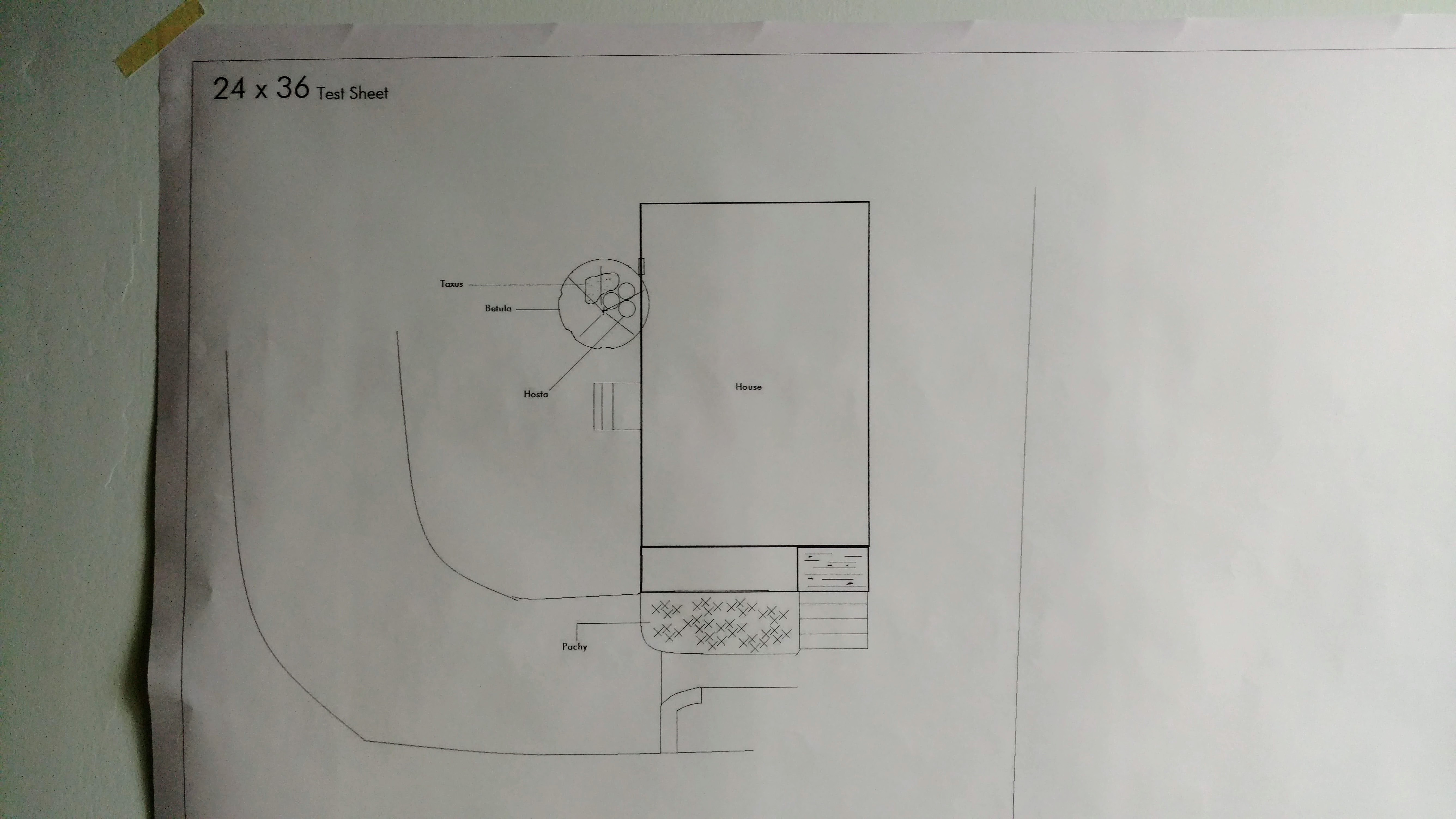
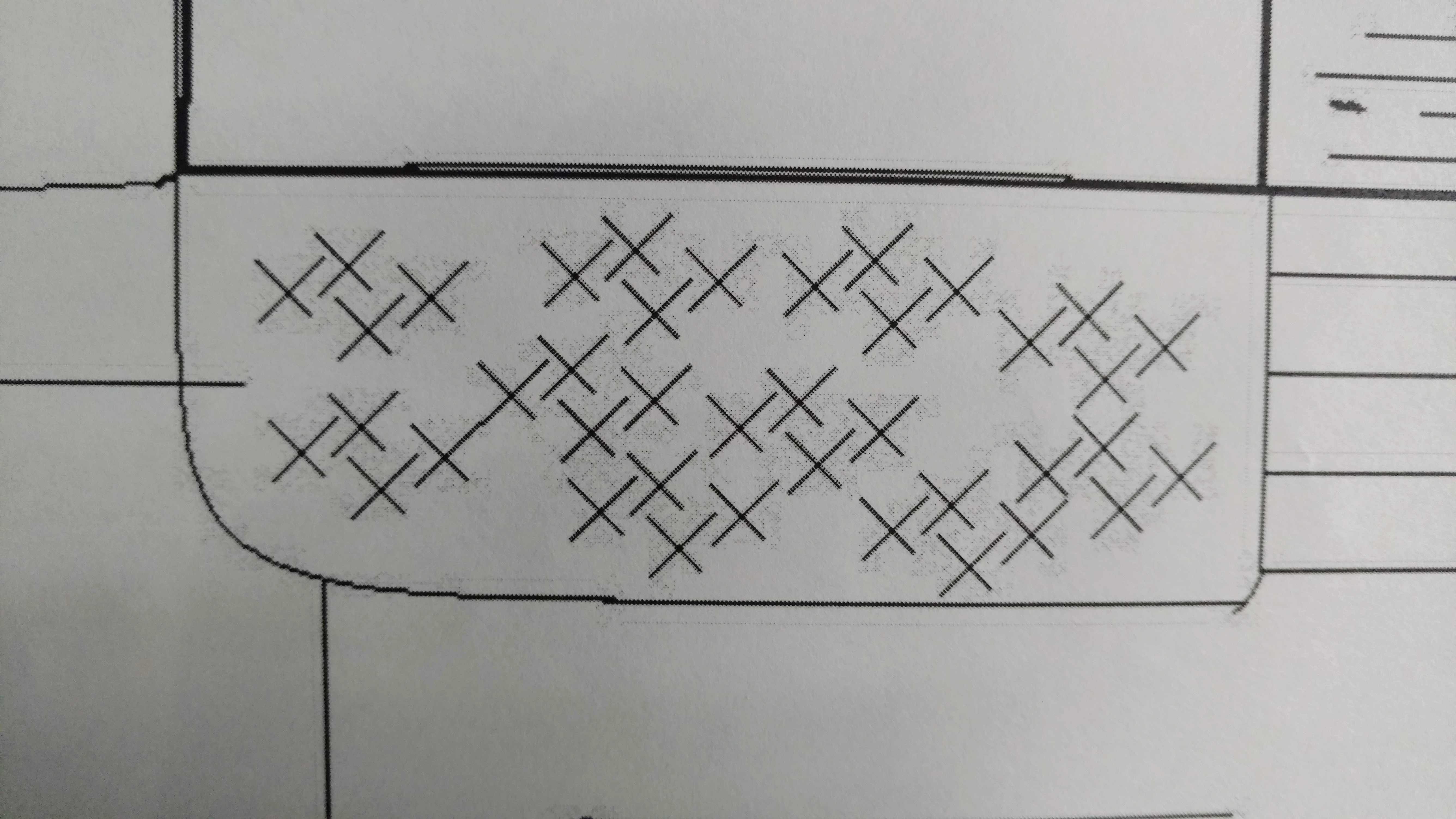
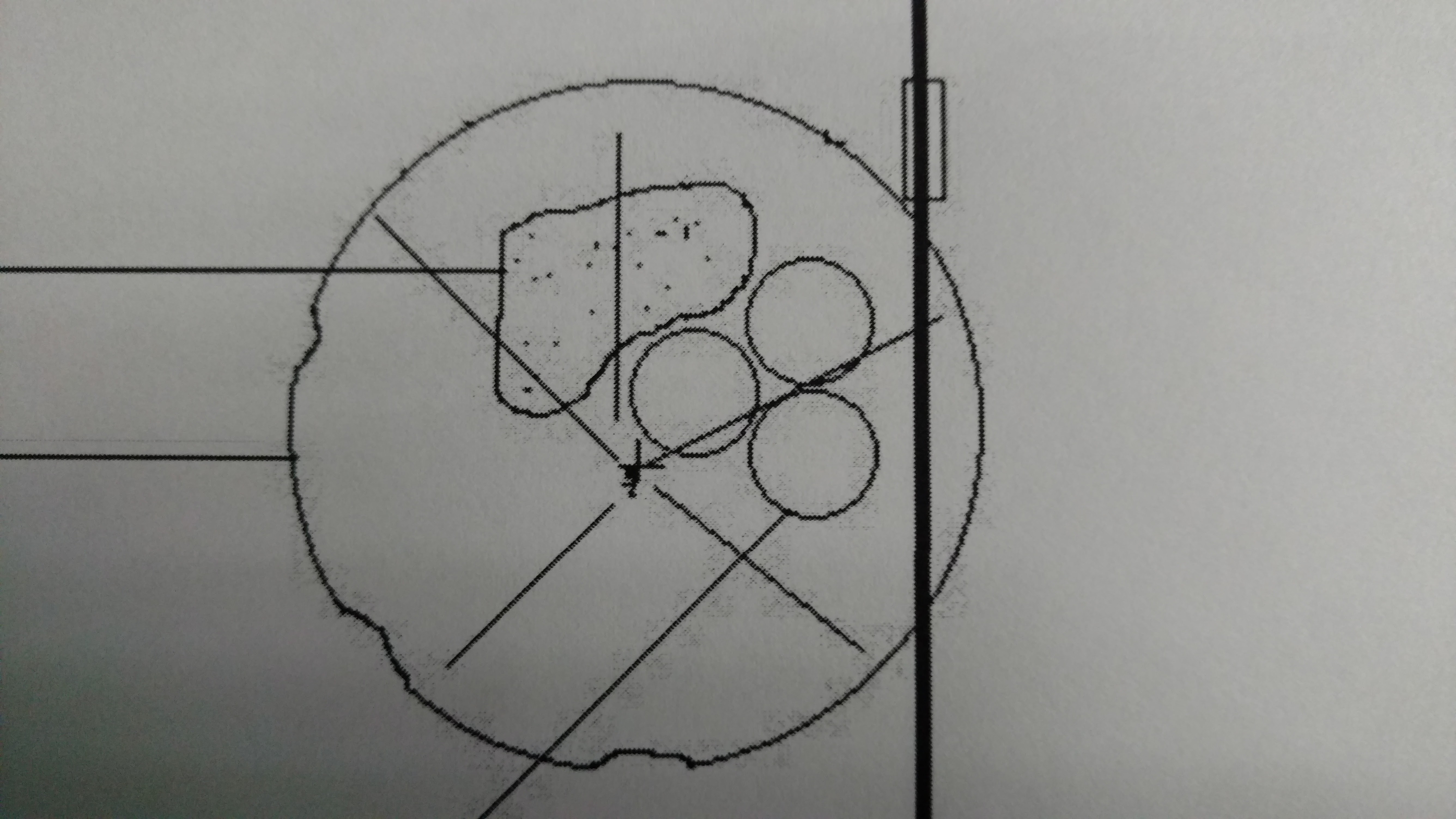
> When printing engineering/architectural prints at 24" x 36" the prints show
> pixelation around all of the lines.  I saved the image as .png at 300 DPI.
>
> I use Staples for my printing and they turn the .png into a PDF before
> printing.
>
> I'm curious if I should be exporting as s a .tiff or another file format.
>
> And what resolution should I set?
>
> Is the issue caused by transparency, RGB?
>
> I've attached images of the prints that show the pixelation/artifacts.
>
> Attachments:
> *
> http://www.gimpusers.com/system/attachments/489/original/IMG_20170224_105240816.jpg
> *
> http://www.gimpusers.com/system/attachments/490/original/IMG_20170224_105248610.jpg
> *
> http://www.gimpusers.com/system/attachments/491/original/IMG_20170224_110838403.jpg
>
> --
> 21stDigitalBoy (via www.gimpusers.com/forums)
> _______________________________________________
> gimp-user-list mailing list
> List address:    [email protected]
> List membership: https://mail.gnome.org/mailman/listinfo/gimp-user-list
> List archives:   https://mail.gnome.org/archives/gimp-user-list
_______________________________________________
gimp-user-list mailing list
List address:    [email protected]
List membership: https://mail.gnome.org/mailman/listinfo/gimp-user-list
List archives:   https://mail.gnome.org/archives/gimp-user-list