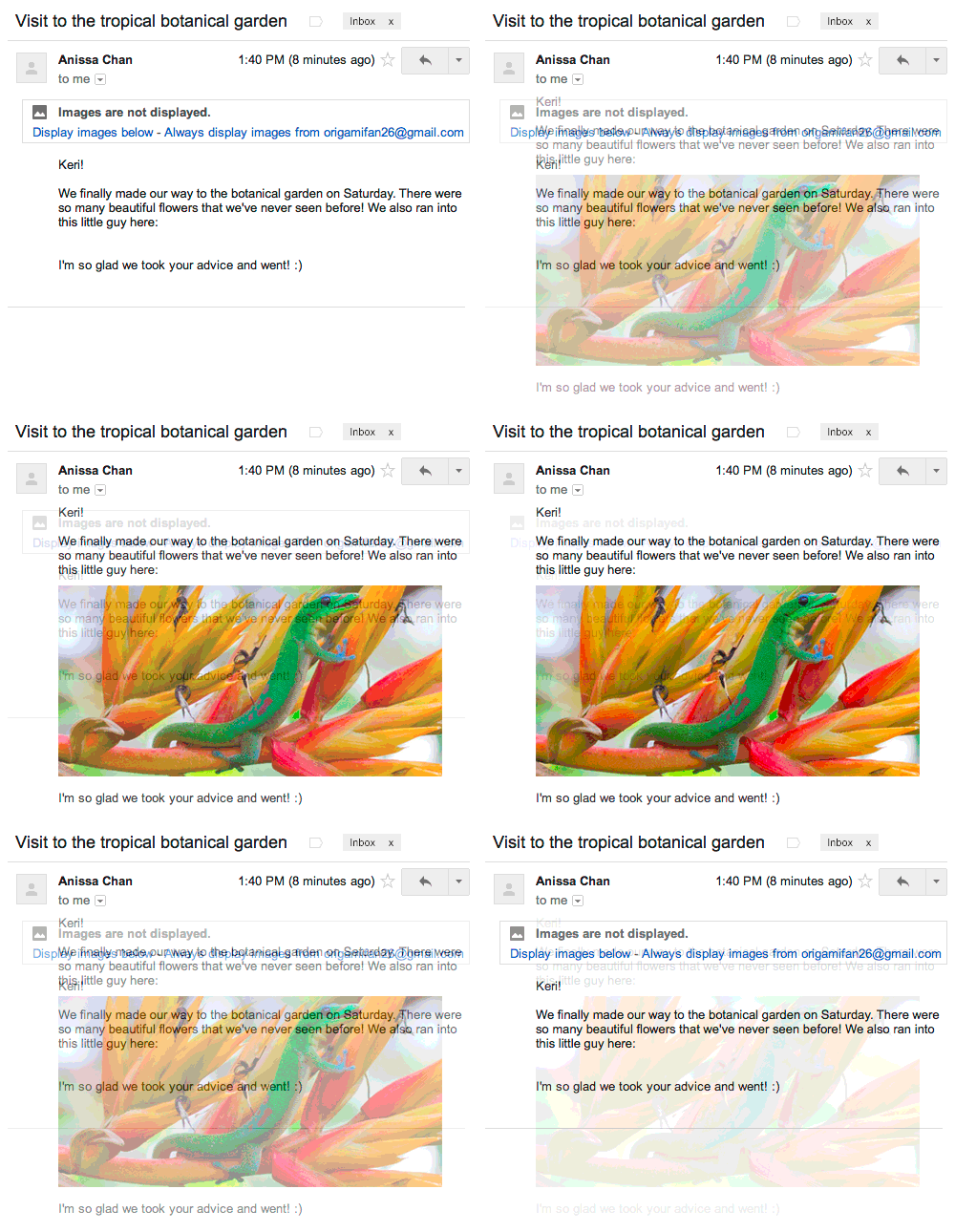
That was supposed to be one of the benefits of not automatically loading.
 Web Beacons <http://www.webopedia.com/TERM/W/Web_beacon.html> can be used
as images in your e-mail, and they load from "the bad guys server"; so when
you open your e-mail they get your IP as well as when you loaded it.
Gmail's new policy is proxying the loading, so that gets them away from
getting your IP; but they'll still know you opened the message.  Since
they're not getting any PII (Personally Identifyable Information), the
chance that they know "Jeff" read his e-mail is pretty slim.. If they were
getting the image load directly, instead of proxied, they could get your
system name, browser, etc... and piece together a picture that told them it
was "Jeff"

I think those that are still worried about the spammers knowing you read
your mail are overly paranoid.  Sure it could happen at this point, but
that would be a very targeted attack.  That level of attack is nearly
impossible to completely avoid.


On Tue, Dec 17, 2013 at 12:57 PM, Jeff Grossman <[email protected]> wrote:

> What are people's opinion of this change?  I have read a few different
> articles about how this is could be a way for spammers to see that you are
> reading your e-mails.  I don't know enough about how a proxy server works
> to know if this is true or people just paranoid over Google making a change.
>
> Jeff
>
>
> On Thursday, December 12, 2013 8:51:07 AM UTC-8, Jeff Grossman wrote:
>>
>> Images Now
>> Showing<http://feedproxy.google.com/~r/OfficialGmailBlog/~3/41XZeQULHq8/images-now-showing.html>
>> Dec 12th 2013, 16:45, by The Gmail
>> Team<http://www.blogger.com/profile/10103598893707869193>
>>
>> Posted by John Rae-Grant, Product Manager
>>
>> Have you ever wondered why Gmail asks you before showing images in
>> emails? We did this to protect you from unknown senders who might try to
>> use images to compromise the security of your computer or mobile device.
>>
>> But thanks to new improvements in how Gmail handles images, you’ll soon
>> see all images displayed in your messages automatically across desktop, iOS
>> and Android. Instead of serving images directly from their original
>> external host servers, Gmail will now serve all
>> images<https://support.google.com/mail?p=display_images> through
>> Google’s own secure proxy servers.
>>
>> So what does this mean for you? Simple: your messages are more safe and
>> secure, your images are checked for known viruses or malware, and you’ll
>> never have to press that pesky “display images below” link again. With this
>> new change, your email will now be safer, faster and more beautiful than
>> ever.
>> <http://3.bp.blogspot.com/-dfDs31rgu_g/UqnaXicP5wI/AAAAAAAABMc/TbGFnBUxcTM/s1600/Images.gif>
>> Of course, those who prefer to authorize image display on a per message
>> basis can choose the option “Ask before displaying external images” under
>> the *General* tab in *Settings*. That option will also be the default
>> for users who previously selected “Ask before displaying external content”.
>>
>> Similar to existing features like default https
>> access<http://gmailblog.blogspot.com/2010/01/default-https-access-for-gmail.html>
>> , suspicious activity
>> detection<http://gmailblog.blogspot.com/2010/03/detecting-suspicious-account-activity.html>,
>> and free two-step
>> verification<http://gmailblog.blogspot.com/2011/02/advanced-sign-in-security-for-your.html>,
>> image proxying is another way your email is protected. This new improvement
>> will be rolling out on desktop starting today and to your Gmail mobile apps
>> in early 2014.
>>
>  --
> You received this message because you are subscribed to the Google Groups
> "Gmail-Users" group.
> To unsubscribe from this group and stop receiving emails from it, send an
> email to [email protected].
> To post to this group, send email to [email protected].
> Visit this group at http://groups.google.com/group/gmail-users.
> For more options, visit https://groups.google.com/groups/opt_out.
>

--
You received this message because you are subscribed to the Google Groups
"Gmail-Users" group.
To unsubscribe from this group and stop receiving emails from it, send an email
to [email protected].
To post to this group, send email to [email protected].
Visit this group at http://groups.google.com/group/gmail-users.
For more options, visit https://groups.google.com/groups/opt_out.