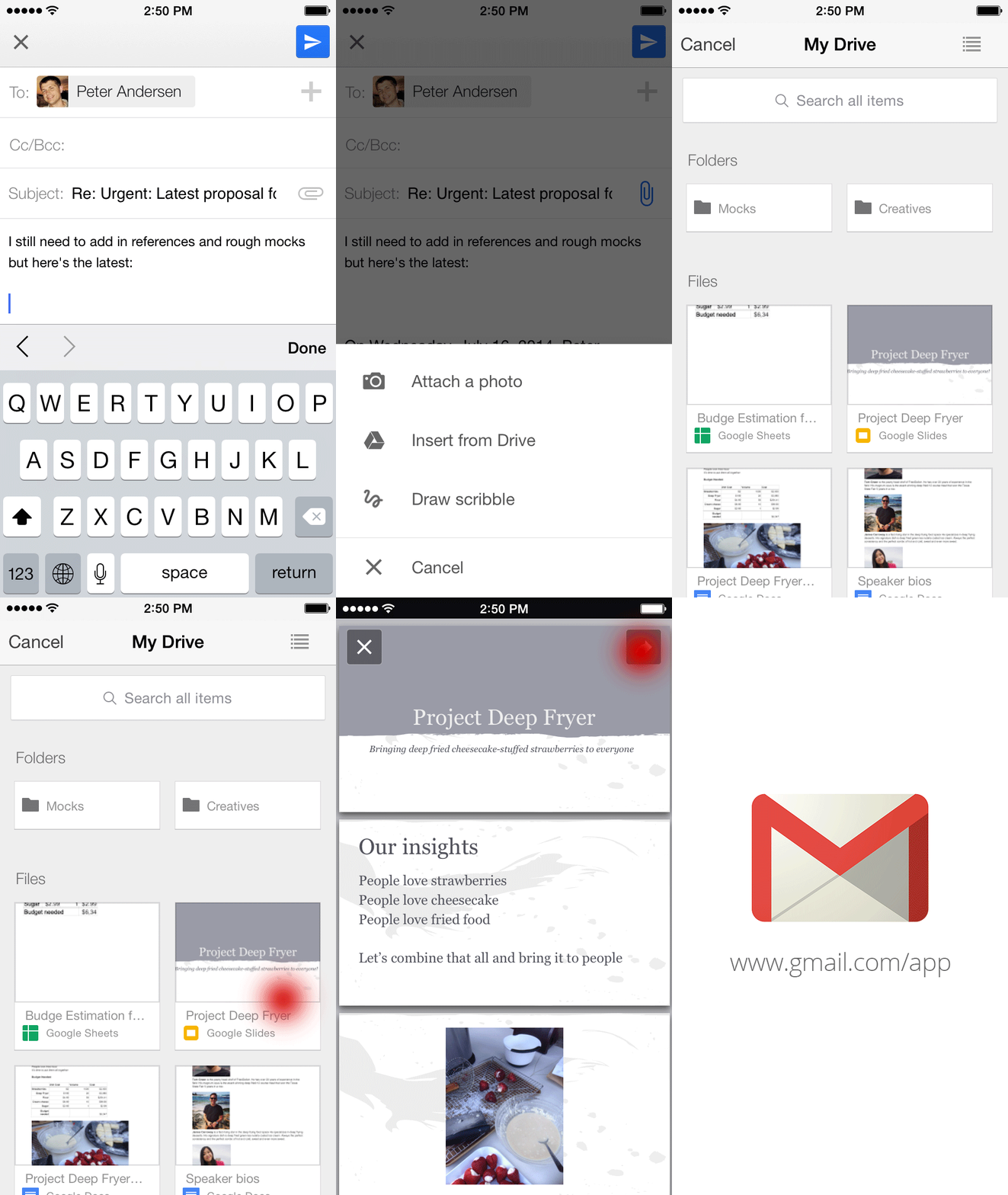
Gmail and Google Drive — working better together while you’re on-the-go
<http://feedproxy.google.com/~r/OfficialGmailBlog/~3/vUAC0gF1GaE/gmail-and-google-drive-working-better.html>
Jul 24th 2014, 18:35, by The Gmail Team
<http://www.blogger.com/profile/10103598893707869193>
Posted by Simon Forsyth, Software Engineer

Important stuff doesn't always happen when you’re conveniently sitting at
your desk. Maybe you're out to dinner when your boss tells you that she
needs the latest project proposal ASAP, or your daughter calls you on your
commute home to ask you to proofread her college essay (that’s of course
due that night!). While we can't make your life more predictable, today's
update to the Gmail iOS app, along with earlier
<https://plus.google.com/+Gmail/posts/djZoJ7ZaBJ8> updates
<https://plus.google.com/+Gmail/posts/F7Aqk1hXF6L> to the Gmail Android
app, makes it easier to get stuff done on-the-go.

Just like with Gmail on the web
<http://gmailblog.blogspot.com/2012/11/gmail-and-drive-new-way-to-send-files.html>,
you can now insert files from Google Drive directly into an email on your
phone or tablet.
<http://2.bp.blogspot.com/-oezOzXT1ZuQ/U9E9x3GVDpI/AAAAAAAABSw/5WkNXRvVPlg/s1600/InsertFromDriveiOS.gif>
The apps will even tell you if your file isn’t shared with the person
you’re sending it to so you can change the sharing settings before you send
it. And to help you store all your files in a single place, if someone
sends you an email attachment, you can save it directly to Drive with one
tap.
<http://1.bp.blogspot.com/-bVwwfBo89MM/U9E94rEbtiI/AAAAAAAABS4/JA1pCf8TfgU/s1600/SavetoDriveAndroid.png>
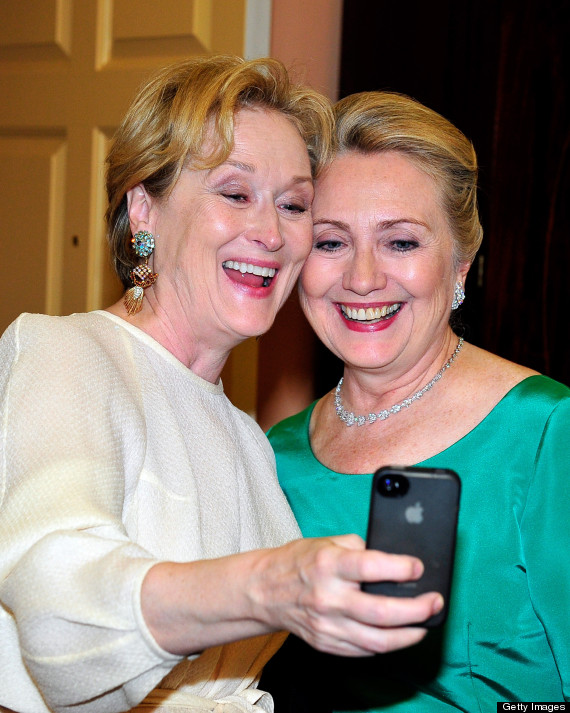
On iOS, you can now also change your profile picture right from your
Settings. So the next time you take that perfect selfie
<http://i.huffpost.com/gen/886238/thumbs/o-HILLARY-CLINTON-MERYL-STREEP-570.jpg?4>,
you can make it your profile picture right away, all while out with
friends. Lastly, if you have multiple Gmail accounts, you can choose which
signed-in accounts you want visible in the app.

You can give these features a try by downloading the updated Gmail iOS app
from the App Store
<https://itunes.apple.com/us/app/gmail-email-from-google/id422689480?mt=8>,
and if you’re using an Android phone or tablet, you can get the latest
version of the Gmail Android app from the Google Play Store
<https://play.google.com/store/apps/details?id=com.google.android.gm>.
<http://feeds.feedburner.com/~ff/OfficialGmailBlog?a=vUAC0gF1GaE:llDJtFaKWfE:yIl2AUoC8zA>

<http://feeds.feedburner.com/~ff/OfficialGmailBlog?a=vUAC0gF1GaE:llDJtFaKWfE:-BTjWOF_DHI>

--
You received this message because you are subscribed to the Google Groups
"Gmail-Users" group.
To unsubscribe from this group and stop receiving emails from it, send an email
to [email protected].
To post to this group, send email to [email protected].
Visit this group at http://groups.google.com/group/gmail-users.
For more options, visit https://groups.google.com/d/optout.