This is cool but a while back I ended up switching to Dropbox because Drive
was extremely unreliable. It failed to sync more often than it synced, and
would fail permanently very often, suggesting I disconnect and reconnect my
Drive. Google was uninterested in addressing this issue back when I, and
many many other were having this trouble. I love Google and still use Drive
to store my documents but I don't have it syncing folders, or even
installed on my system anymore. It was simply unusable as a working folder.
Dropbox has zero issues. I haven't had any problems with it in the time
I've had it and I use it as a working folder all day long.
On Thursday, July 24, 2014 5:20:40 PM UTC-7, Jeff Grossman wrote:
>
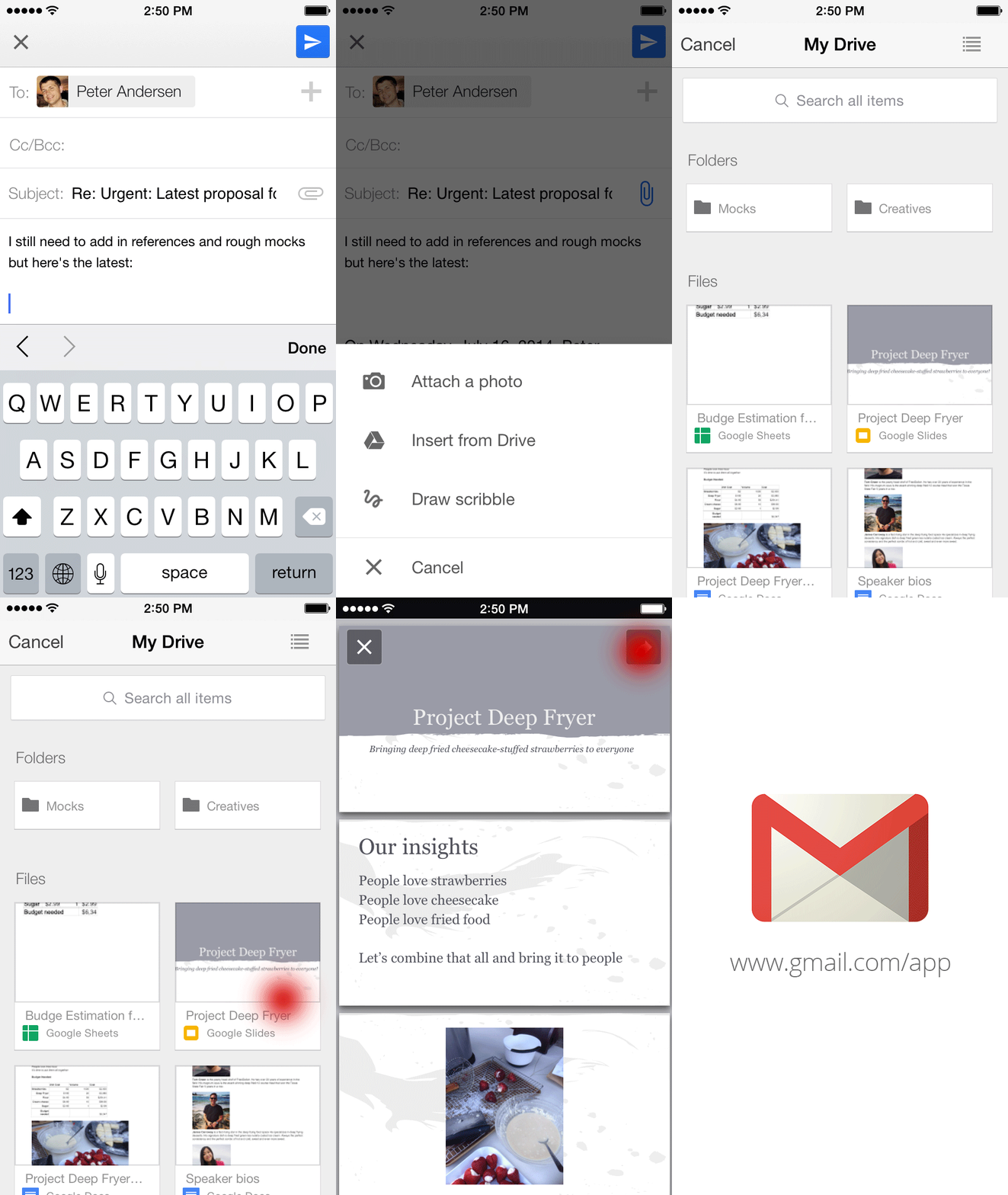
> Gmail and Google Drive — working better together while you’re on-the-go
> <http://feedproxy.google.com/~r/OfficialGmailBlog/~3/vUAC0gF1GaE/gmail-and-google-drive-working-better.html>
> Jul 24th 2014, 18:35, by The Gmail Team
> <http://www.blogger.com/profile/10103598893707869193>
>
> Posted by Simon Forsyth, Software Engineer
>
> Important stuff doesn't always happen when you’re conveniently sitting at
> your desk. Maybe you're out to dinner when your boss tells you that she
> needs the latest project proposal ASAP, or your daughter calls you on your
> commute home to ask you to proofread her college essay (that’s of course
> due that night!). While we can't make your life more predictable, today's
> update to the Gmail iOS app, along with earlier
> <https://plus.google.com/+Gmail/posts/djZoJ7ZaBJ8> updates
> <https://plus.google.com/+Gmail/posts/F7Aqk1hXF6L> to the Gmail Android
> app, makes it easier to get stuff done on-the-go.
>
> Just like with Gmail on the web
> <http://gmailblog.blogspot.com/2012/11/gmail-and-drive-new-way-to-send-files.html>,
>
> you can now insert files from Google Drive directly into an email on your
> phone or tablet.
>
> <http://2.bp.blogspot.com/-oezOzXT1ZuQ/U9E9x3GVDpI/AAAAAAAABSw/5WkNXRvVPlg/s1600/InsertFromDriveiOS.gif>
> The apps will even tell you if your file isn’t shared with the person
> you’re sending it to so you can change the sharing settings before you send
> it. And to help you store all your files in a single place, if someone
> sends you an email attachment, you can save it directly to Drive with one
> tap.
>
> <http://1.bp.blogspot.com/-bVwwfBo89MM/U9E94rEbtiI/AAAAAAAABS4/JA1pCf8TfgU/s1600/SavetoDriveAndroid.png>
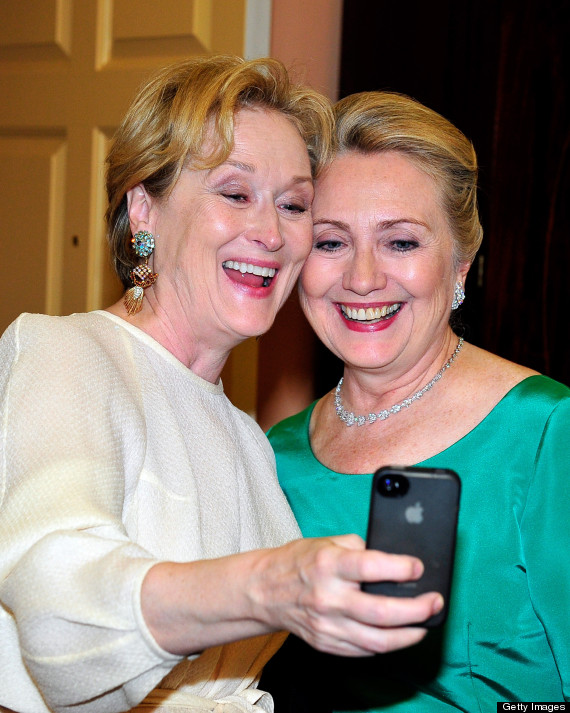
> On iOS, you can now also change your profile picture right from your
> Settings. So the next time you take that perfect selfie
> <http://i.huffpost.com/gen/886238/thumbs/o-HILLARY-CLINTON-MERYL-STREEP-570.jpg?4>,
>
> you can make it your profile picture right away, all while out with
> friends. Lastly, if you have multiple Gmail accounts, you can choose which
> signed-in accounts you want visible in the app.
>
> You can give these features a try by downloading the updated Gmail iOS app
> from the App Store
> <https://itunes.apple.com/us/app/gmail-email-from-google/id422689480?mt=8>,
> and if you’re using an Android phone or tablet, you can get the latest
> version of the Gmail Android app from the Google Play Store
> <https://play.google.com/store/apps/details?id=com.google.android.gm>.
>
> <http://feeds.feedburner.com/~ff/OfficialGmailBlog?a=vUAC0gF1GaE:llDJtFaKWfE:yIl2AUoC8zA>
>
> <http://feeds.feedburner.com/~ff/OfficialGmailBlog?a=vUAC0gF1GaE:llDJtFaKWfE:-BTjWOF_DHI>
>

--
You received this message because you are subscribed to the Google Groups
"Gmail-Users" group.
To unsubscribe from this group and stop receiving emails from it, send an email
to [email protected].
To post to this group, send email to [email protected].
Visit this group at http://groups.google.com/group/gmail-users.
For more options, visit https://groups.google.com/d/optout.