Hi All,

AFAIK, Hugin always searches the entire area of each image for control
points. I use Hugin for all kinds of image registration [1], and often
I would get much better results if I could specify a "region of
interest" where the CP generator could search.
Is this possible with the present version of Hugin? Is there a trick
to getting the Align Images step to search in a limited area in each
image?

Of course I can set CPs manually, but it's a lot of work.

Thanks,
Daniel Reetz

[1]I really love using/abusing Hugin as an image registration tool. In
particular, I like to take in sequences of images, register them all
to one plane in the image, and then average the result for "synthetic
focus":

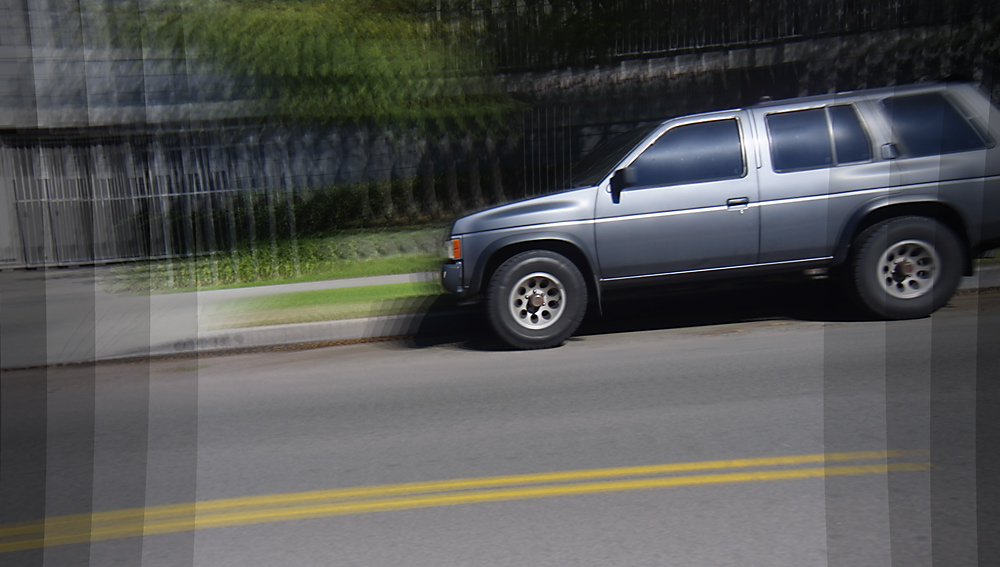
Poor example:
http://danreetz.com/for_hugin/NissanSynAp.jpg

Better example with custom software my friend Matti wrote (Warning, large!):
http://www.futurepicture.org/images/sinclair_1_full.jpg

--
You received this message because you are subscribed to the Google Groups
"Hugin and other free panoramic software" group.
A list of frequently asked questions is available at:
http://wiki.panotools.org/Hugin_FAQ
To post to this group, send email to [email protected]
To unsubscribe from this group, send email to
[email protected]
For more options, visit this group at http://groups.google.com/group/hugin-ptx