Richard,

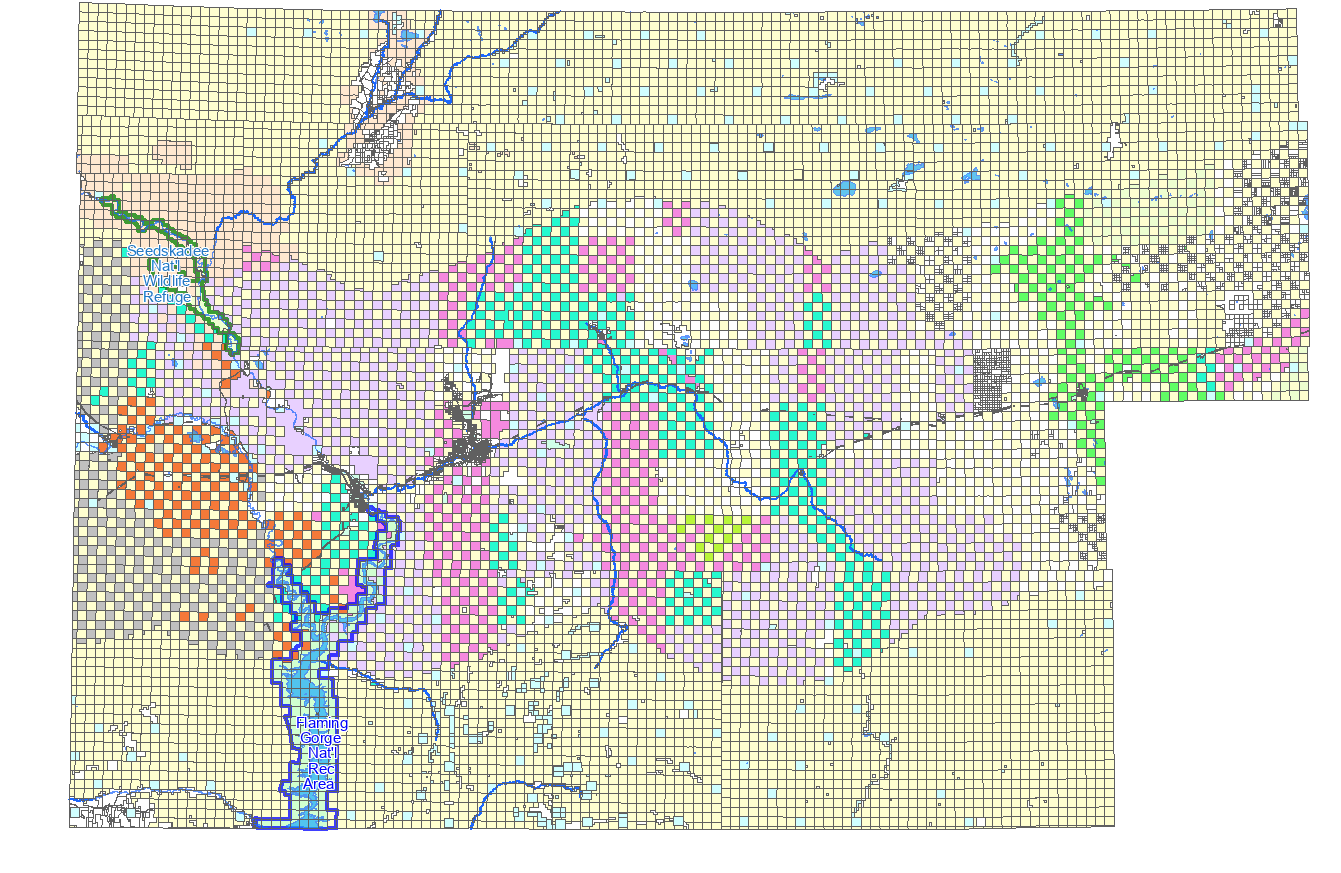
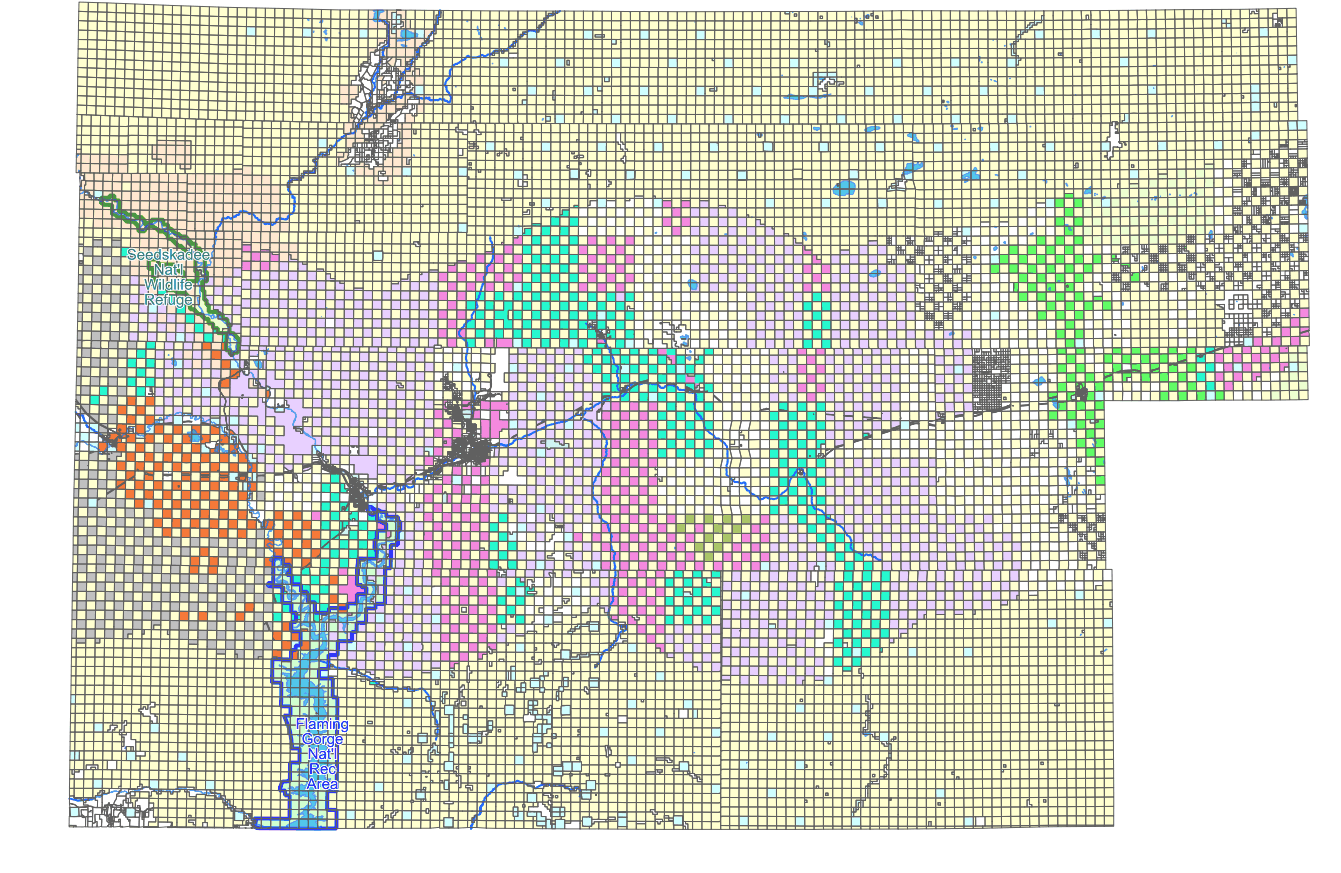
your 6.4 image is a interlaced PNG, whereas the 7.6 is a non-interlaced one.
I see in the git history a relevant commit:

$ git show 9984b39cc8f74d60eb240728df660a172a118aad
commit 9984b39cc8f74d60eb240728df660a172a118aad
Author: Thomas Bonfort <[email protected]>
Date:   Sun Oct 5 15:59:44 2008 +0000

    rgba_png: don't interlace by default
git-svn-id: http://svn.osgeo.org/mapserver/trunk@7960
7532c77e-422f-0410-93f4-f0b67bdd69e2
diff --git a/maprgbapng.c b/maprgbapng.c
index 105d8d61..c3615edd 100644
--- a/maprgbapng.c
+++ b/maprgbapng.c
@@ -357,10 +357,13 @@ int msSaveImageRGBAQuantized(gdImagePtr img,
gdIOCtx *ctx, outputFormatObj *form
     int bot_idx, top_idx;
     int remap[256];
int reqcolors = atoi(msGetOutputFormatOption( format,
"QUANTIZE_COLORS", "256"));
+    const char *interlace;
     ms_png_info info;
     info.width = gdImageSX(img);
     info.height = gdImageSY(img);
- if( strcasecmp("ON", msGetOutputFormatOption( format, "INTERLACE",
"ON" )) == 0 )
+ interlace = msGetOutputFormatOption( format, "INTERLACE", "OFF" );
+ if( strcasecmp("ON", interlace) == 0 || strcasecmp("YES",
interlace) == 0
+            || strcasecmp("1", interlace) == 0)
         info.interlaced=1;
     else
         info.interlaced=0;
But this predates 6.4 release by several years, so this doesn't explain
why you see a different behavior, unless something in 6.4 still turned
on interlacing on in that configuration.
From what I can see in the doc, the interlacing mode was removed in the
7.0 release when GD went off, so I don't think you can do much. I guess
that could be re-added but would require some coding.
Even


Le 15/05/2021 à 17:43, Richard Greenwood a écrit :
I get significantly different image sizes between MapServer 6.4 and
7.6 with the same output format definition. I've tried many variations
of the following.
OUTPUTFORMAT
  NAME "png-test"
  DRIVER "AGG/PNG"  # GD driver is same (6.4 only)
  MIMETYPE "image/png; mode=8bit"
  IMAGEMODE PC256
  FORMATOPTION "QUANTIZE_FORCE=on"
  FORMATOPTION "QUANTIZE_COLORS=256"
  EXTENSION "png"
  # TRANSPARENT on or off makes little difference
END
MapServer 6.4 <https://greenwoodmap.com/mapserv64.png> is 90kB,
MapServer 7.6 <https://greenwoodmap.com/mapserv76.png> is 320kB. Any
suggestions as to how I can get my MapServer 7.6 image sizes down
closer to what I'm getting in MapServer 6.4?
Thanks,
Rich

--
Richard W. Greenwood, PLS
www.greenwoodmap.com <http://www.greenwoodmap.com>

_______________________________________________
mapserver-users mailing list
[email protected]
https://lists.osgeo.org/mailman/listinfo/mapserver-users
--
http://www.spatialys.com
My software is free, but my time generally not.
_______________________________________________
mapserver-users mailing list
[email protected]
https://lists.osgeo.org/mailman/listinfo/mapserver-users