SylviaBABY commented on a change in pull request #837:
URL: https://github.com/apache/apisix-website/pull/837#discussion_r783570380
########## File path: website/i18n/zh/docusaurus-plugin-content-blog/2022/01/11/building-apisix-in-ubuntu-for-arm.md ########## @@ -0,0 +1,249 @@ +--- +title: "如何在 ARM Ubuntu 中构建 Apache APISIX" +authors: + - name: "郭奇" + title: "Author" + url: "https://github.com/guoqqqi"; + image_url: "https://avatars.githubusercontent.com/u/72343596?v=4"; +keywords: +- Apache APISIX +- arm +- ubuntu +- Apple Macbook Pro M1 +description: 笔者使用的是 M1 芯片的 Macbook Pro,通过阅读本文,您将了解如何在 ARM Ubuntu 中通过源码构建 Apache APISIX。 +tags: [Technology] +--- + +> 笔者使用的是 M1 芯片的 Macbook Pro,借助 [https://multipass.run/](https://multipass.run/) 安装了 Ubuntu 系统,本文记录了如何在此环境中通过源码构建 Apache APISIX。 + +<!--truncate--> + +## 克隆源码 + +首先根据 [官方文档](https://apisix.apache.org/zh/docs/apisix/how-to-build#%E9%80%9A%E8%BF%87%E6%BA%90%E7%A0%81%E5%8C%85%E5%AE%89%E8%A3%85) 克隆 APISIX 源码仓库,然后进入项目目录。 + +```shell +git clone https://github.com/apache/apisix.git +cd apisix +git checkout release/2.11 +``` + +## 安装项目依赖 + +1. 接着,我们通过脚本一键安装项目所需要的依赖,在**项目根目录**运行如下命令: + +```shell +bash utils/install-dependencies.sh +``` + +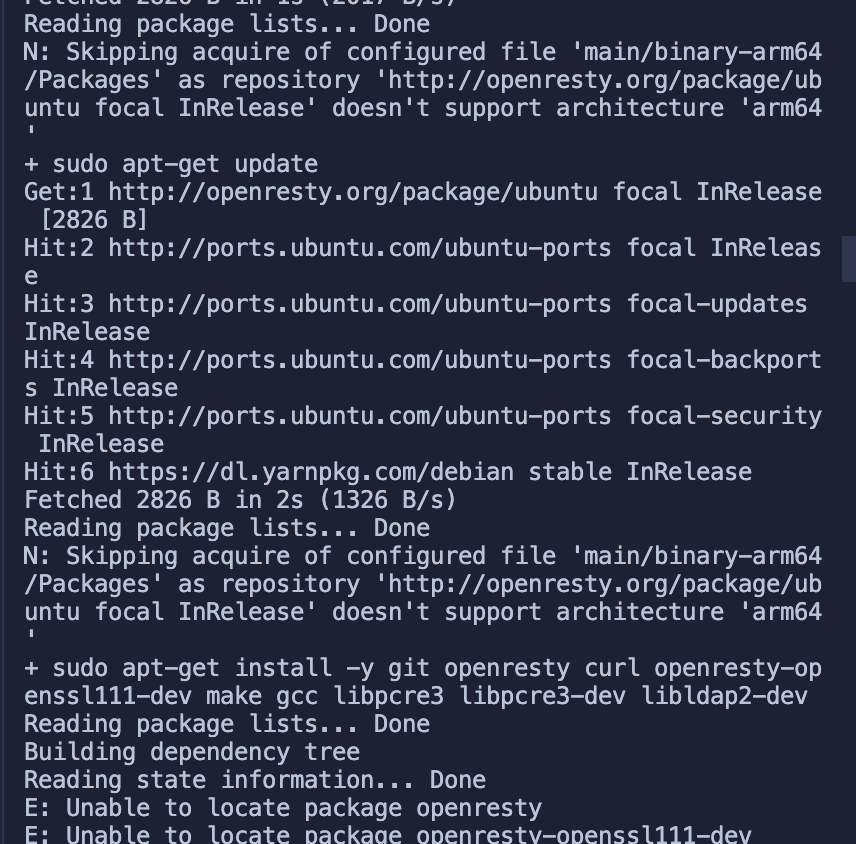 + +不出所料,没有成功跑完 🤔 通过错误提示我们知道,这里是未能成功安装 `OpenResty`。原因是默认没有 `ARM 64` 平台的源。 + +2. 下面我们手动安装下 OpenResty:参考 [https://openresty.org/cn/linux-packages.html#ubuntu](https://openresty.org/cn/linux-packages.html#ubuntu) + +- 步骤一:安装导入 GPG 公钥时所需的几个依赖包(整个安装过程完成后可以随时删除它们): + +```shell +sudo apt-get -y install --no-install-recommends wget gnupg ca-certificates +``` + +- 步骤二:导入我们的 GPG 密钥: + +```shell +wget -O - https://openresty.org/package/pubkey.gpg | sudo apt-key add - +``` + +成功: + +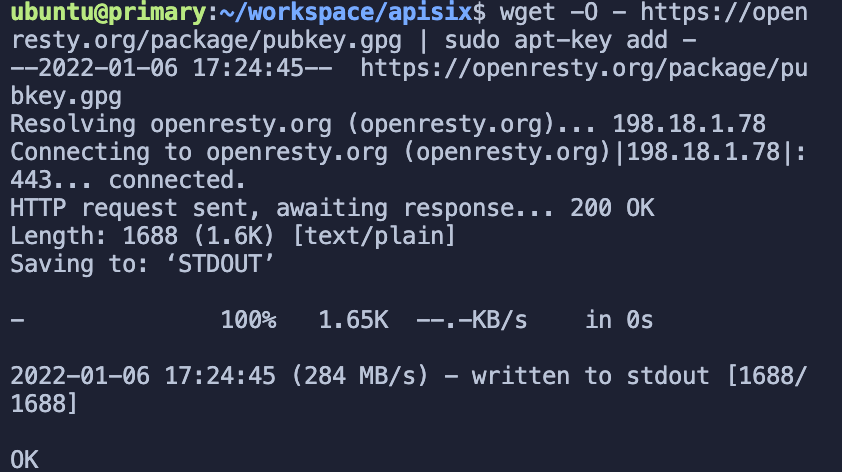 + +- 步骤三:添加 OpenResty 官方 APT 仓库。对于 x86_64 或 amd64 系统,可以使用下面的命令: + +```shell +echo "deb http://openresty.org/package/ubuntu $(lsb_release -sc) main" \ + | sudo tee /etc/apt/sources.list.d/openresty.list +``` + +- 而对于 ARM64 或 aarch64 系统,则可以使用下面的命令:(我在 M1 上运行的是该命令,上个命令会报错) + +```shell +echo "deb http://openresty.org/package/arm64/ubuntu $(lsb_release -sc) main" \ + | sudo tee /etc/apt/sources.list.d/openresty.list +``` + +- 步骤四:更新 APT 索引: + +```shell +sudo apt-get update +``` + +然后就可以像下面这样安装软件包,比如 `OpenResty`: + +```shell +sudo apt-get -y install openresty +``` + +- 步骤五:(可选)可以通过下面命令删除该包和对应的关联包: Review comment: ```suggestion - 步骤五:(可选)可以通过以下命令删除该包和对应的关联包: ``` -- This is an automated message from the Apache Git Service. To respond to the message, please log on to GitHub and use the URL above to go to the specific comment. To unsubscribe, e-mail: [email protected] For queries about this service, please contact Infrastructure at: [email protected]


