Hi all,

I've been running 1.6.X.X on a test server for the past few months, and this
has always been a "details schmetails" issue while testing functionality, but
now that we're close to going live, and any little change would cause possible
confusion, I'd like to know how this is controlled.  On our 1.4.0.7 production
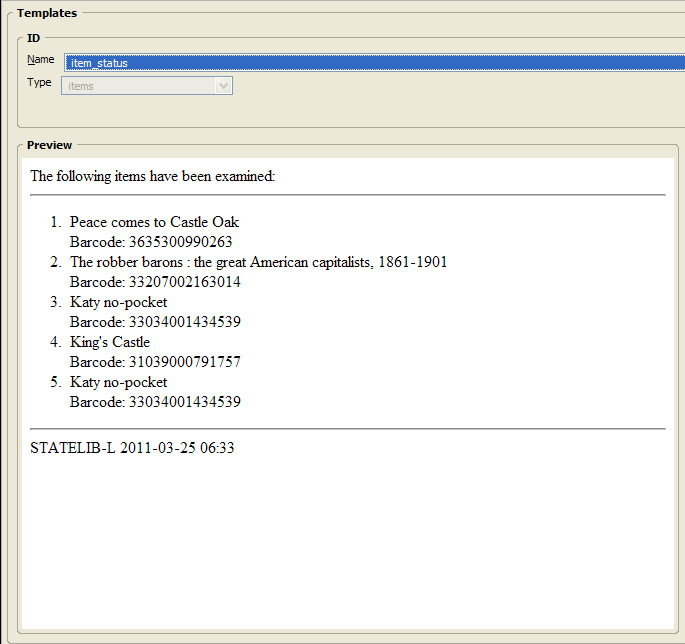
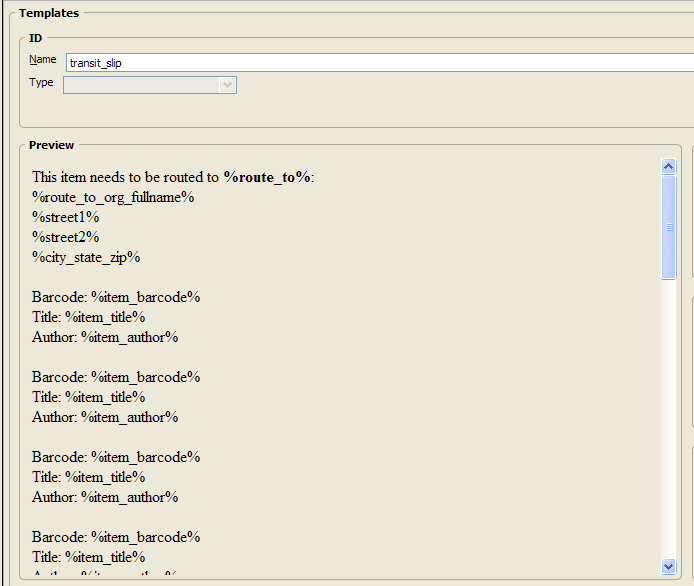
server, the backgrounds of certain staff client screens (MARC View, etc. - this
example is from the Receipt Template Editor) are white, but on my 1.6.1.7 test
server (a singleton "localhost" setup, if that makes a difference), they are
the same gray/brown color as the default window.  Examples:
1.4.0.7: http://lupin.georgialibraries.org/~csharp/white-background.png

1.6.1.7: http://lupin.georgialibraries.org/~csharp/gray-background.png

Does anyone know how this is controlled?  Is it a bug that it's no longer white?

Thanks,

Chris

--
Chris Sharp
PINES Program Manager
Georgia Public Library Service
1800 Century Place, Suite 150
Atlanta, Georgia 30345
(404) 235-7147
[email protected]
http://pines.georgialibraries.org/