Hi Dirk,
I think I fixed all occurrences
now, please give it another try.
I downloaded the dailybuild 051208, installed, recompiled the example, and ...
It's working !!!!!!! Dirk, you are *THE MAN* !!!!!! Thanks so much!
After few months of trouble, it was so pleasant to see the OpenSG
example model
together with the VRJuggler avatar, I thought I'd never see it ! I must
therefore drop some screenshots of the previously linked examples:
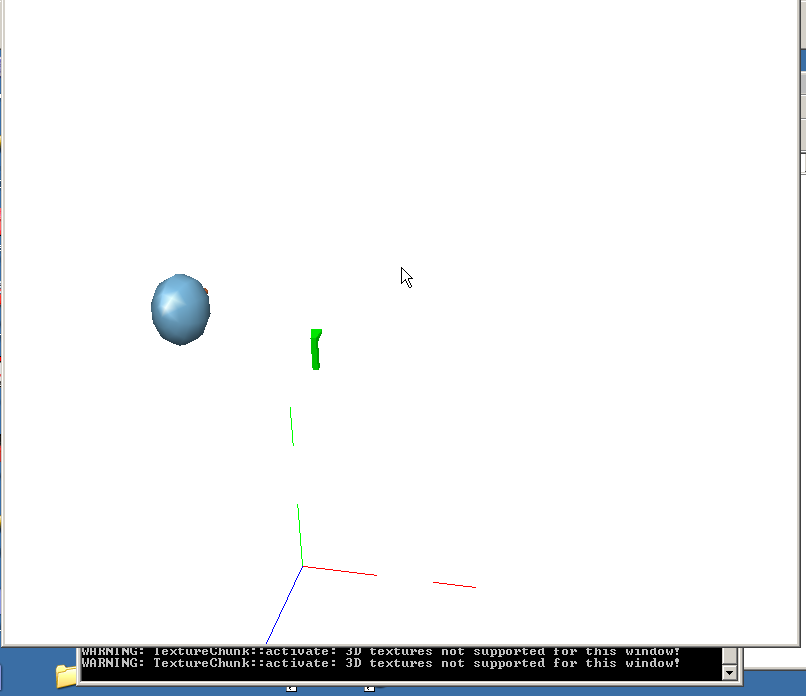
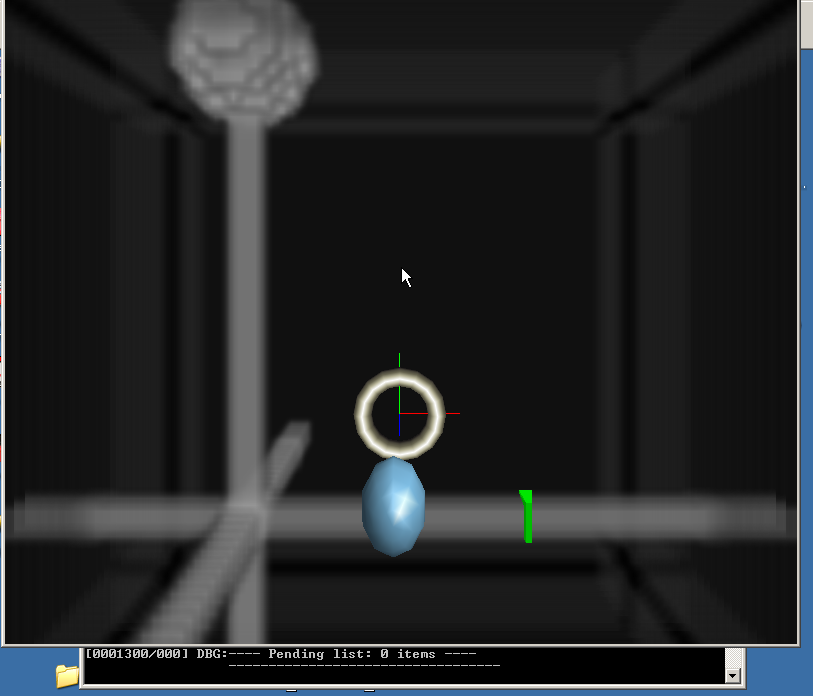
This is the simpleVolumeNodeRender in VR Juggler - the one which
anyways bugs on
my machine in debug. Still bugs (white screen), but the avatar is
there, and no
crash
http://www.smilen.net/VolrenJuggler/Volren04JugglerOKDbg.png

The release is of course fine:
http://www.smilen.net/VolrenJuggler/Volren04JugglerOKRel.png

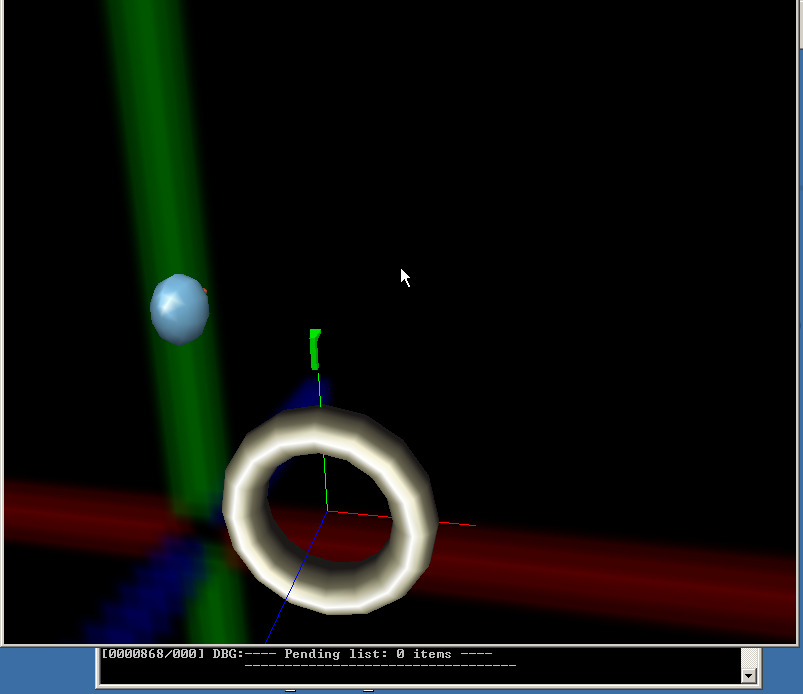
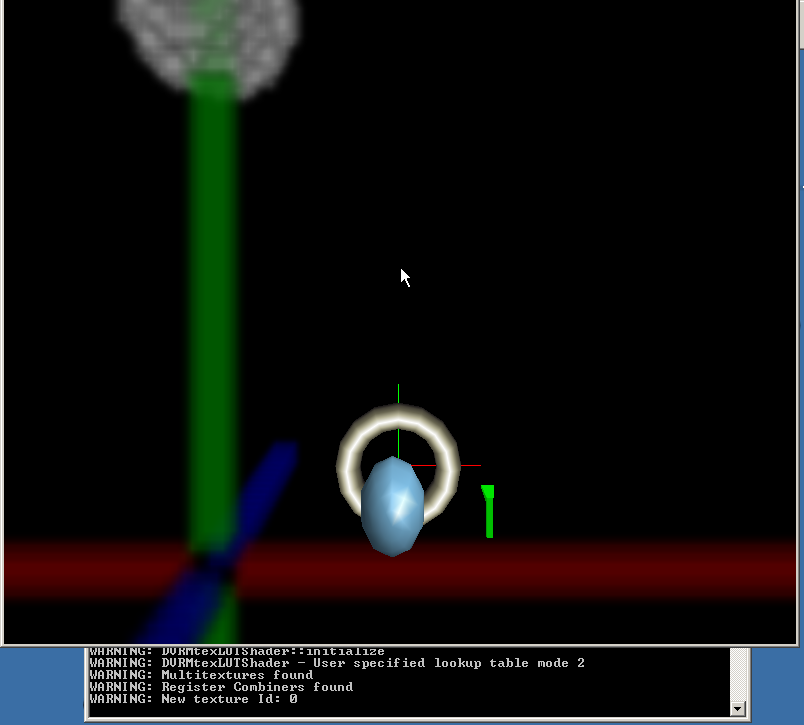
This is the example with DVRMtexLUTShader, which on my machine works fine both
in debug and release mode
http://www.smilen.net/VolrenJuggler/Volren05JugglerOKDbg.png
http://www.smilen.net/VolrenJuggler/Volren05JugglerOKRel.png
I couldn't imagine the model is so big in the VR Juggler environment,
so I tried
to scale it - it was not totally straightforward for me, so I thought
I'd share
the code for makeVolume below, with the scaling stuff included - maybe
it helps
someone:

// Create a volume rendering node with all desired attachments
OSG::NodePtr OpenSGNav::makeVolume( const char * datFile)
{
   OSG::DVRVolumePtr         vol         = OSG::DVRVolume::create();
   OSG::DVRAppearancePtr     app         = OSG::DVRAppearance::create();
   OSG::DVRVolumeTexturePtr  tex         = OSG::DVRVolumeTexture::create();

   // Load the 3D-image and store it in the volume texture attachment
   OSG::ImagePtr datImage = OSG::Image::create();
   if (false == datImage->read(datFile)) {
       SLOG << "File: " << datFile << " not found" << std::endl;
        //exit (-1);
          exit();
   }

   OSG::beginEditCP(tex);
   tex->setImage(datImage);
   tex->setFileName(datFile);
   OSG::endEditCP(tex);

   // Attach the volume texture to the appearance
   OSG::beginEditCP(app, OSG::Node::AttachmentsFieldMask);
   app->addAttachment(tex);
   OSG::endEditCP  (app, OSG::Node::AttachmentsFieldMask);

   // Assign the appearance to the volume core
   OSG::beginEditCP(vol);
   vol->setFileName(datFile);
   vol->setAppearance(app);
   vol->setShader(OSG::DVRSimpleShader::create());
   OSG::endEditCP(vol);

   // Create a node for the volume core
   OSG::NodePtr newGeom = OSG::Node::create();
   OSG::beginEditCP(newGeom);
   newGeom->setCore(vol);
   OSG::endEditCP(newGeom);

   //scale it a bit
   OSG::TransformPtr mVolTransform = OSG::Transform::create();
   gmtl::Vec3f scaler = gmtl::Vec3f(0.05f, 0.05f, 0.05f);
   OSG::Matrix scale_mat(OSG::Matrix::identity());
   scale_mat.setScale(scaler[0], scaler[1], scaler[2]);

   OSG::beginEditCP(vol);
      mVolTransform->getMatrix().multLeft(scale_mat);
   OSG::endEditCP(vol);

   OSG::NodePtr scaledGeom = OSG::Node::create();
   OSG::beginEditCP(scaledGeom);
        scaledGeom->setCore(mVolTransform);
        scaledGeom->addChild(newGeom);
   OSG::endEditCP(scaledGeom);

   //return newGeom;
        return scaledGeom;
}

Thanks again,
Cheers
smilen


-------------------------------------------------------
This SF.net email is sponsored by: Splunk Inc. Do you grep through log files
for problems?  Stop!  Download the new AJAX search engine that makes
searching your log files as easy as surfing the  web.  DOWNLOAD SPLUNK!
http://ads.osdn.com/?ad_id=7637&alloc_id=16865&op=click
_______________________________________________
Opensg-users mailing list
[email protected]
https://lists.sourceforge.net/lists/listinfo/opensg-users