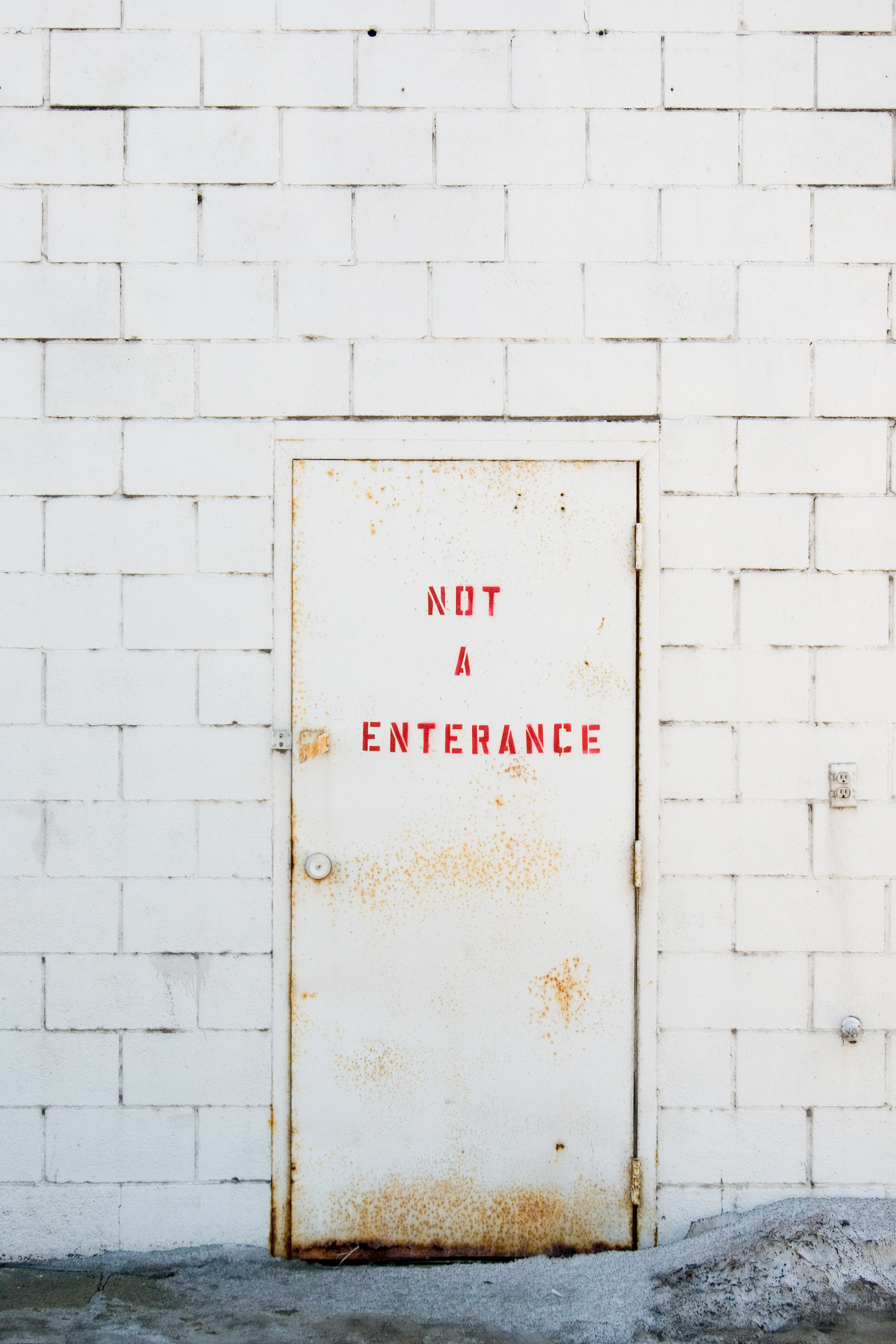
On Mar 13, 2008, at 17:15, Godfrey DiGiorgi wrote:

> Looked about the same in both on my system, Charles.
>
> It has an Adobe RGB (1998) color profile embedded.
Rats - there it is in the SAVE dialog: "Embed Adobe sRGB Profile".

That means ALL of the stuff I've been working on the past few days is
all out of whack.  I thought that my online images seemed a little
pale for my "first shots with the K10D" gallery and now I know why.

Hopefully there is either a setting on the camera (which I thought I
HAD set to sRGB as opposed to Adobe), or a setting in Camera RAW which
will just "automatically" make it sRGB without having to do the
conversion?  We'll see.

> It would likely
> look better on most systems if you converted it to sRGB and embedded
> the sRGB color profile.
>
> ps: I like it, but it seems somewhat dull and bluish on my screen.
>

Well, like I told Christine, this was a Northern exposure so it was
very VERY blue to start with.  I warmed it up a bit when I pulled it
into PS but if I made it too sunny and cheerful then... well... it
wouldn't look quite as accurate.  I was trying to strike a balance.

Redone:

http://charles.robinsontwins.org/photos/2008/IMGP3939_enterance_redone_small.jpg

and for those with bandwidth, or who care

  http://charles.robinsontwins.org/photos/2008/IMGP3939_enterance_redone.jpg
  (full sized)

Thanks for the suggestions/assistance, Godfrey.

  -Charles

--
Charles Robinson - [EMAIL PROTECTED]
Minneapolis, MN
http://charles.robinsontwins.org


--
PDML Pentax-Discuss Mail List
[email protected]
http://pdml.net/mailman/listinfo/pdml_pdml.net
to UNSUBSCRIBE from the PDML, please visit the link directly above and follow
the directions.