Jim,

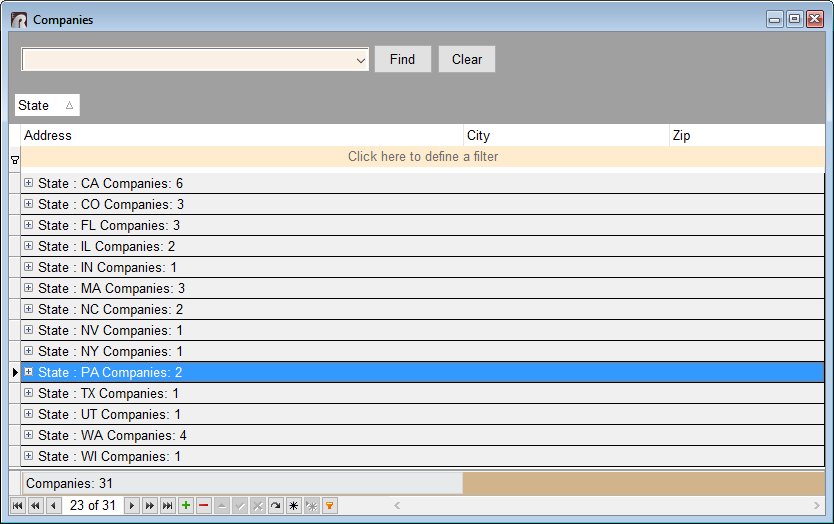
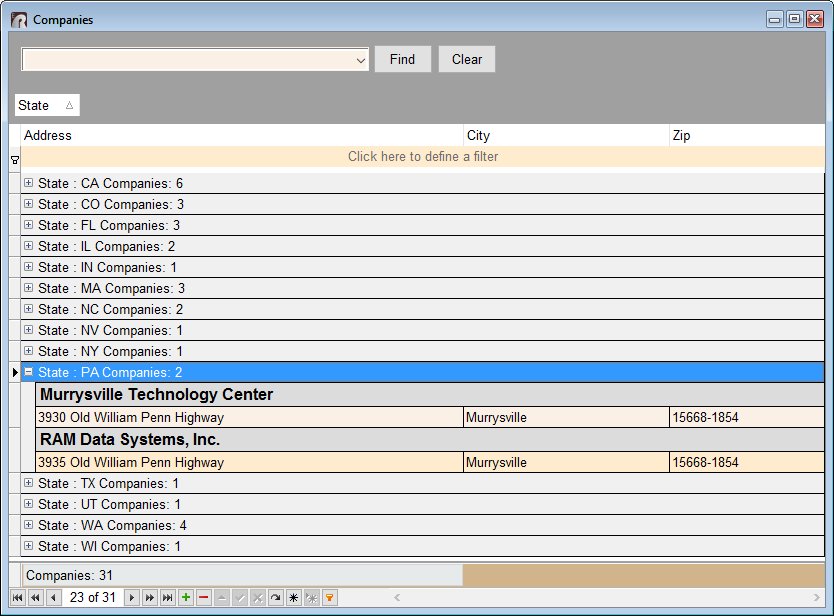
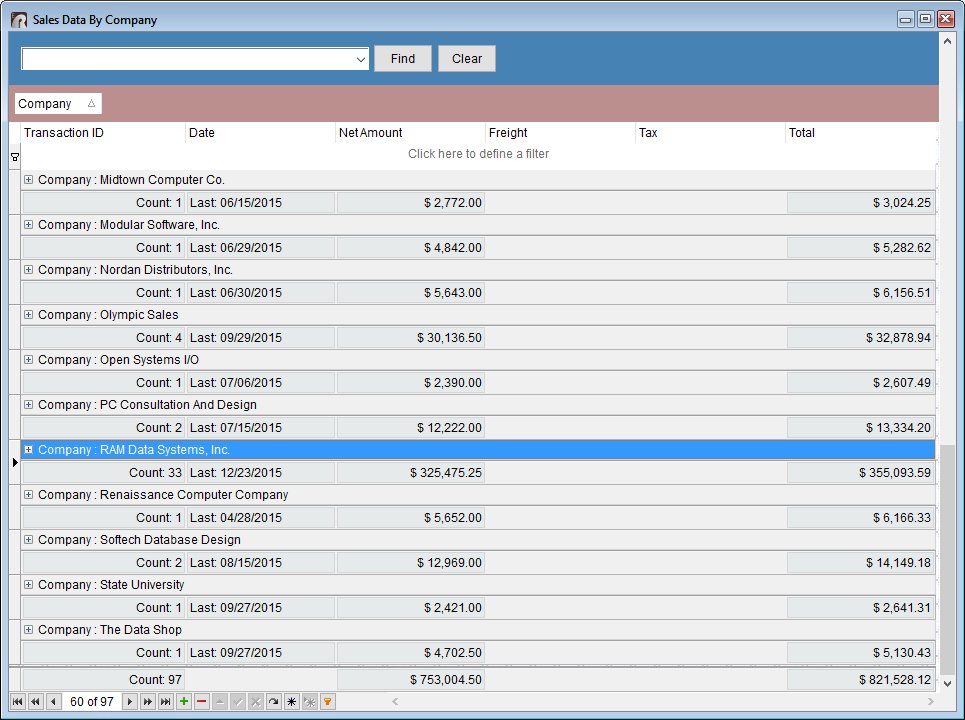
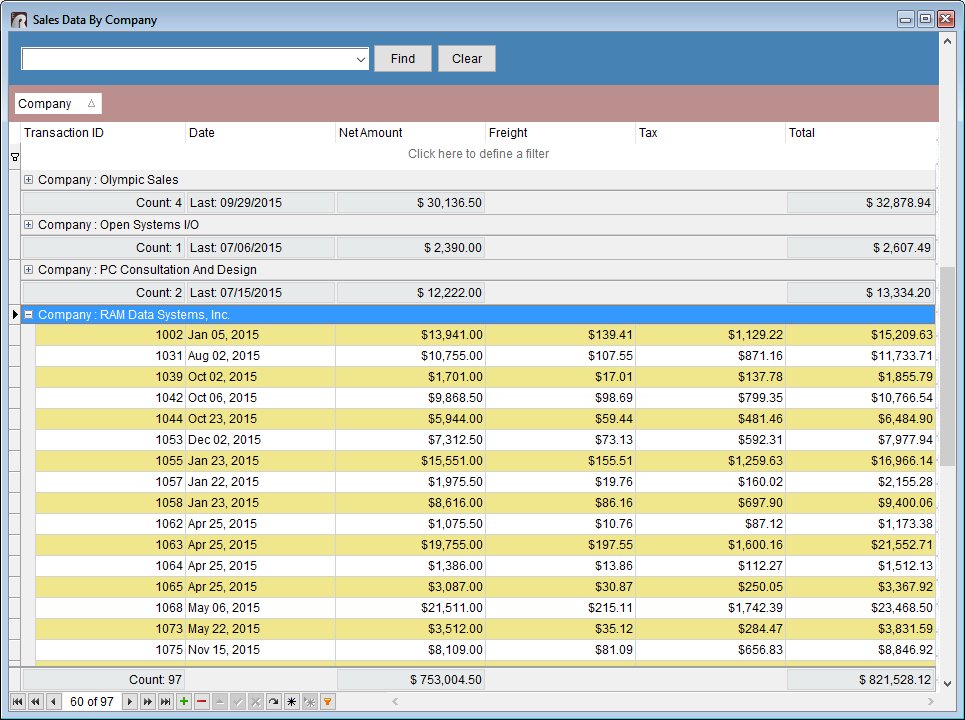
Use the new "DB Tree Grid" control to achieve such cool results!
Here's how ...

01. Start R:BASE X Enterprise (Build: 10.0.1.21008) or higher ...

02. Form Designer > Database Controls > DB Tree Grid ...

03. Associate the DB Tree Grid control with appropriate table/view

04. Follow the DB Tree Grid Properties ...

Once all set and configured, you should see the results as follows:

http://www.razzak.com/tips/DBTreeGrid_01.jpg
http://www.razzak.com/tips/DBTreeGrid_02.jpg
http://www.razzak.com/tips/DBTreeGrid_03.jpg
http://www.razzak.com/tips/DBTreeGrid_04.jpg

Imagine the possibilities!

Very Best R:egards,

Razzak


At 02:05 PM 5/31/2016, Jim Belisle wrote:
I want to show rows from the quote header and detail along one line.
I know I can make a view to do this. What I want is this.
An object I can put in my form that will show a single row when
there are multiple rows of the quote detail with the ability to
click and it will expand to show the multiple rows.
So if the row actually had many rows in the detail section, it would
default to a single row but show a plus sign signifying more rows.
Click on the plus sign and the rows appear.
Any such object I can use?
--
You received this message because you are subscribed to the Google Groups
"RBASE-L" group.
To unsubscribe from this group and stop receiving emails from it, send an email
to [email protected].
For more options, visit https://groups.google.com/d/optout.