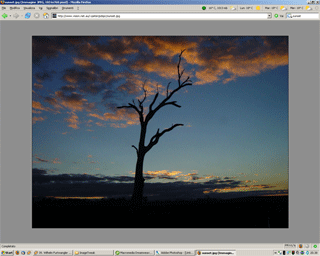
Jim Taylor wrote:
NoOp wrote:
Snip
Not sure. However if you 'view image' (any image from any site), sample:
http://cafxx.strayorange.com/ImageTweak.png
and 'view page info|links' you'll find:
a stylesheet link for:
resource://gre/res/TopLevelImageDocument.css
You can enter that in the URI bar& it will display the css. The
background is set for nearly black:

====
@media not print {
body {
background-color: #222;
margin: 0;
====
And that css is now wrapped up in the omni.jar bundle so you can't just
edit it easily. Before Chris Ilias pointed out the "Old Default Image
Style" extension to me I actually pulled that css out of the omni.ja,
removed everything from the @media not print function (leaving it
blank), and put it back into the omni.ja to revert everything back to
the way it had been. That worked (I hadn't tested to see if it caused
other problems), but the extension makes it so much easier and I won't
have to do it again on every upgrade.

RANT ON
I still don't understand why they didn't make the color an option, it
would have been so easy. Reading bug 376997
https://bugzilla.mozilla.org/show_bug.cgi?id=376997 just seems to show
how arrogant some of the Firefox developers have become and how little
regard they have for their users. This change seems to be designed by a
bunch of kids that think the only use for displaying images and video at
a top level is to watch movies in a simulated theater environment.
RANT OFF

Thank goodness somebody thought enough about the users to write an
extension.

Jim
I just installed the extension...that's *nice* - options! Ought to be
built in, IMO.
As an aside, I also noticed the change in what Google.com looks like if
I have "Advertise Firefox compatibility" enabled - re: the previews. I
suppose that's all mixed up in this, too? The image centering part, at
least?
--
     - Rufus
_______________________________________________
support-seamonkey mailing list
[email protected]
https://lists.mozilla.org/listinfo/support-seamonkey