Hi,
you could also define your own font and use textPath to place markers
(glyphs) anywhere along a path setting the startOffset attribute -
doing so, orientation is no problem either.

Sample:
http://www.zuccaralloo.de/devgroup/samples/textPathMarkers.svg

A glyph can be a simple path or any SVG content (see the spec chapter
20.4). So this is as flexible as using symbols.
In your example you would have to adjust the font-size according to
the scaling that is done when you use viewBox - similar to adjusting
the stroke-width of your path.

Your sample with an arrow at the middle of the path - and a little
animation that just happened to get in there when I was playing :-)

http://www.zuccaralloo.de/devgroup/samples/textPathMarkers2.svg

I hope it's not too confusing and you will get the basic idea. I guess
then you can start to try and play!

Regards-
-Heiko

http://www.zuccaralloo.de/devgroup


--- In [email protected], raghu raman <[EMAIL PROTECTED]>
wrote:
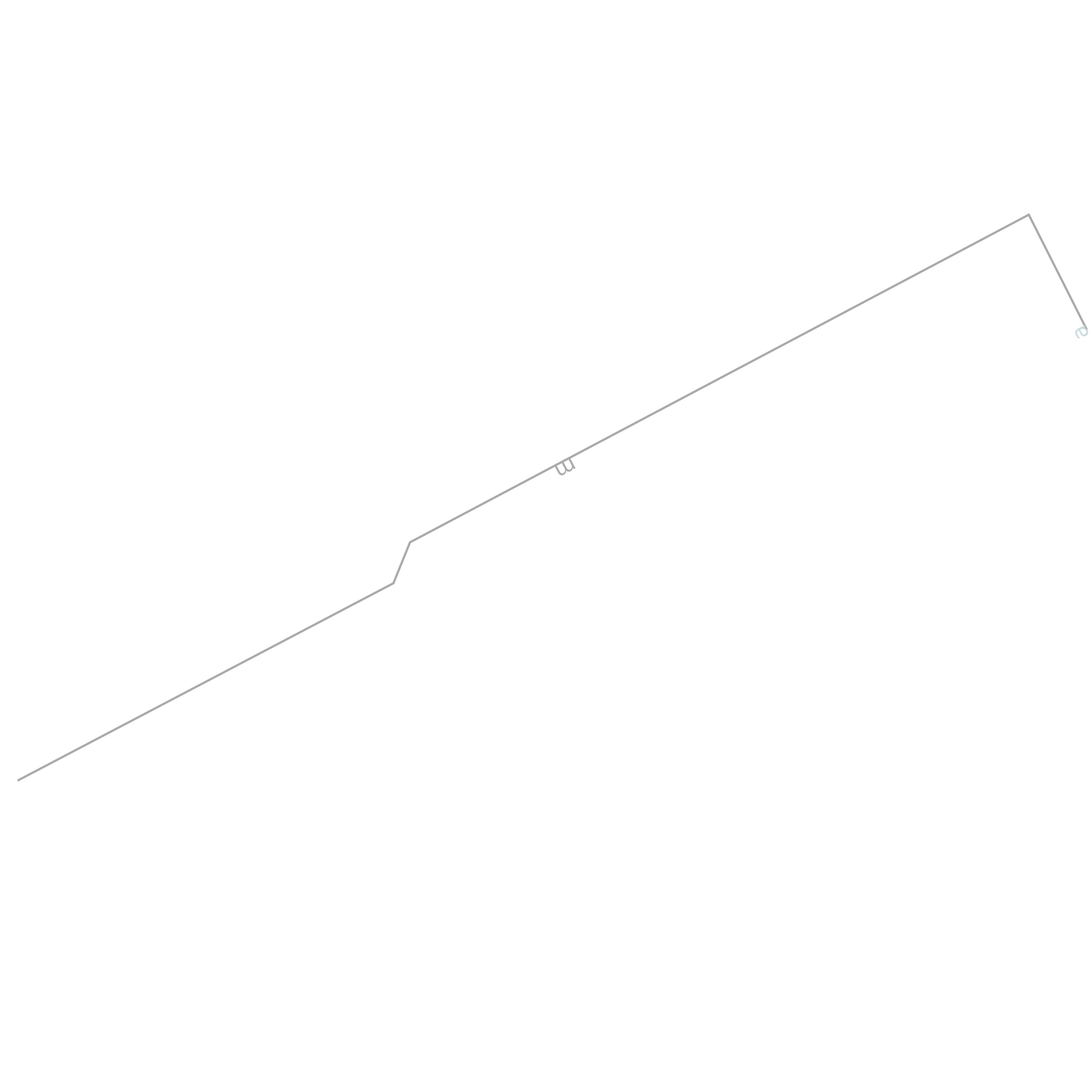
> I need to draw a arrow head in middle of the given path.
> <path d="M 212747656,-190398966 L 212721062,-190451692 L
212437743,-190301694 L 212430133,-190282952 L 212258060,-190192589"/>
> Kindly let me know your solutions
>
>
>
> Raghu
>
>
>
> Yahoo! India Matrimony: Find your life partneronline.
>
> [Non-text portions of this message have been removed]


-----
To unsubscribe send a message to: [EMAIL PROTECTED]
-or-
visit http://groups.yahoo.com/group/svg-developers and click "edit my
membership"
----
Yahoo! Groups Links

<*> To visit your group on the web, go to:
    http://groups.yahoo.com/group/svg-developers/

<*> To unsubscribe from this group, send an email to:
    [EMAIL PROTECTED]

<*> Your use of Yahoo! Groups is subject to:
    http://docs.yahoo.com/info/terms/