Okay, maybe we can be more constructive in this thread. I was worried about
it because even installing it was hard on my system.
I installed from http://jenkins.trisquel.info/makeiso/iso/.
1. I installed on a 64-bit UEFI computer with a USB. I couldn't even load
it without creating a "UEFI-only" USB flash, which I didn't have to do for
regular Ubuntu (https://trisquel.info/en/wiki/how-create-liveusb).
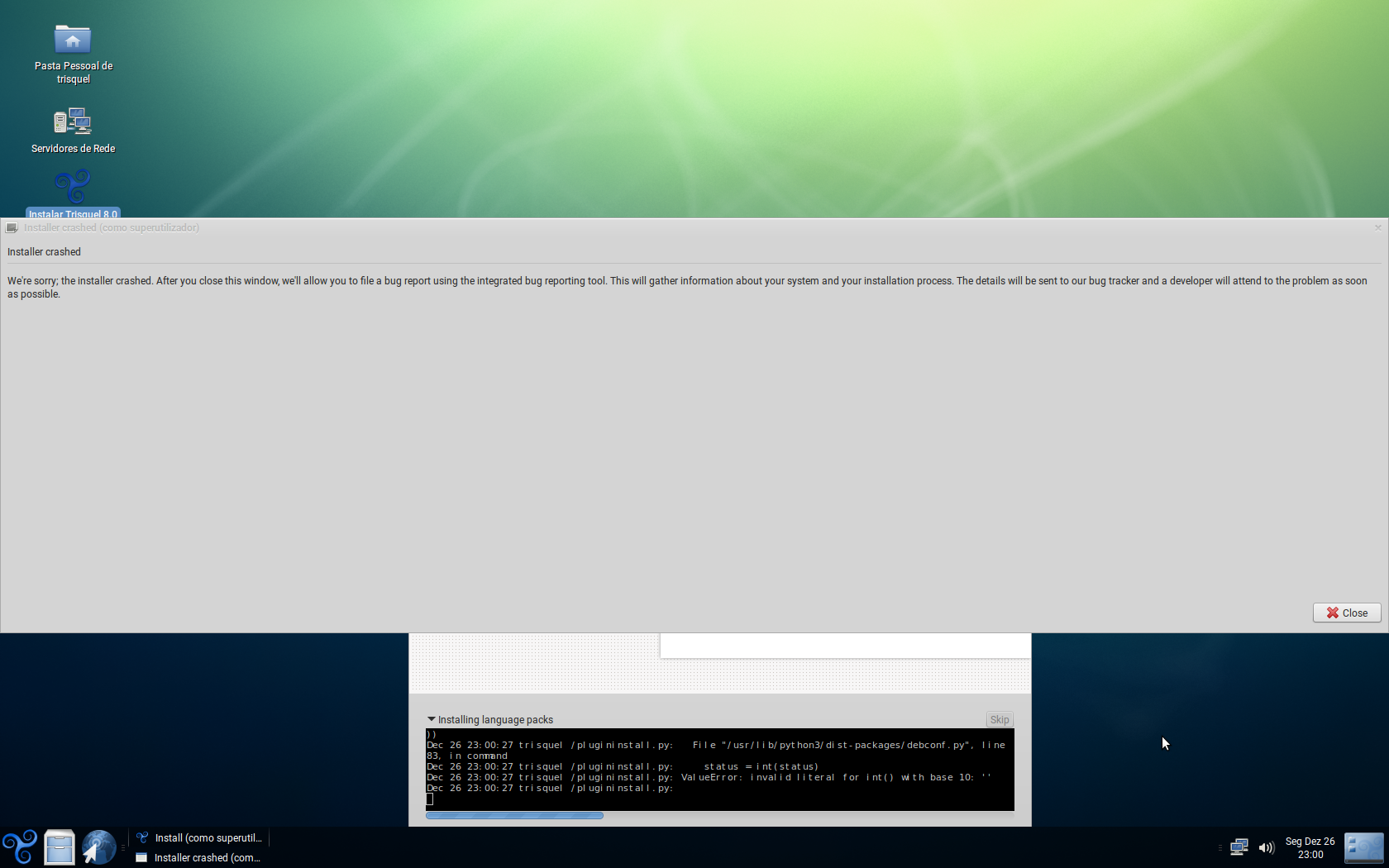
2. The installer crashed, and I had to use a boot repair program to make
Trisquel bootable
(https://trisquel.info/files/Screenshot%20at%202016-12-26%2023:00:45.png).
3. I could NOT access any website that didn't have a security certificate.
About half the websites I visited were blocked. I managed to fix this by
messing with network settings and restarting, though I was throwing solutions
at the wall and hoping they would stick.
4. There is no Trisquel splash screen, but this should be an easy fix for
the experienced. I would not know how to fix it.