I've been reading through the documentation and I can't seem to find
the switch that would allow me to save downloaded content with a
different filename.
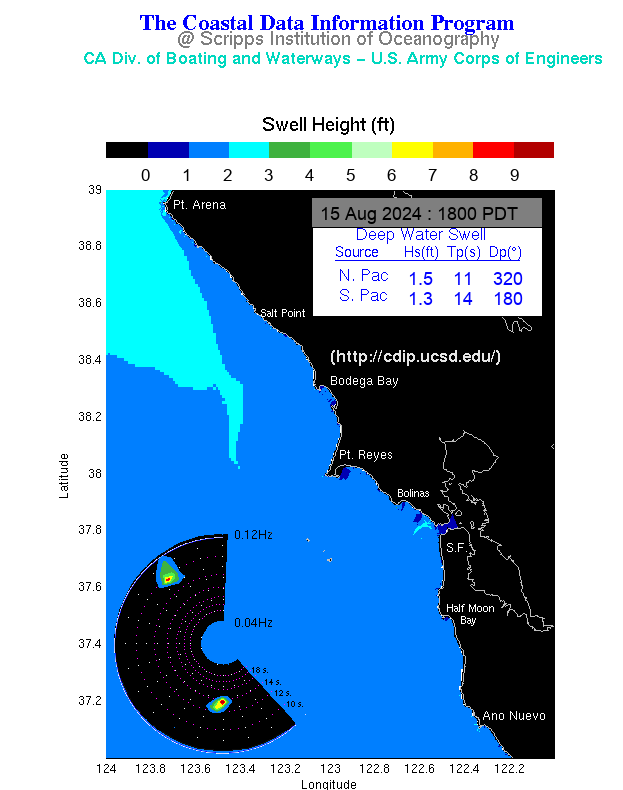
For example,  with the following link,
http://cdip.ucsd.edu/recent/model_images/sf.png, it saves as sf.png, I
am looking for something inside the program that will save and rename
it, like san_fran.png, without me having to "rename" or "move" later.

Thank you...  if I've overlooked anything, please feel free to point
me in the right direction.

Bryan