Okay, I'm stupid...

After re-reading the doc's, I find this...
-----------------------------------------------------------------------------------------------------------------------------------
-O file
--output-document=file
    The documents will not be written to the appropriate files, but
all will be concatenated together and written to file. If - is used as
file, documents will be printed to standard output, disabling link
conversion. (Use ./- to print to a file literally named -.)
    Note that a combination with -k is only well-defined for
downloading a single document.

-----------------------------------------------------------------------------------------------------------------------------------

I want to download multple files at the same time (using -i), can I
tell Wget what I want to save each as an individual filename?  I tried
to put it in the input file, but it didn't work.  (obviously)

Is there anything that can be done?  I can do them individually, but
not as a group...  I guess doing them individually is the better
way... less chance of mistakes...

Thanks for making Wget...

Bryan


On 7/5/05, Bryan <[EMAIL PROTECTED]> wrote:
> I've been reading through the documentation and I can't seem to find
> the switch that would allow me to save downloaded content with a
> different filename.
>
> For example,  with the following link,
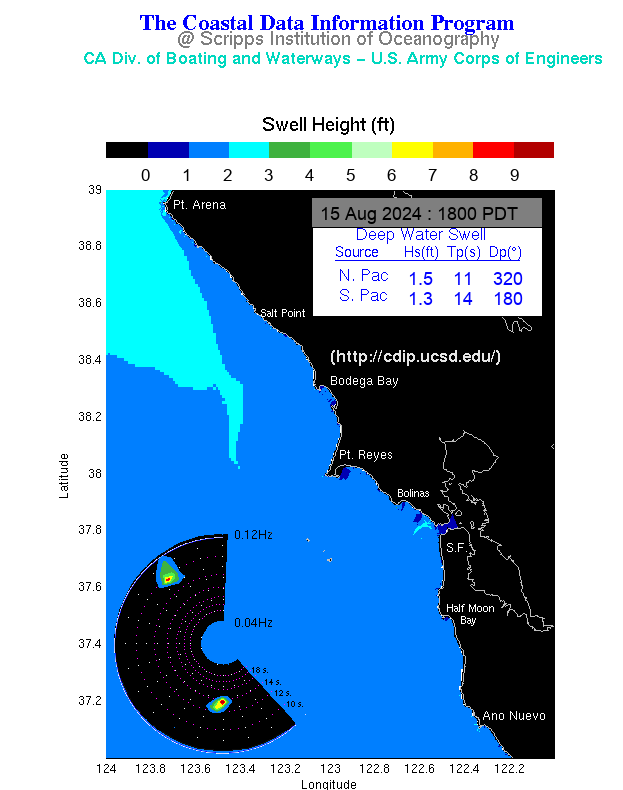
> http://cdip.ucsd.edu/recent/model_images/sf.png, it saves as sf.png, I
> am looking for something inside the program that will save and rename
> it, like san_fran.png, without me having to "rename" or "move" later.
>
> Thank you...  if I've overlooked anything, please feel free to point
> me in the right direction.
>
> Bryan
>