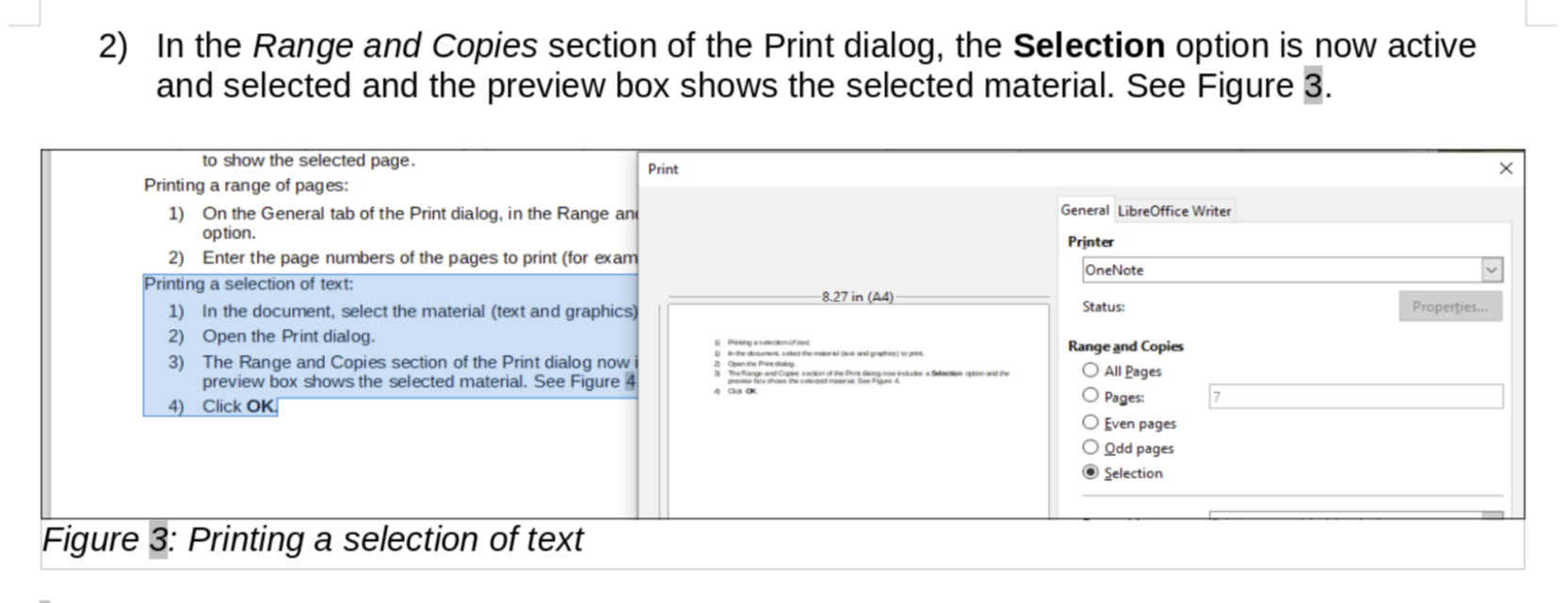
Hi. I've had this issue when I update the image by pasting a new image over
the old one. For some reason the image frame does not resize to fit the new
image.
What I do to fix this is right-click the image, then go to Properties. In
the Crop tab I click the Original Size button.

Hope this helps.
Rafael

On Fri, Jan 15, 2021 at 3:27 AM Ilmari Lauhakangas <
[email protected]> wrote:

> On 15.1.2021 1.24, W T wrote:
> > Hello Team,
> >
> > I am currently reviewing GS7010-PrintExportEmailSign and have a question.
> >
> > At the top of page 8, there is a screenshot for Figure 3. Printing a
> > selection of text.
> > When I use the LibreOffice online, the screenshot looks fine as shown
> here:
> > https://snipboard.io/rhmEOo.jpg
> >
> > But when I use the Windows desktop version of LibreOffice Writer (version
> > 7.0.4.2 (x64)) the image looks stretched and cropped as shown here:
> > https://snipboard.io/hxWyAY.jpg
> >
> > Has anyone had the same experience?  Is this a bug on the Windows version
> > of LO Writer?
>
> It looks fine for me on Windows. Maybe experiment with this setting to
> see, if its states have any effect: Tools - Options - LibreOffice - View
> - Use Skia for all rendering
>
> Ilmari
>
> --
> To unsubscribe e-mail to: [email protected]
> Problems?
> https://www.libreoffice.org/get-help/mailing-lists/how-to-unsubscribe/
> Posting guidelines + more: https://wiki.documentfoundation.org/Netiquette
> List archive: https://listarchives.libreoffice.org/global/documentation/
> Privacy Policy: https://www.documentfoundation.org/privacy
>

--
To unsubscribe e-mail to: [email protected]
Problems? https://www.libreoffice.org/get-help/mailing-lists/how-to-unsubscribe/
Posting guidelines + more: https://wiki.documentfoundation.org/Netiquette
List archive: https://listarchives.libreoffice.org/global/documentation/
Privacy Policy: https://www.documentfoundation.org/privacy