|
Thanks Dave. I tried
it and it worked like a charm.
Originally, I
was trying to render everything onto one surface, but I realized that can't be
done without preprocessing the textures. I see the trick here is to use two
overlapping surfaces and render each texture with it's associated alpha mask on
each surface.
Martin
Here is example code on how to blend two textures
together using an alphamask. We use this technique for
terrain.
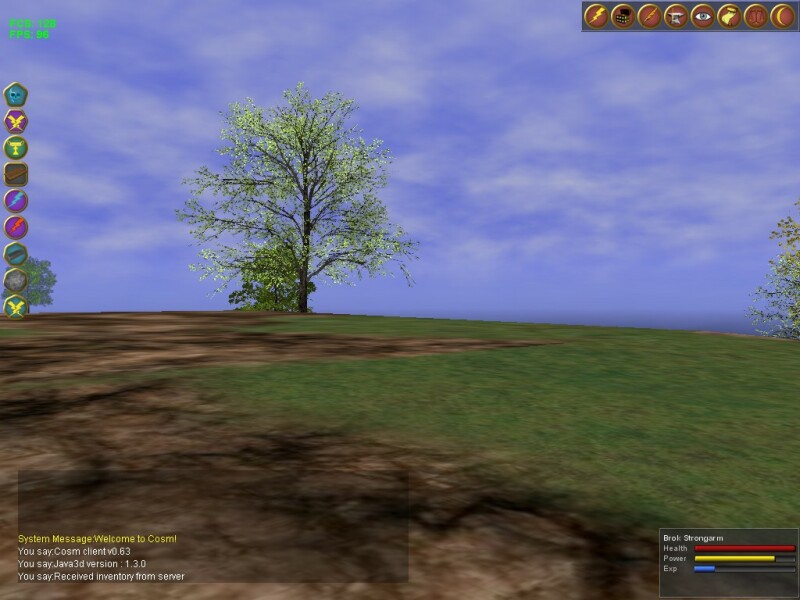
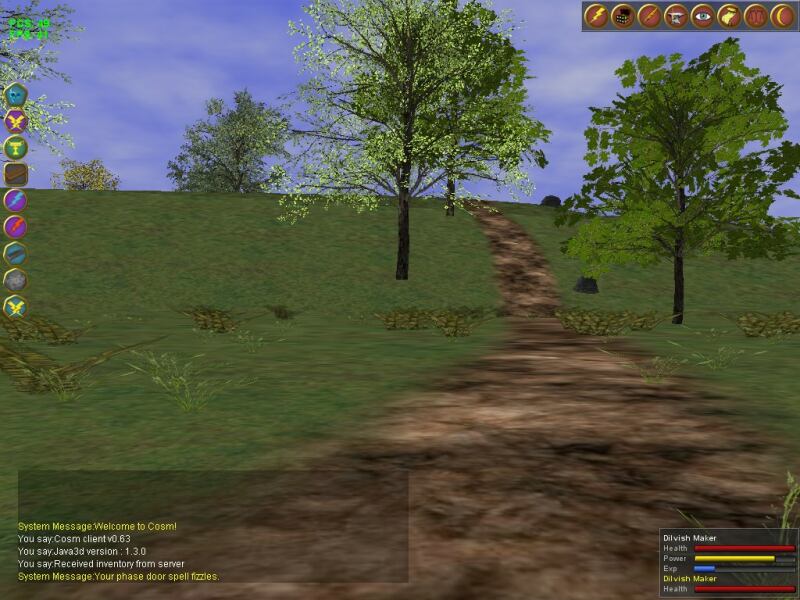
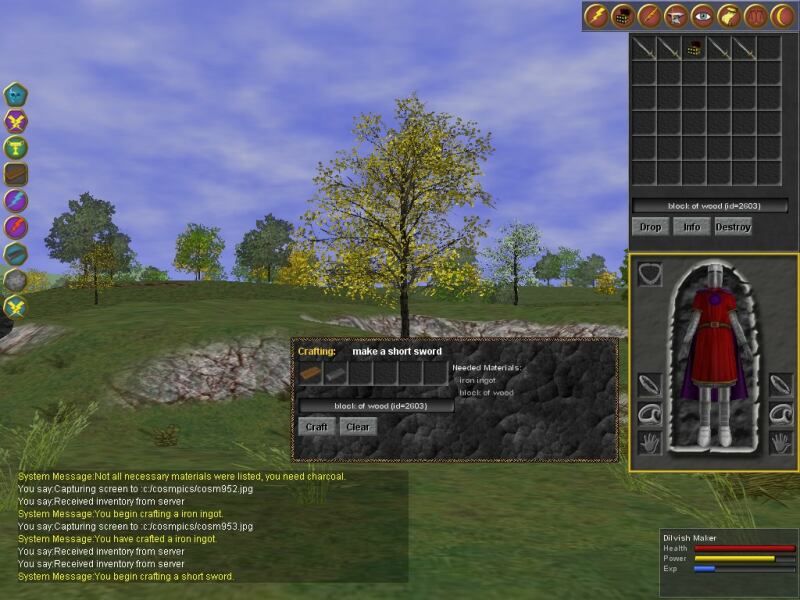
Here is a pic on how it looks at
runtime:
Dave Yazel
----- Original Message -----
Sent: Thursday, May 29, 2003 12:48
AM
Subject: [JAVA3D] blending two textures
using an alpha mask
Hi,
I'd like to render two textures on a surface using
an alpha mask to specify
what portions of the lower texture should show
through and blend with the
top texture. The alpha mask and, if possible,
its texture coordinates should
be modifiable at runtime.
Any
thoughts on how I may be able to achieve
this?
Thanks!
Martin
===========================================================================
To
unsubscribe, send email to [EMAIL PROTECTED] and include in
the body
of the message "signoff JAVA3D-INTEREST". For general
help, send email to
[EMAIL PROTECTED] and include in
the body of the message "help".
|