Hi Danny,

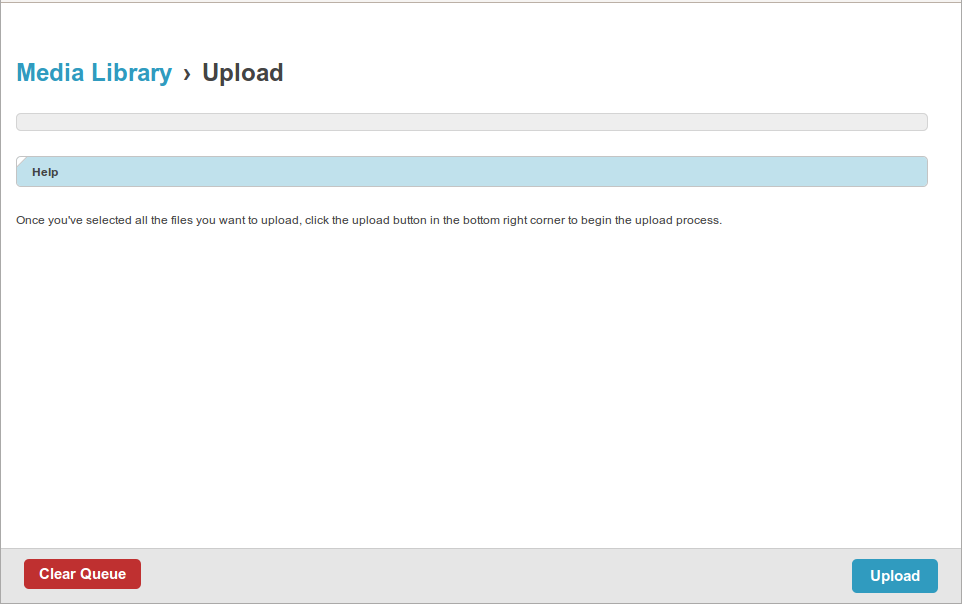
Yes. As I mentioned, uploadify is visible in the browser when I access it
in my development server and works as expected in the browser.
Cheers!
Pushkar

On Thursday, 2 April 2015 12:41:46 UTC+5:30, Danny S wrote:
>
>  Hi Pushkar,
>
> Do you have the Flash plugin installed for your browser?
> https://get.adobe.com/flashplayer/
>
> Seeya. Danny.
>
>
> On 2/04/2015 5:19 PM, Pushkar Paranjpe wrote:
>
> Production Environment: Hostgator, Shared
>
> Trying to add a Featured Image to a Blog post. The SWF uploader UI element
> itself is not visible.
>
> Getting the following error in the browser console:
> http://<...domain...>/asset_proxy/?u=http://
> <...domain...>/static/filebrowser/uploadify/uploadify.swf
>
>    - Was working fine on the development server.
>    - I have ran collectstatic and confirmed that the uploadify.swf file
>    exists at an accessible path on the server.
>    - Accessing
> http://<...domain...>/static/filebrowser/uploadify/uploadify.swf
>    itself directly loads the uploader UI fine without any 403 error.
>    - Accessing http://<...domain...>/asset_proxy/ alone does not give a
>    403 either
>    - Other static assets like PNG images, CSS and JS are being accessed
>    without any issues
>
> Screenshot :
>
>
> <https://lh3.googleusercontent.com/-p1r-QsppUn4/VRzl_6QnitI/AAAAAAAACEU/VfEfIh_T158/s1600/Missing%2Buplloadify.swf_403_error.png>
>
> Please suggest a fix.
> Cheers!
> Pushkar
>
>  --
> You received this message because you are subscribed to the Google Groups
> "Mezzanine Users" group.
> To unsubscribe from this group and stop receiving emails from it, send an
> email to [email protected] <javascript:>.
> For more options, visit https://groups.google.com/d/optout.
>
>
>
> --
> Email: [email protected] <javascript:>
>
>

--
You received this message because you are subscribed to the Google Groups
"Mezzanine Users" group.
To unsubscribe from this group and stop receiving emails from it, send an email
to [email protected].
For more options, visit https://groups.google.com/d/optout.