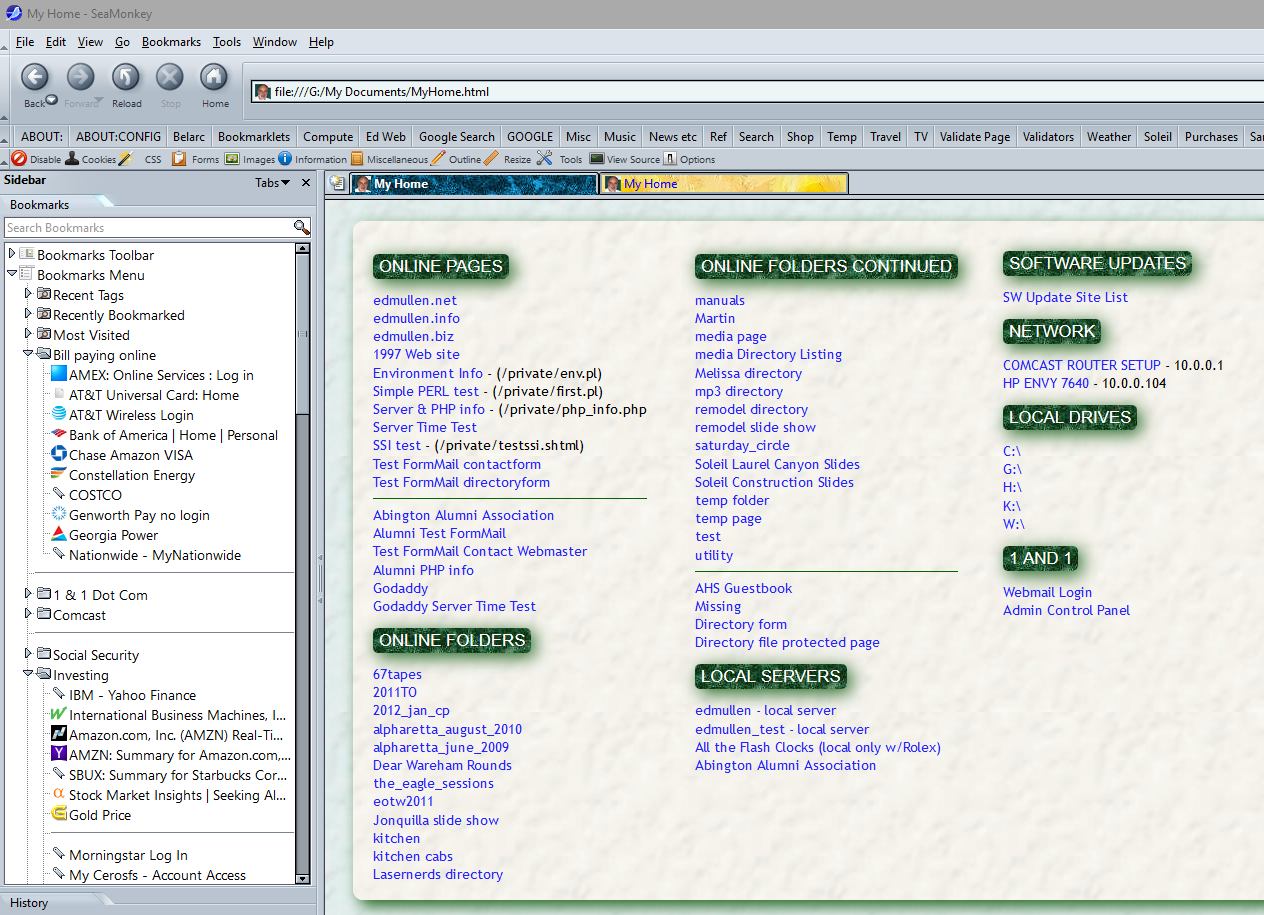
On 7/8/2017 10:54 AM, Ed Mullen wrote:
> On 7/8/17 at 12:35 PM, DoctorBill's prodigious digits fired off with
> great aplomb:
>> DoctorBill wrote:
>>> DoctorBill wrote:
>>>> I am using SM 2.46 right now.  I just lately installed it on my wife's
>>>> desktop.
>>>> We both are using Windows 7 Pro.
>>>> I do not know why, but on my computer, when there are multiple Tabs, the
>>>> Tab in use at the moment is light colored.  In Pref's, appearance,
>>>> colors, active is set to Red.
>>>>
>>>> On my wife's computer, all the (Multiple) tabs in use are ALL the same
>>>> color, which makes it difficult to tell which tab you are in at any
>>>> moment.  Underline links is checked.
>>>>
>>>> I have looked in preferences to see why my Tabs act that way in order to
>>>> fix my wife's system.
>>>>
>>>> Is this current tab thing a SM thing or a Windows 7 thing ?
>>>>
>>>> Can someone tell me what to toggle in SM (or Windows 7) to make the
>>>> current Tab (when there are multiple tabs) different (light, colored,
>>>> something to identify it) ?
>>>>
>>>> DoctorBill
>>>>
>>>>
>>> This is MADDENING ! - for someone who doesn't know SM intimately......
>>>
>>> Windows 7 Pro has SeaMonkey, Mozilla, and CHROME in many MULTIPLE
>>> directories on the C:/ drive !  Which ones do what !?
>>>
>>> Some - I cannot get to (they don't even show up) in Windows Explorer
>>> (WinKey + E).
>>>
>>> I have put MY userChrome.css.css into a couple of the Chrome directories
>>> in my wife's machine W/O ANY EFFECT on her computer.
>>> Which CHROME subdirectory is THE one affecting SM's Tabs ????
>>>
>>> Doing the %appdata% thing does not tell me WHERE I went on the Directory
>>> Tree in Wins 7.
>>> "Users"  "PC"  - this is difficult to keep track of AND it looks like it
>>> is different on our two computers !  Can SM load up DIFFERENTLY on
>>> different Windows 7 Pro machines ?
>>>
>>> EEEGAD !
>>>
>>> DoctorBill
>>>
>>
>> If You Folks can tell me where to put the type ED MULLEN gave me
>> <http://edmullen.net/temp/cap0708.jpg>
>> where it works on my wife's system, I would like that one !
>> Problem is - none of this is working on her system.....don't understand.
>> Is the file userChrome.css   or   userChrome.css.css ?
>> Which subdir is THE right one ?!
>> I think I got my userChrome.css.css file from someone here quite a long
>> while back.....and it worked.
>> Strange !
>>
>> DoctorBill
>
> <http://kb.mozillazine.org/Profile_folder_-_SeaMonkey#Default_profile_location>
>
> The file is userChrome.css
>
> The path is:
>
> C:\Users\<Windows login user
> name>>\AppData\Roaming\Mozilla\SeaMonkey\Profiles\********.<Profile name>
>
> where the ******* is a random string.
>
>
That path is the default path.  However, some users (including me) set
their profiles elsewhere.  That is why, users should instead select
[Help > Troubleshooting Information] from the menu bar and then select
the Open Folder button to the right of "Profile Folder".  That will
reveal the actual location wherever it is.

--
David Ross

<http://www.rossde.com/>
President Trump now denies there are any tapes that
recorded his conversations with ex-FBI Director Comey.
Between when Trump hinted there might be such tapes
and his denial, there was sufficient time to destroy
any tapes.
_______________________________________________
support-seamonkey mailing list
[email protected]
https://lists.mozilla.org/listinfo/support-seamonkey