Hi Gora,

Thanks for your reply.
On 5/4/06, Gora Mohanty <[EMAIL PROTECTED]> wrote:
Welcome, and sorry for the delay in responding.
Nah! No problem.
I see that you have
got a few responses on the gnome-i18n list.
Yup.
That looks very much like it is using the wrong font, i.e., something
like Sans
or freefont that has partial coverage of Tamil glyphs, rather
than the proper Tamil font included in ttf-indic-fonts.
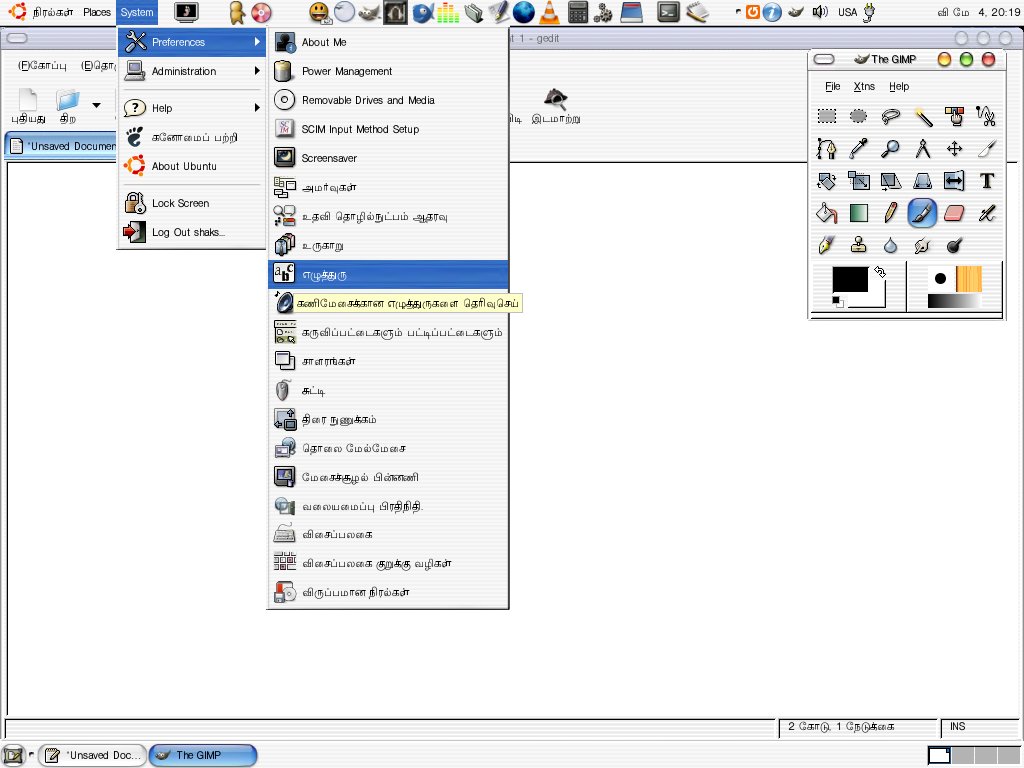
Bingo! System->Preferences->Font was set to Sans. I changed it to
Lohit Tamil (one of the fonts provided with ttf-indic-fonts and it
worked!

http://www.shakthimaan.com/downloads/tamil/corrected-1.jpg
What does
"fc-list :lang=ta" show you?
Where do I check this?
I am sorry. I am unable to read Tamil, and cannot pinpoint the problem
here. If you can provide us a short UTF-8 Tamil file, a screenshot
showing the incorrect rendering,
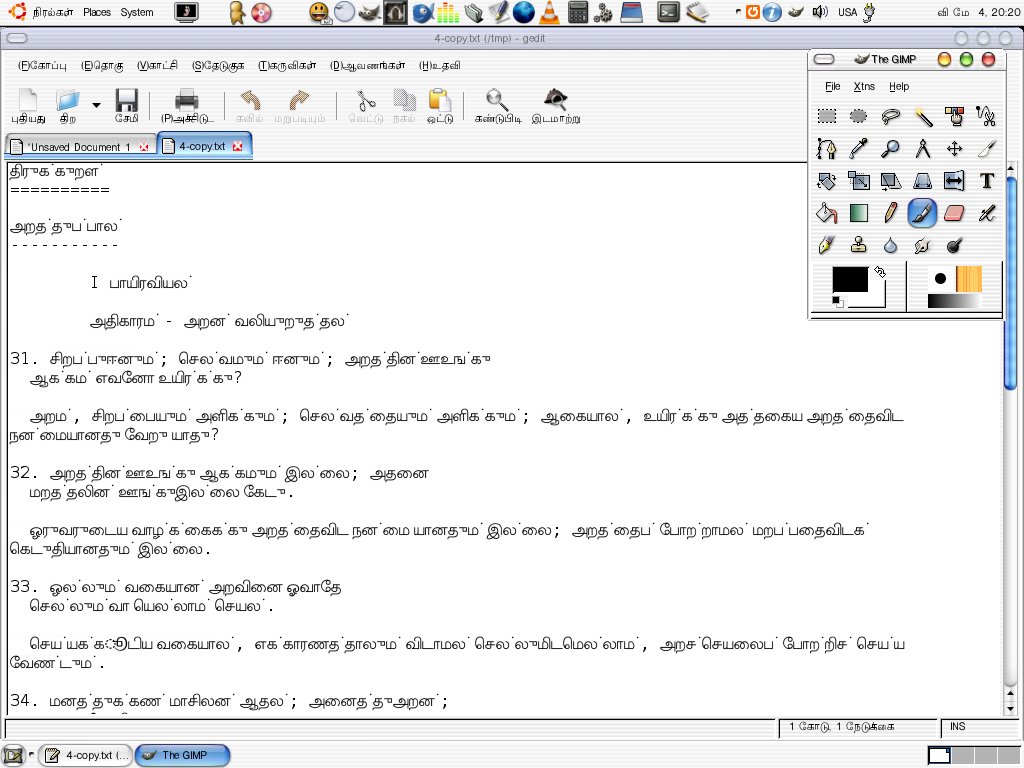
Now with the correct font selection, and incorrect display of a UTF-8 text file:

http://www.shakthimaan.com/downloads/tamil/input-error.jpg
and, if possible, a screenshot of the
proper rendering,
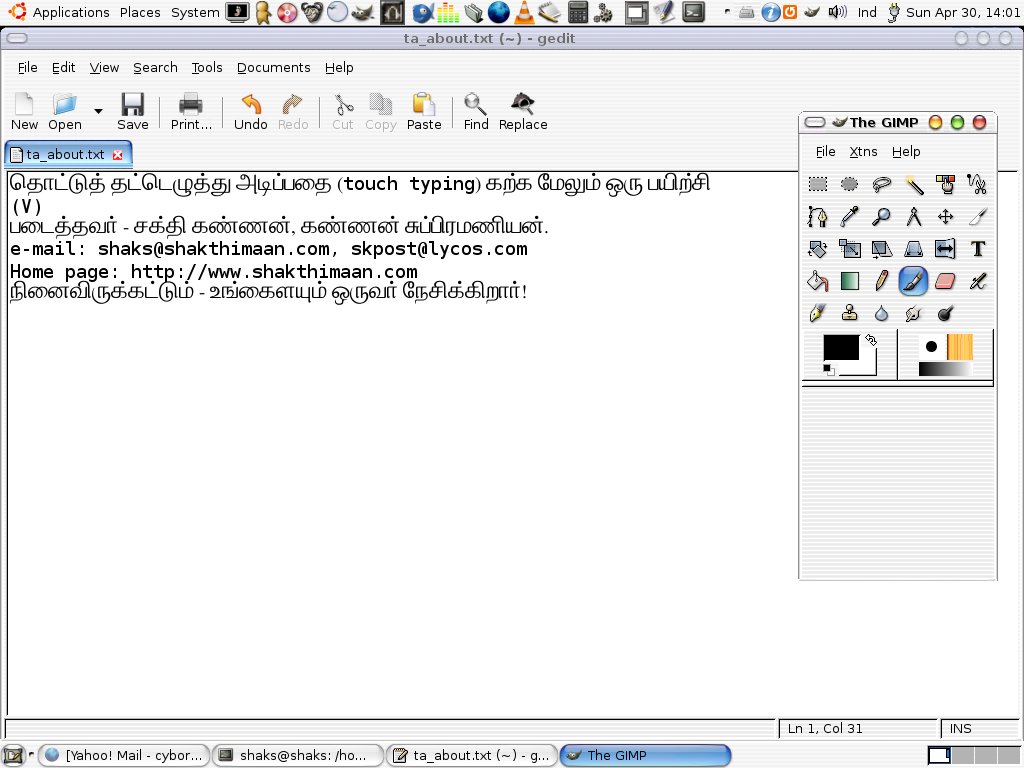
This is when I login with US English in gdm, and use CAPS lock to
switch between US English and Tamil Unicode encoding. This works,

http://www.shakthimaan.com/downloads/tamil/text-editor.jpg

Thanks again,

SK

--
Shakthi Kannan
http://www.shakthimaan.com

--
ubuntu-in mailing list
[email protected]
https://lists.ubuntu.com/mailman/listinfo/ubuntu-in