Jeff07971 wrote:
> OK Start again with the basics
>
> I'm assuming you have a windows boxto write your microSD card ?
>
> You've got Win32DiskImager.exe to write your microSD card
>
> Download 1.21g FOR Pi 2 others will not boot
>
> Write microSD Card
>
> Take Pi 2 without any addons (screen, DAC etc) and connect HDMI (to TV
> or monitor) and ethernet
>
> Power on Pi 2 and watch boot messages on the monitor, watch for IP
> address assignment
>
> You can use a network scanner to find the Pi from its hostname.
>
> If this is all OK shutdown the Pi via the web interface and add the DAC
>
> Repeat then add touchscreen
>
> report back !
I got a replacement Pi2 and followed your advice closely.

The touchscreen now works but it's a bit glitchy.  Sometimes it loses
responsiveness and sometimes it seems to make its own choices.

I wonder of the choices of skins which one should I choose?  Currently
I'm using the Joggler skin.

Overall, though, I feel successful with everyone's help.

I'm confident that the bugs I am encountering will be worked out over
time.

Thanks to everyone for all the tech support and happy holiday if
applicable :D

J


http://zzzone.net
http://have-a-nice-day.org
http://www.last.fm/user/zzzoneDOTnet
http://somethingsomethingsomething.net

SBS 7.9 - i7 laptop - Win 8 64bit
5 Booms, 2 Radio, 3 Touch, 1 Duet, 5 piCorePlayers including 1
touchscreen, 1 Avy
2 controllers, various tablets/phones
Apps including iPeng, Squeeze Ctrl etc.
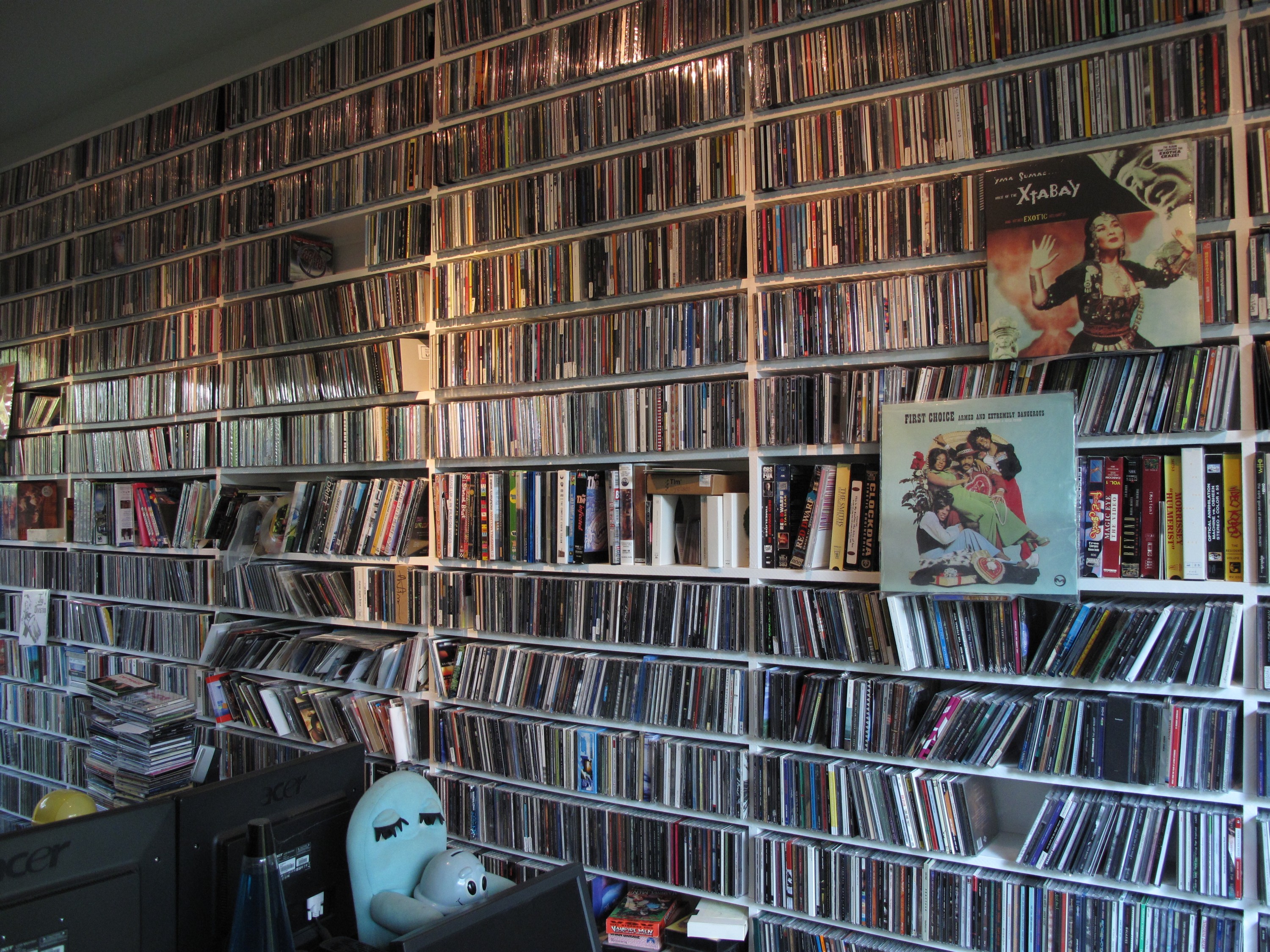
'Library' (http://zzzone.net/photo/2009/music1.jpg): 294,000+ FLAC/MP3
files - 12 TB HD
------------------------------------------------------------------------
jimzak's Profile: http://forums.slimdevices.com/member.php?userid=17592
View this thread: http://forums.slimdevices.com/showthread.php?t=97803

_______________________________________________
unix mailing list
[email protected]
http://lists.slimdevices.com/mailman/listinfo/unix