On Thu, 07 Oct 2010 08:56:07 -0400, Nick Sabalausky wrote:

> "Stephan Soller" <[email protected]> wrote in message
> news:[email protected]...
>> On 07.10.2010 11:02, Nick Sabalausky wrote:
>>>
>>> Not explicitly as far as I'm aware, but then neither does HTML aside
>>> from URLs. And the PDF format does have provisions for files/data of
>>> arbitrary types to be embedded into it. So that could be used to embed
>>> HTTP URLs, or
>>> any other form of network-oriented links, or any other
>>> application-related
>>> information/instructions/data you want. Then you could build
>>> CSS/JS/CGI-like
>>> stuff on top of all that. And all of a sudden "PDF-readers" become a
>>> really
>>> shitty application platform just like what happened with HTML and web
>>> browsers.
>>>
>>>
>> Interesting point of view. So PDF basically equals to HTML in that
>> regard. Never thought about it that way but you're probably right. :)
>>
>>
> Well, they were both created as document formats ;)
>
>
>>> I usually like to minimize bitmapped stuff on pages too, just because
>>> it's
>>> simpler, it can still get acceptable results, and I'm no artist ;)
>>> But then
>>> when the client has a design they want it to look like and it includes
>>> things that can only be done as images, well, then I just don't have
>>> the energy or patience to try to talk them out of it - I'll just toss
>>> in whatever I need to to make it work, even if that means tables, and
>>> be done
>>> with it.
>>>
>>>
>> If I get a design from a client I do that to. I don't use tables but
>> most often a combination of floats and relative/absolute positioning
>> but usually with quite a lot of images in it. Even if they don't have a
>> finished design arguing about it often is a lost cause anyway. However
>> for my own personal project (or in case I have to do the design myself)
>> these new CSS techniques come in quite handy (if the environment allows
>> it...).
>>
>> I used it for my [personal website][1] and it was quite handy. The only
>> images are the header image, icons and the background gradient. The
>> gradient only because I was to lazy to look up the proper properties
>> and do some cross browser testing (not sure if Opera support gradient
>> yet though).
>>
>> [1]: http://arkanis.de/
>>
>>
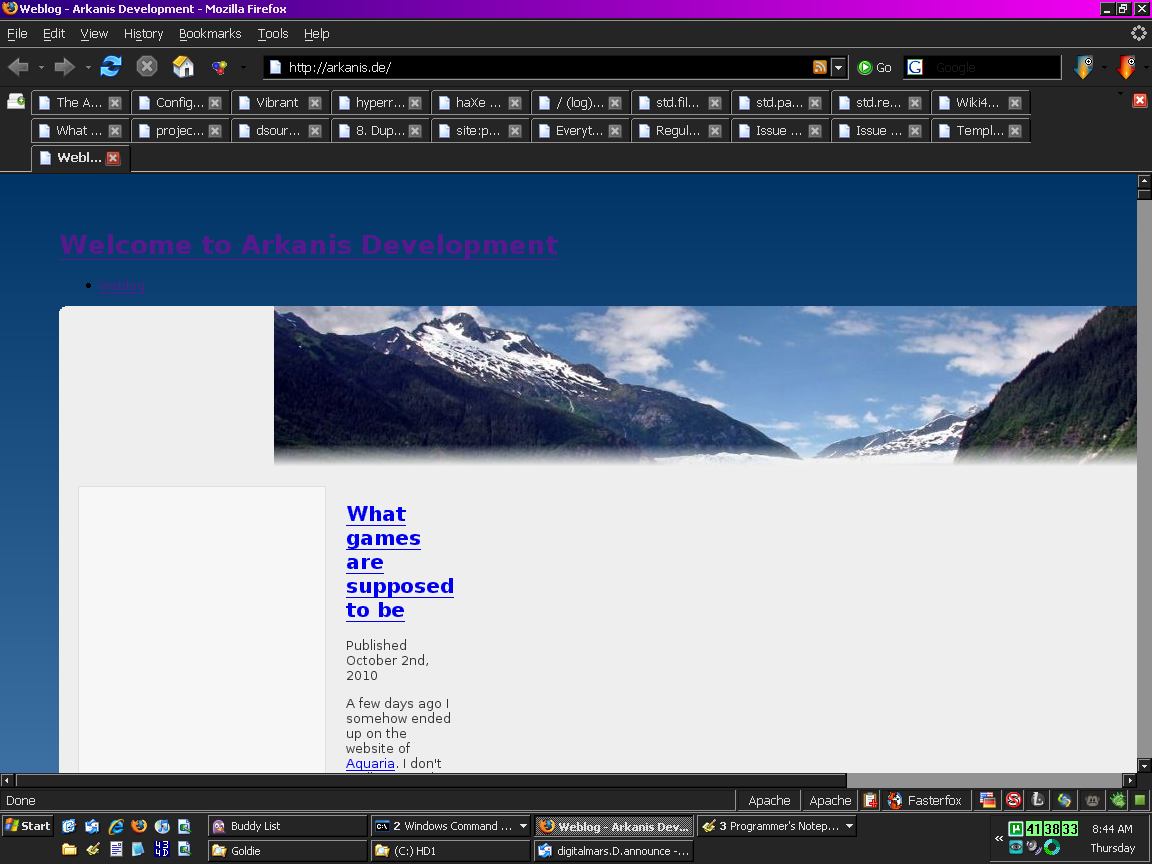
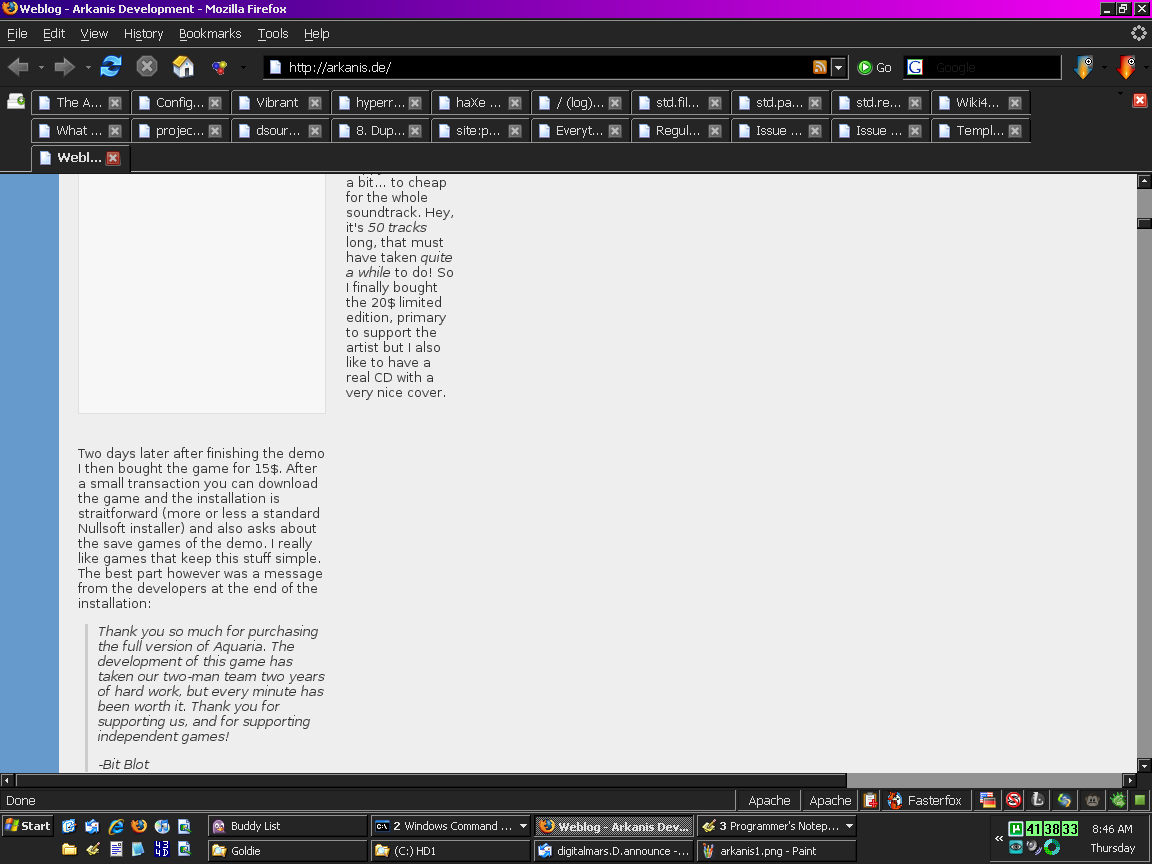
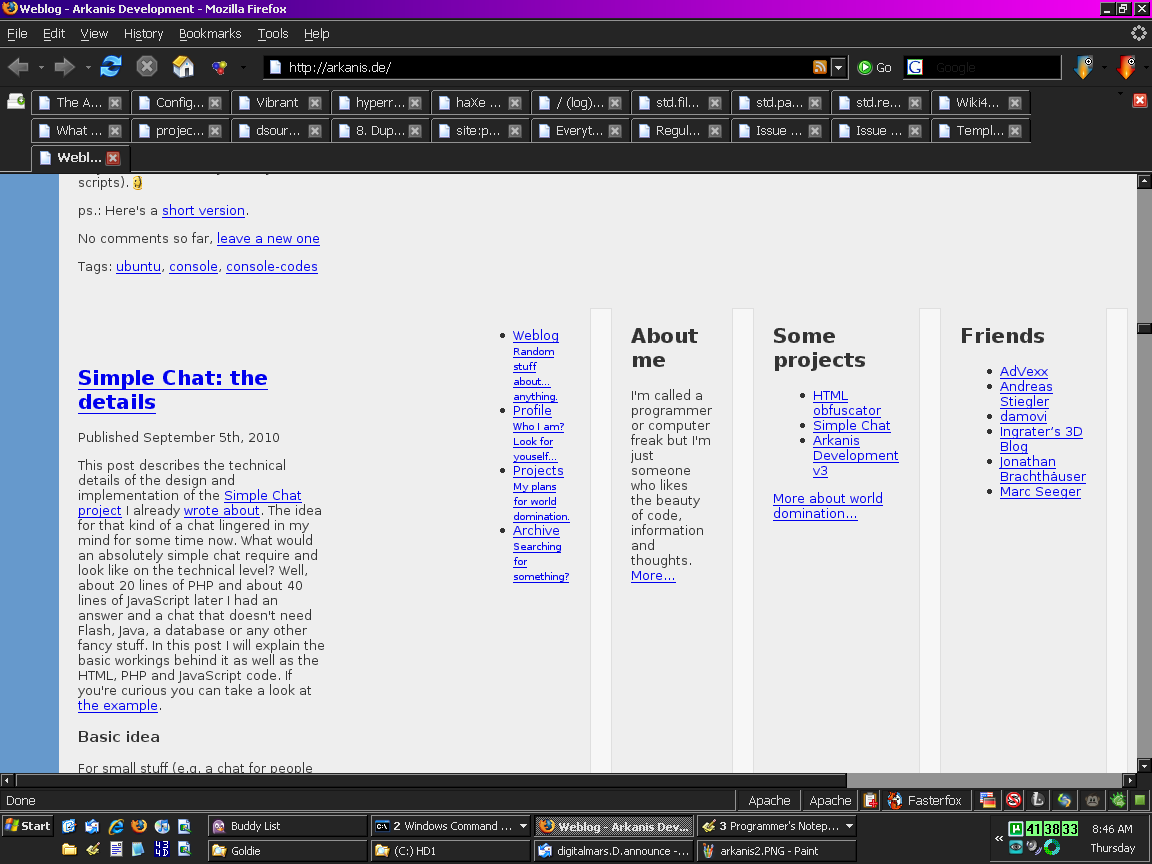
> Not to complain, just FYI, this is what that page looks like for me:
>
> http://www.semitwist.com/download/arkanis1.png
> http://www.semitwist.com/download/arkanis2.png
> http://www.semitwist.com/download/arkanis3.png
>
> Interestingly, if I turn JS on, than it'll look a lot better *until* it
> finishes loading, at which point it goes back to looking just like those
> screenshots.
I don't think the look has anything to do with JS.  It looks perfectly
fine on my computer, even with JS off.  Here's a quote from another part
of Stephan's web page, where he writes about the arkandis.de design
itself:

"This project also builds upon the new HTML5 semantic tags and uses CSS3
styles for almost everything in its design. Box shadows, rounded corners,
transparency, HSL-colors, table positioning, etc. This page shows to a
good degree what's possible if you ditch the old browsers and use the new
stuff."

I guess you haven't ditched the old browsers, then. ;)

-Lars