azinck3 wrote:
>
> What about while it sits, idle, effectively "off" as far as LMS is
> concerned?  Are there any options for what is displayed?  Are there LMS
> "screensavers" that work with iPeng's player?
>
No screen saver. iPeng will display whatever state you left it in,
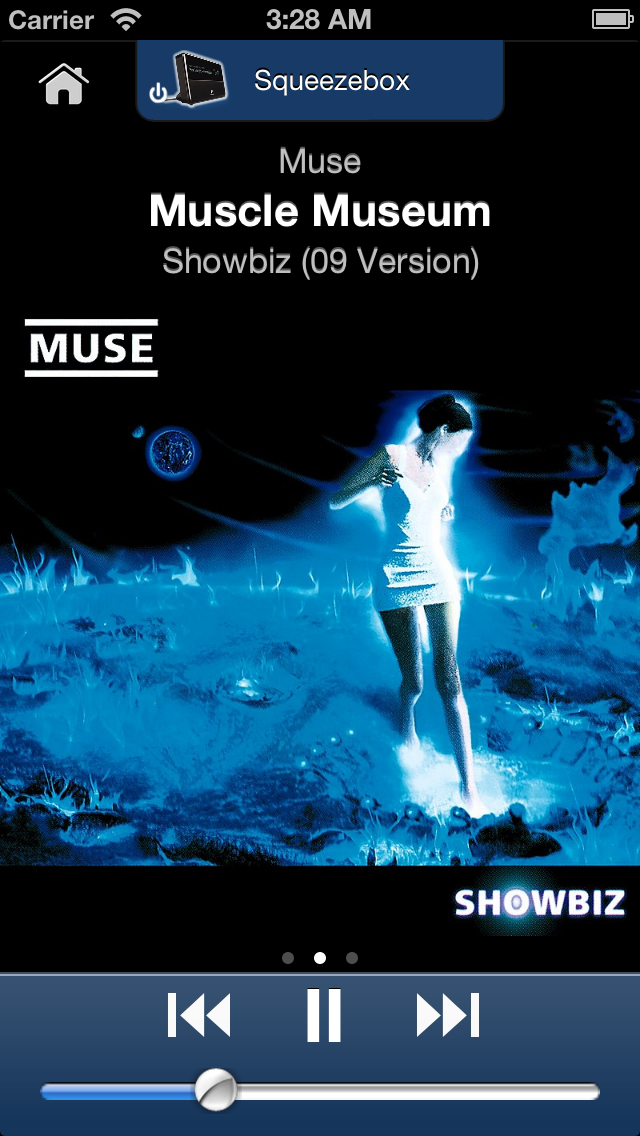
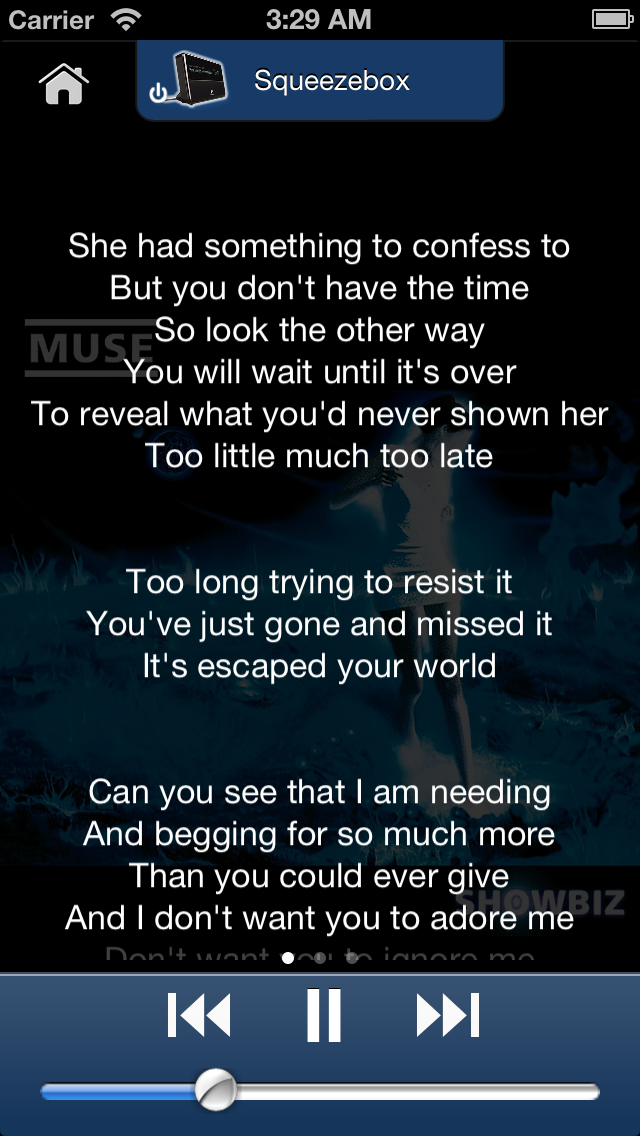
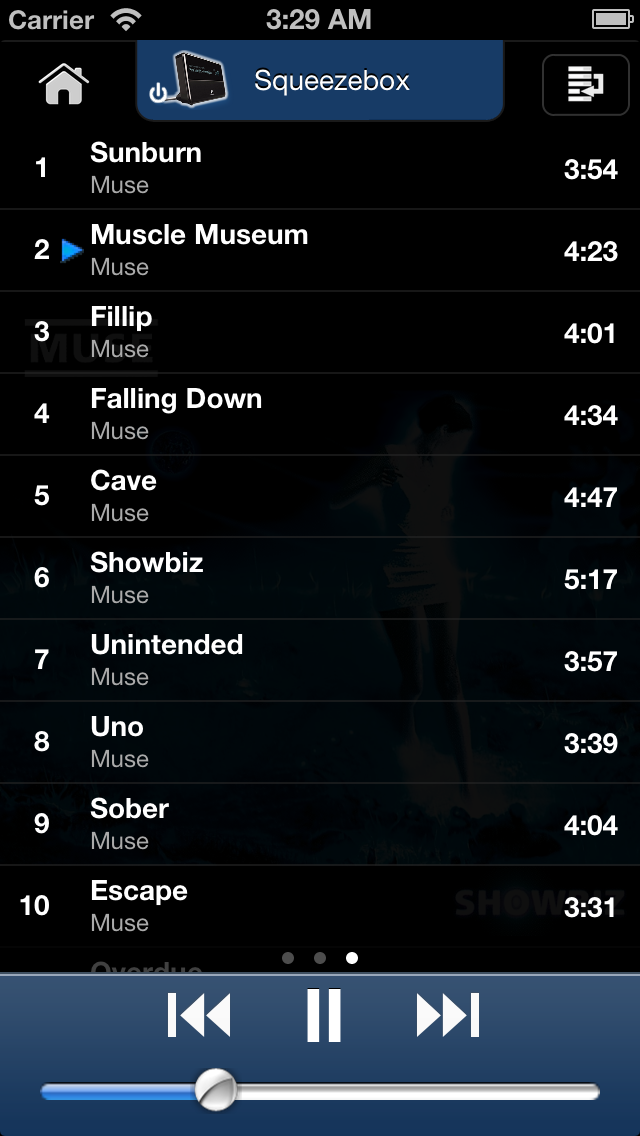
there's a NowPlaying screen a Lyrics screen and a playlist screen that
make decent screen savers (they render on black background).
http://penguinlovesmusic.de/wp-content/gallery/ipeng20/storephive001.png
http://penguinlovesmusic.de/wp-content/gallery/ipeng20/storephive003.png
http://penguinlovesmusic.de/wp-content/gallery/ipeng20/storephive002.png

By default, the iPod's own screen saver will kick in but you can disable
that.
>
> When "off" (and I don't mean the iPod is off, just the SB player is
> considered "off") I'd like to see the time nice and big (it's meant to
> be a bedside clock) and when an LMS alarm goes off I'd love controls for
> sleep, etc.  Is any of this feasible?
>
Currently not. Would be a nice idea.
Control for sleep is always present, it's just holding the play button.

One thing you can do is let the iPod screen saver kick in, this will
make the screen turn off and if you press any button, it will display
the time (and iPeng's NowPlaying information).


------------------------------------------------------------------------
pippin's Profile: http://forums.slimdevices.com/member.php?userid=13777
View this thread: http://forums.slimdevices.com/showthread.php?t=51929

_______________________________________________
plugins mailing list
[email protected]
http://lists.slimdevices.com/mailman/listinfo/plugins