> Perhaps something along the lines of Raskin's Zoom UI, with the most
> zoomed-out state being the project view, where projects can be dragged
> and dropped so they are overlapping, and then zoomed into?
Here's the SWF of Raskin's Archy/Zoom Interface (it's about 8MB):

http://rchi.raskincenter.org/aboutarchy/img/zoomdemo.swf

Theoretically, if you zoom out far enough eventually you would see a box
or something representing your system, then all the available network
devices and CDs/DVDs etc -- what I really like about this is that the
model mimics the real layout of the environment.

Some of the things I don't like about this interface are:

 - It would be difficult to multitask on two files located far apart from
one another
 - The interface is more supportive of a shallow "hierarchy" than a deep
nested one (something which tends to be true of any spatial interface)
 - I'm not sure how you would figure out boundaries for printing a file or
an image's actual resolution.

I think the Project-based desktop is a nice balance between Archy and a
traditional desktop, and does somewhat solve the aforementioned problems.

Nevertheless, I think David has a good suggestion here. A slightly zoomed
in Project View would be a great method for moving files from one project
to another.

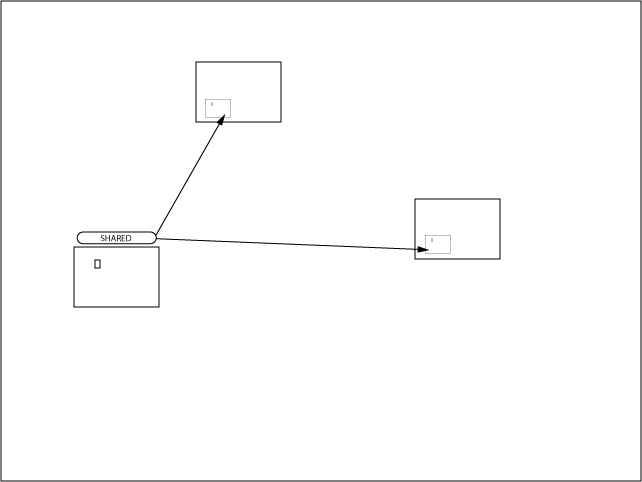
Additionally, and unrelated to zooming, it might be nice if shared files
(aliases/shortcuts) created physical lines between them at the Project
View level to show that they are the same file in two different locations.
This helps to visualize the relationship between different projects. An
alternative solution would be to put the file to be shared in its own
Project and set that project up as a Shared Project, such as I'm showing
here:

http://jesseross.com/clients/etoile/ui/project_based/01/shared_projects.png


J.