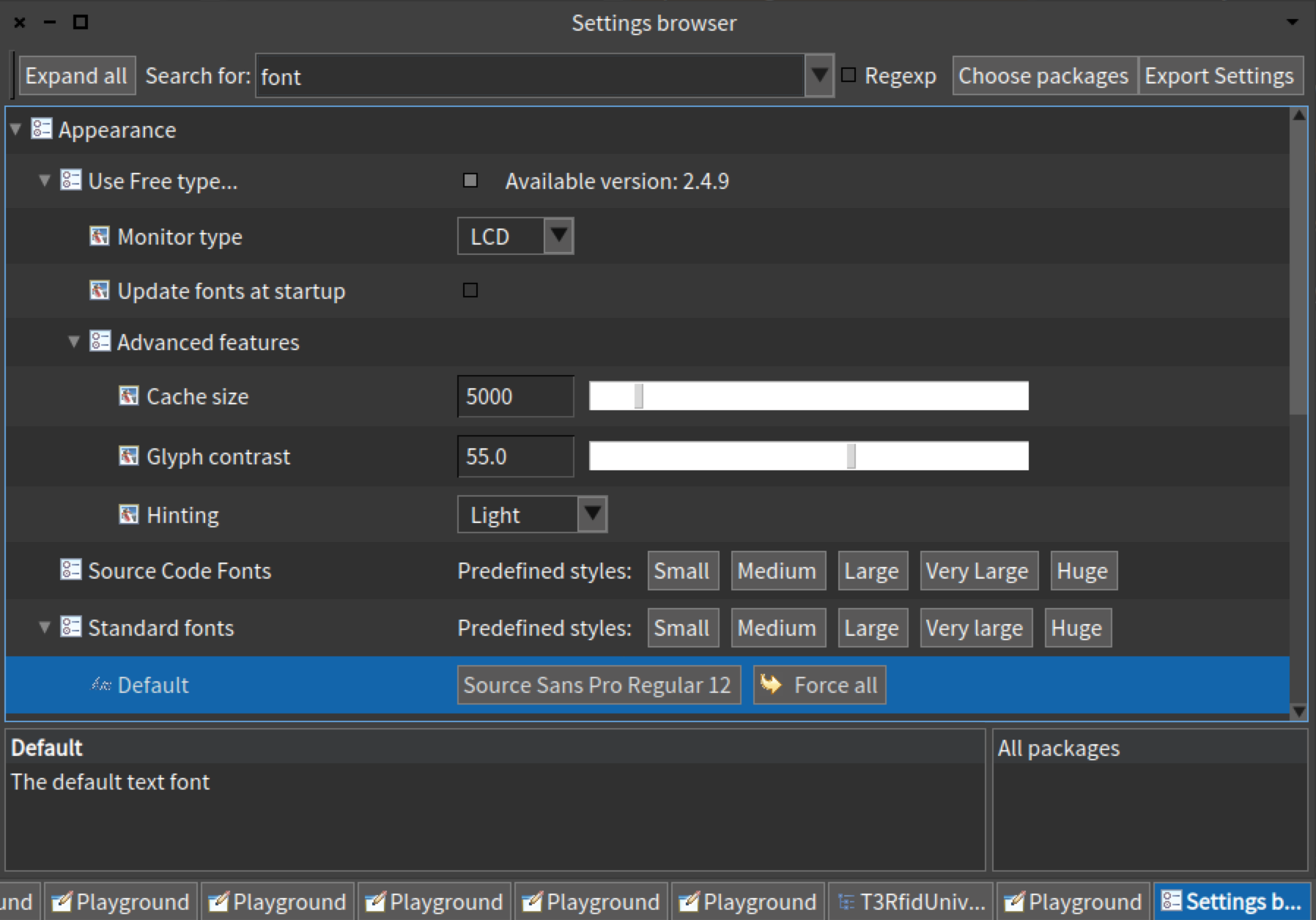
It could be I don't have something obvious setup correctly - but I notice a
marked difference between the text in my email client which is super crisp and
then when I excitedly loaded up a new Pharo5 on the new laptop and discovered
it markedly fuzzy. Enough so that it got me searching for solutions for it
I should try taking side by side screenshots though - as maybe someone might
spot my mistake or maybe it might convince me that I'm imagining it (it's a new
laptop that I'm just getting used to).

Tim

Sent from my iPhone

> On 30 Nov 2016, at 19:32, Sven Van Caekenberghe <[email protected]> wrote:
>
>
>> On 30 Nov 2016, at 20:13, Martin McClure <[email protected]> wrote:
>>
>> On 11/30/2016 10:24 AM, Sven Van Caekenberghe wrote:
>>> The screenshot that I posted earlier was a partial one, a PNG of 1796x1256
>>> 144 pixels/inch.
>>>
>>> What I see
>>> here,http://forum.world.st/attachment/4925242/0/Screen%20Shot%202016-11-30%20at%2011.32.53.png
>>>   seems to be what I posted.
>>
>> Thanks. Upon investigation, it was my Thunderbird email client that led me
>> astray -- what it claimed was full size was nowhere near full size.
>> Following your link or saving the image in the email and viewing it with a
>> proper image viewer give better results.
>
> OK
>
>> Looking at the full-size image, it is quite obvious that it's been scaled up
>> from a lower-resolution image, and I can see how those with sharp vision
>> would find it to be distressingly blurry on a retina display.
>
> Maybe, but the thing is, you are looking at it half size, in some sense, when
> it is on a Retina display. Anyway, to me, it is OK, but my eyes are no longer
> what they used to be. I can imagine young people being more sensitive to it.
>
>> Regards,
>>
>> -Martin
>
>