On 7/10/2017 2:45 PM, Lee wrote:
> On 7/8/17, Ed Mullen <[email protected]> wrote:
>> On 7/8/17 at 10:08 AM, DoctorBill's prodigious digits fired off with
>> great aplomb:
>>> I am using SM 2.46 right now.  I just lately installed it on my wife's
>>> desktop.
>>> We both are using Windows 7 Pro.
>>> I do not know why, but on my computer, when there are multiple Tabs, the
>>> Tab in use at the moment is light colored.  In Pref's, appearance,
>>> colors, active is set to Red.
>>>
>>> On my wife's computer, all the (Multiple) tabs in use are ALL the same
>>> color, which makes it difficult to tell which tab you are in at any
>>> moment.  Underline links is checked.
>>>
>>> I have looked in preferences to see why my Tabs act that way in order to
>>> fix my wife's system.
>>>
>>> Is this current tab thing a SM thing or a Windows 7 thing ?
>>>
>>> Can someone tell me what to toggle in SM (or Windows 7) to make the
>>> current Tab (when there are multiple tabs) different (light, colored,
>>> something to identify it) ?
>>>
>>> DoctorBill
>>>
>>>
>>
>> Jonathan's reply is good.  You can also go further.
>>
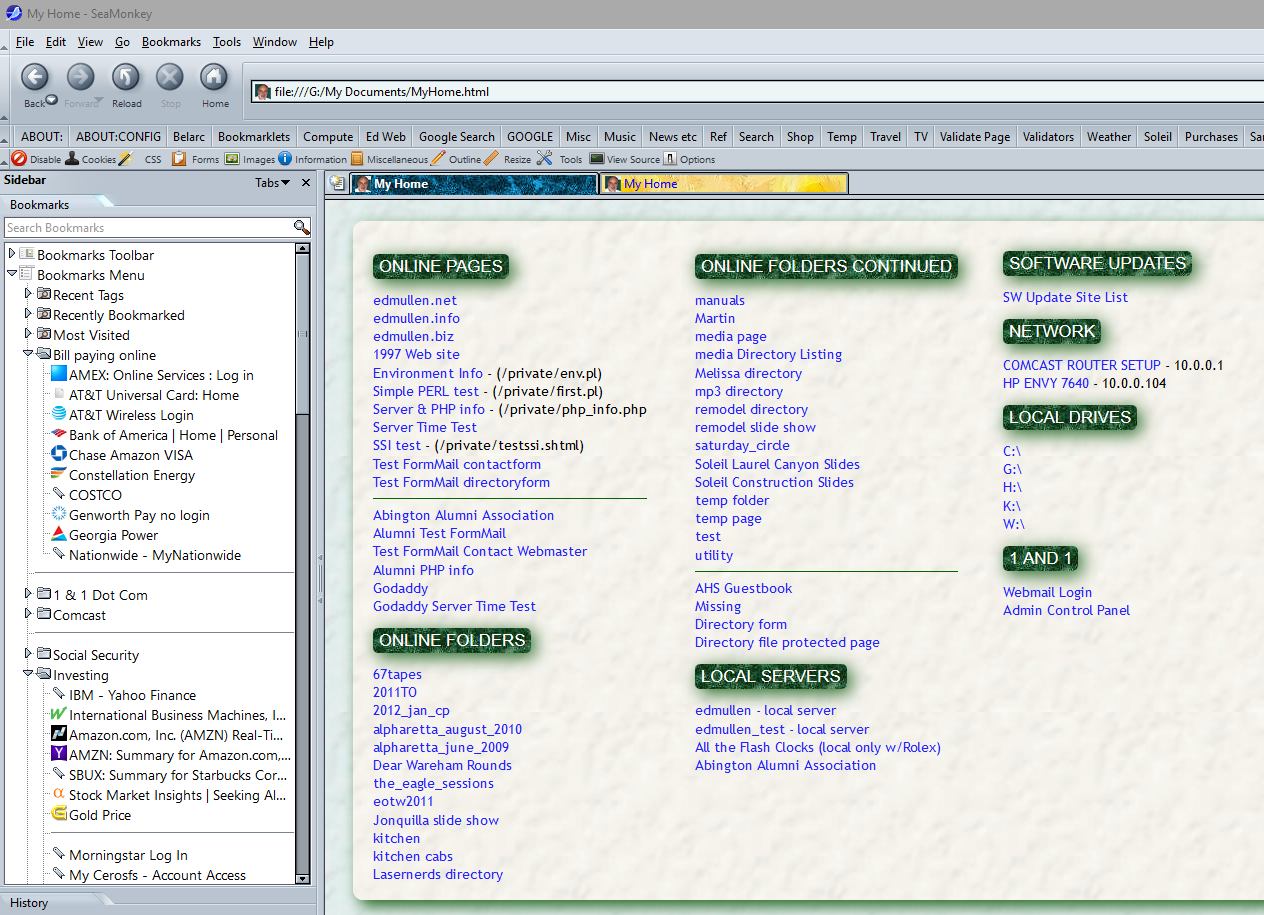
>> <http://edmullen.net/temp/cap0708.jpg>
>>
>> What you see there is done by this code in userChrome.css:
>>
>> /* Change color of active tab */
>> tab[selected="true"] {
>>     background: #383 url(tab05.jpg);
>>     color: white !important;
>> }
>>
>> /* Make the active tab bold */
>> tab[selected="true"] {
>>     font-weight: bold !important;
>> }
>>
>> /* Change color of normal/unselected tabs */
>> tab:not([selected="true"]) {
>>     background: #383 url(tab03.jpg);
>>     color: blue !important;
>> }
>
> Anybody else made changes in userchrome.css ?
>
> /*
>  * Change color of selected tab
>  */
> .tabbrowser-tab[selected="true"],
> .tabbrowser-tab[selected="true"] > hbox {
>    margin-left:  0px;
>    margin-right: 0px;
>    background-color: white !important;
>    color: black !important;
>    border-bottom: 2px solid #cc6600 !important;
>    border-top-left-radius:  12px !important;
>    border-top-right-radius: 12px !important;
>    }
>
> Lee
>
Yes.  My active tab is dark blue with white text.  If I hover my cursor
over my active tab, however, the tab turns pale blue with black text.
The text is slightly larger than the rest of my user interface text.
Here is my CSS:

/* Font size on tabs */
.tabbrowser-tab
{ font-size: 105% !important }

/* Highlight active tab */
.tabbrowser-tab[selected="true"] > hbox,
.tabbrowser-tab[selected="true"] > .tab-close-button
{       background-color: #7799FF !important;
        color: #ffffff !important }

.tabbrowser-tab[selected="true"]:hover > hbox,
.tabbrowser-tab[selected="true"]:hover > .tab-close-button
{       background-color: #CCDDFF !important;
        color: #000000 !important }

--
David Ross

<http://www.rossde.com/>
President Trump now denies there are any tapes that
recorded his conversations with ex-FBI Director Comey.
Between when Trump hinted there might be such tapes
and his denial, there was sufficient time to destroy
any tapes.
_______________________________________________
support-seamonkey mailing list
[email protected]
https://lists.mozilla.org/listinfo/support-seamonkey